Close up portrait of blonde woman in red halter dress against teal
Prompt
A close-up portrait of a woman with shoulder-length blonde hair featuring bangs and blue eyes, wearing a vibrant red plunging halter dress.

Subject: A fair-skinned woman with long blonde hair styled in loose waves with straight-cut bangs framing her face, possessing striking blue eyes and a soft, neutral expression.

Clothing: She wears a bright red, sleeveless halter-neck gown with a deep V-neckline that reveals the collarbone and shoulders; the fabric appears smooth and structured.

Action: The subject is posed in a three-quarter view facing slightly to the left, with her head turned to look directly at the camera, maintaining a calm and composed demeanor.

Environment: The background consists of a solid teal-colored wall with large, out-of-focus gold lettering partially visible on the left side, suggesting an event backdrop or red carpet setting.

Lighting: The scene is illuminated by bright, even studio lighting that highlights the skin texture and creates soft shadows, emphasizing the vivid red of the dress against the cool background.

Camera: A medium close-up shot with a shallow depth of field that keeps the subject in sharp focus while blurring the background elements to isolate her figure.

Style Details: High-definition photography with a polished, glamorous aesthetic typical of celebrity event coverage, featuring rich color saturation and clean composition.
Description
This prompt is useful for creating high-end editorial fashion spreads, red carpet gallery mockups, and beauty advertisement campaigns requiring vibrant color contrast. The combination of 'bright red' against the solid 'teal-colored wall' maximizes chromatic contrast, while the 'shallow depth of field' ensures that even visible background elements like the gold lettering do not distract from the subject's face or the structured look of the gown.
Suggestions
- Change 'shoulder-length blonde hair' to 'voluminous curled blonde hair' for more drama.
- Swap 'vibrant red' for 'deep crimson' to mute the saturation slightly.
- Adjust 'medium close-up shot' to 'headshot' for a tighter focus on the face.
Category
Tags
BlondeFair SkinFemalePortrait ShotRealisticStudio
Date added
June 19, 2026
Added by
PromptDexter Team
Related Prompts
More prompts with similar categories and tags.

Blonde woman looking back over shoulder against white wall

Smiling blonde woman in black dress at sports illustrated event backdrop
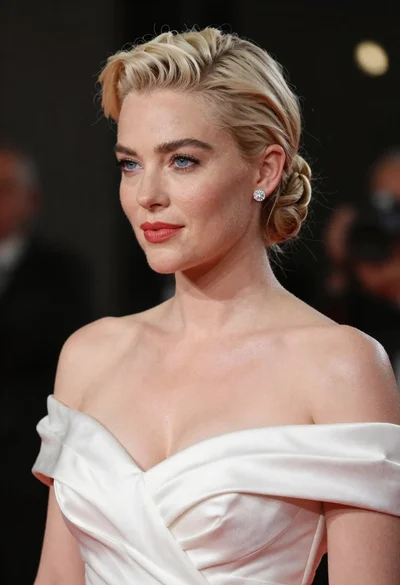
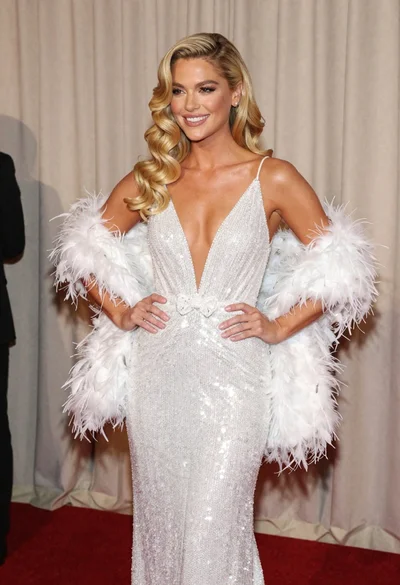
Glamorous woman with platinum blonde hair in white satin gown studio portrait
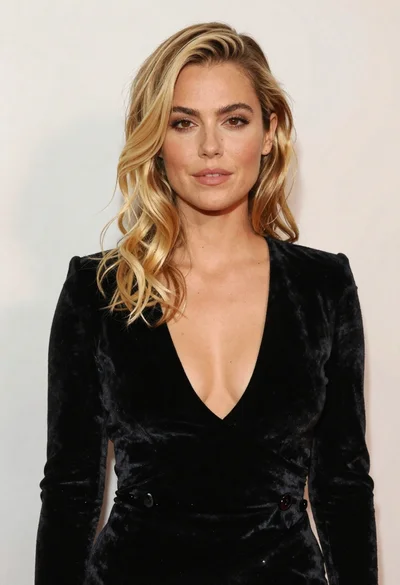
Portrait of blonde woman in black velvet dress against light wall

Fair skinned woman in black velvet dress at white step and repeat

Smiling blonde woman in sheer black gown at a dark event backdrop

Close up portrait of blonde woman in hot pink gown at event

Medium close up portrait of blonde woman in black floral velvet dress
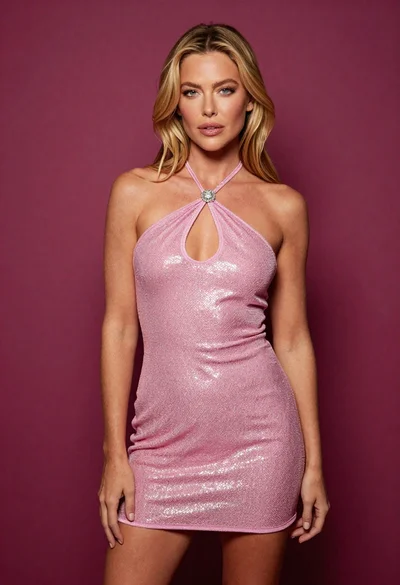
Fair blonde woman in shimmering pink mini dress against magenta background
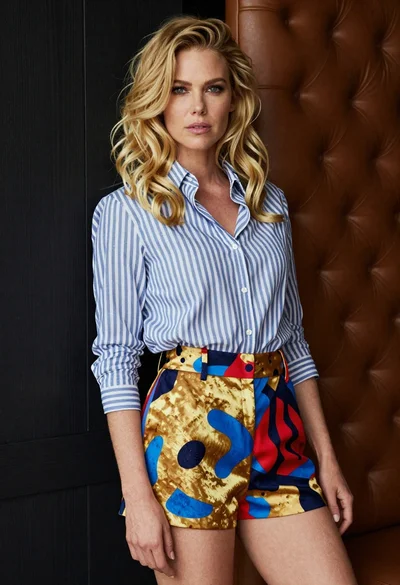
Blonde woman leaning against dark wall near tufted leather headboard