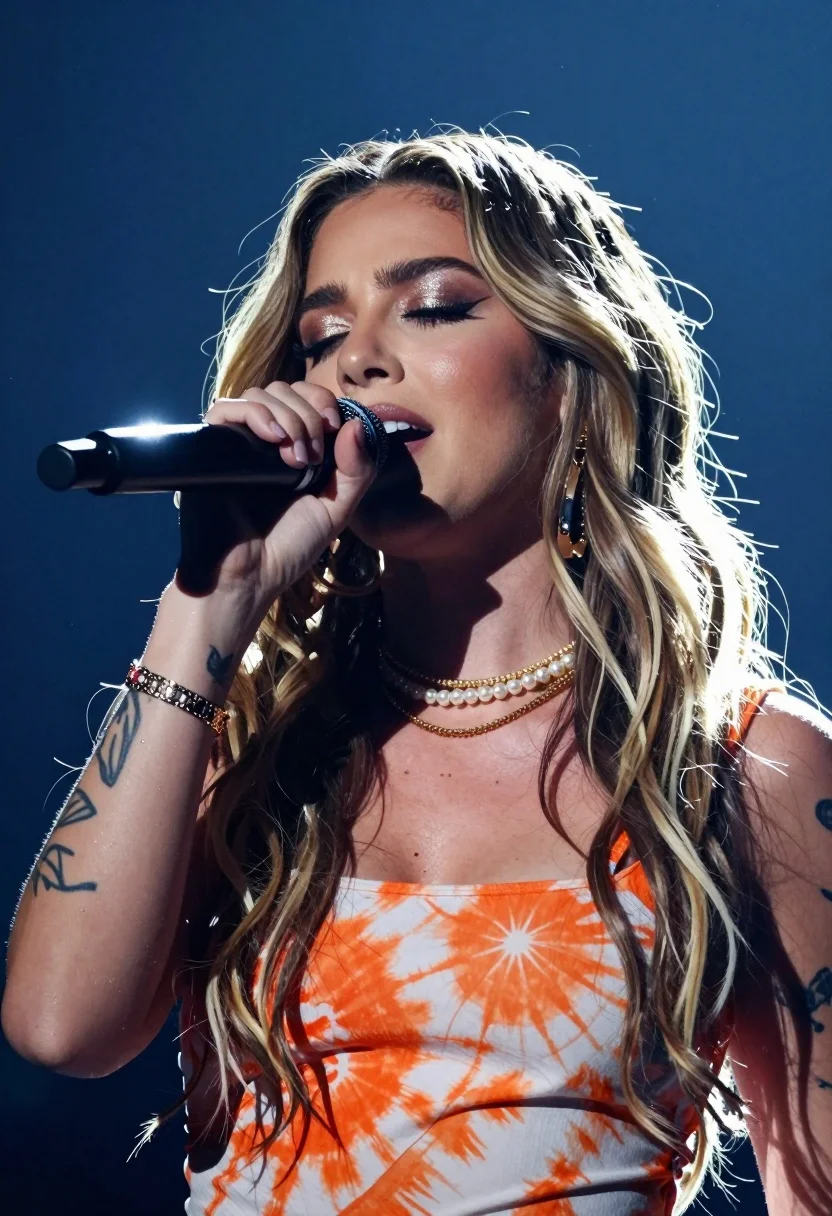
Close up portrait of female singer performing passionately on stage
Prompt
A close-up portrait of a female singer performing passionately into a microphone with her eyes closed.

Subject: A woman with long wavy hair featuring dark roots and lighter blonde ends, wearing heavy glittery eyeshadow and mascara, with visible tattoos on her left arm and neck.

Clothing: She wears a sleeveless top with an abstract orange and white tie-dye pattern, accessorized with multiple layered gold necklaces, pearl chokers, and several bracelets on her wrist.

Action: She holds a black microphone close to her lips with her right hand while singing, her head tilted slightly upward in concentration.

Environment: The background is a deep dark blue stage setting illuminated by bright spotlights that create a glowing halo effect around her hair.

Camera: Shot with a telephoto lens for a tight portrait framing, utilizing a shallow depth of field to blur the background and emphasize the subject's face.

Lighting: Strong backlighting from above creates a dramatic rim light on her hair and shoulders, contrasting with soft frontal fill that highlights her facial features.

Objects: A black handheld microphone held firmly in her hand.

Style Details: High-contrast concert photography aesthetic with visible atmospheric dust motes floating in the light beams and a vibrant color palette.
Description
This prompt is useful for creating album artwork, live concert promotional materials, and dramatic editorial portraiture. The combination of 'strong backlighting from above' generating a 'dramatic rim light' against the 'deep dark blue stage setting' focuses all attention on her face while the specified 'atmospheric dust motes' add tangible grit that elevates it beyond a simple studio shot.
Suggestions
- Change 'abstract orange and white tie-dye pattern' to 'sequined black top' for more visual impact.
- Swap 'telephoto lens' for '85mm portrait lens' for a slightly different compression effect.
- Add 'sweat glistening on forehead' to enhance the performance intensity.
Category
Tags
BlondeBrown HairClose UpFemalePortrait ShotRealistic
Date added
July 12, 2026
Added by
PromptDexter Team
Related Prompts
More prompts with similar categories and tags.
Close up of blonde woman in black dress inside vintage car
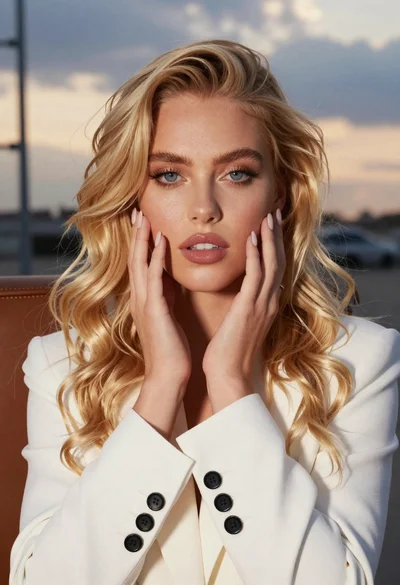
Close up portrait of blonde woman touching face at golden hour
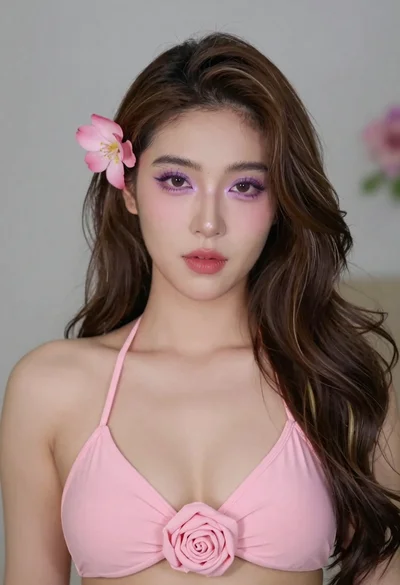
Close up portrait of woman with brown hair wearing pink bikini
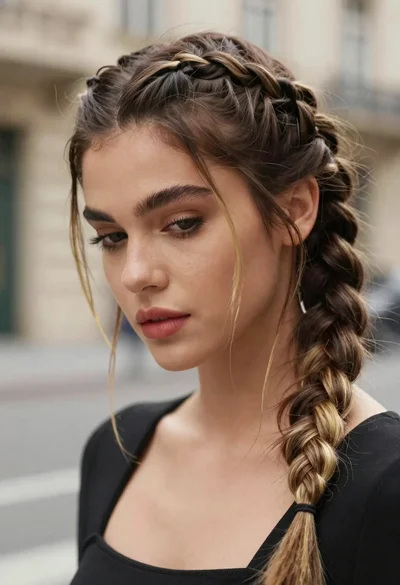
Portrait of young woman with braided brown hair and blonde highlights
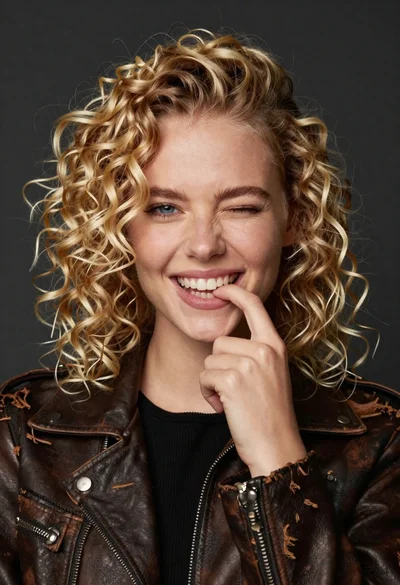
Portrait of young woman with curly blonde hair winking and smiling
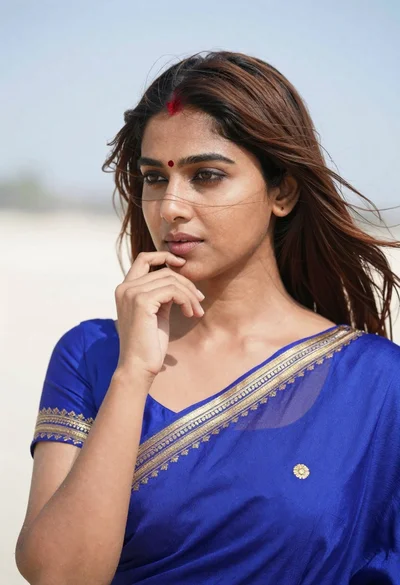
Close up portrait of young woman in blue saree outdoors
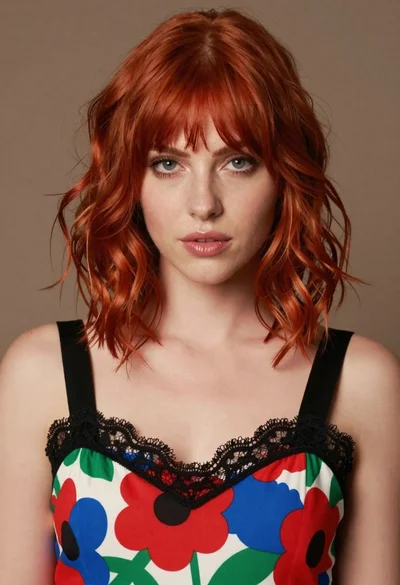
Close up portrait of woman with red hair in floral dress
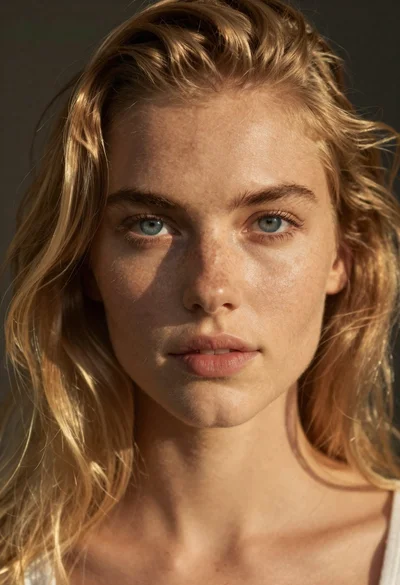
Portrait of young woman with blue eyes and blonde hair
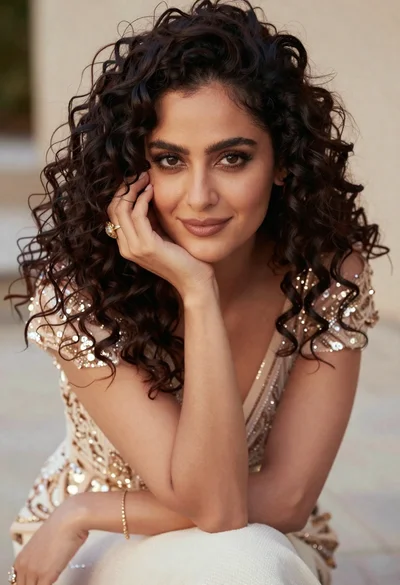
Close up portrait of woman with dark curly hair in champagne gown
Young woman with dark wavy hair wearing embroidered top indoors portrait