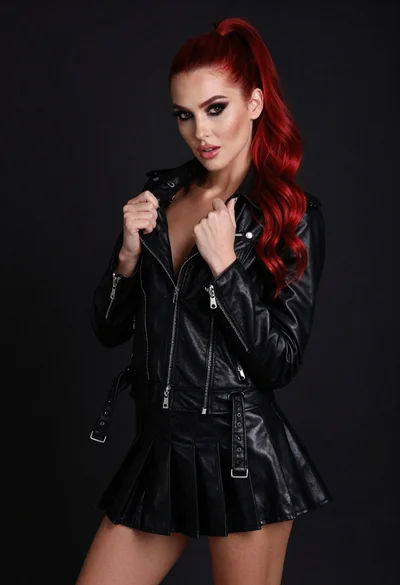
Close up portrait of glamorous woman in red dress with purple jewelry
Prompt
A glamorous woman with long dark hair pulled back, wearing a vibrant red strapless dress and striking purple gemstone jewelry.

Subject: A beautiful woman with fair skin, defined eyebrows, and a soft, confident smile looking slightly to the side. Her makeup features sharp black winged eyeliner and glossy pink lips.

Clothing: She wears a bright red strapless top or dress that reveals her shoulders and collarbone.

Action: Her right hand is raised gently touching her neck near the necklace, with fingers slightly curled.

Environment: The background is a dimly lit indoor space with soft shadows, suggesting an elegant interior setting.

Camera: Close-up portrait shot with shallow depth of field, focusing sharply on the face and jewelry while blurring the background.

Lighting: Soft, warm studio lighting highlights her skin and the sparkle of the jewelry, creating gentle shadows that add dimension.

Style Details: High-fashion editorial aesthetic with polished retouching, rich color saturation, and a luxurious mood.
Description
This prompt is useful for creating high-end beauty advertisements, luxury jewelry catalog mockups, and dramatic character portraits for film concept art. The combination of 'soft, warm studio lighting' with the specified 'shallow depth of field' ensures that the focus remains intensely on the face and the 'striking purple gemstone jewelry,' preventing the background from distracting from the subject's polished features.
Suggestions
- Change 'vibrant red strapless dress' to 'velvet red gown' for a richer texture.
- Swap 'glossy pink lips' for 'matte nude lip' for a more severe editorial look.
- Add 'anamorphic lens flare' to enhance the studio lighting effect.
Category
Tags
Black HairBrunetteClose UpFair SkinFemalePortrait ShotRealisticStudio
Date added
June 19, 2026
Added by
PromptDexter Team
Related Prompts
More prompts with similar categories and tags.
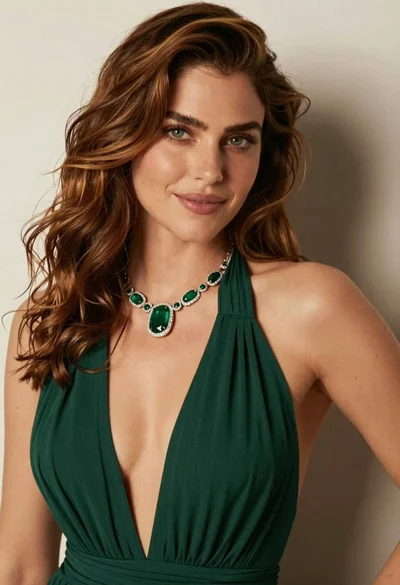
Close up portrait of woman with brown hair in green dress
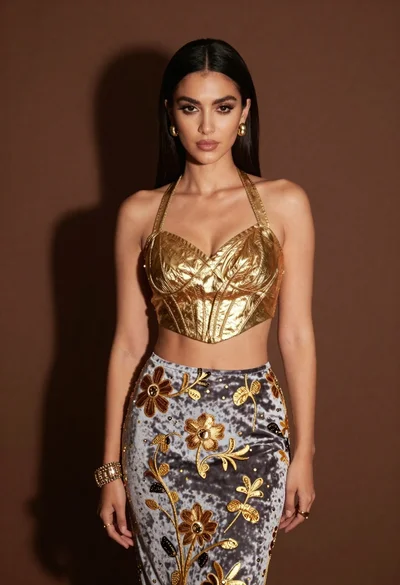
Glamorous woman in gold crop top and velvet skirt studio portrait
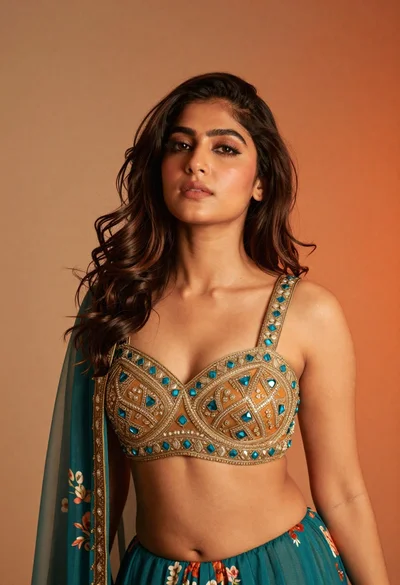
Close up portrait of young woman with dark hair studio setting
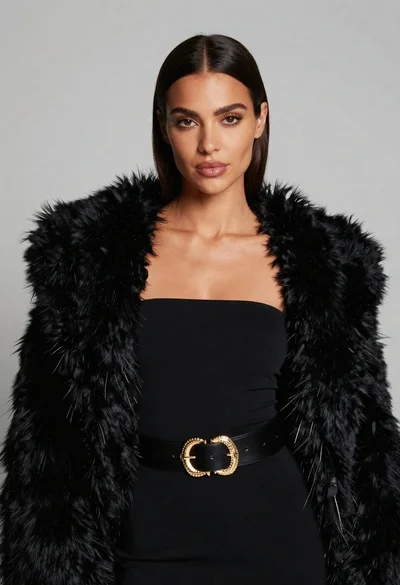
Poised woman in black fur stole against a plain light grey studio
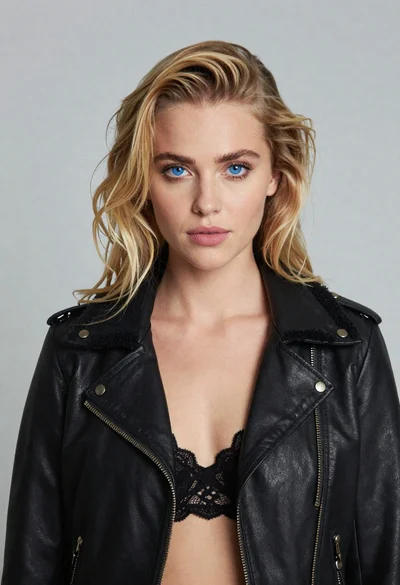
Portrait of blonde woman in black leather jacket against light grey studio
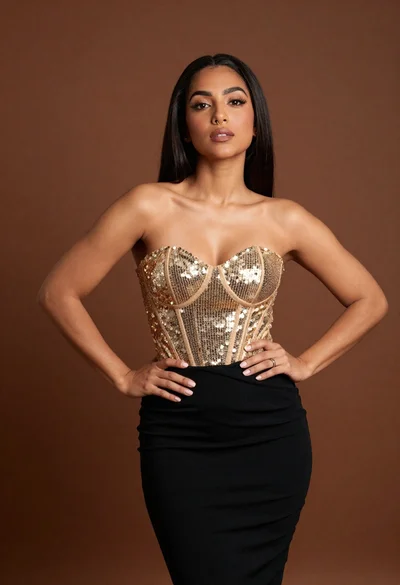
Confident woman in gold sequin top and black skirt against brown backdrop
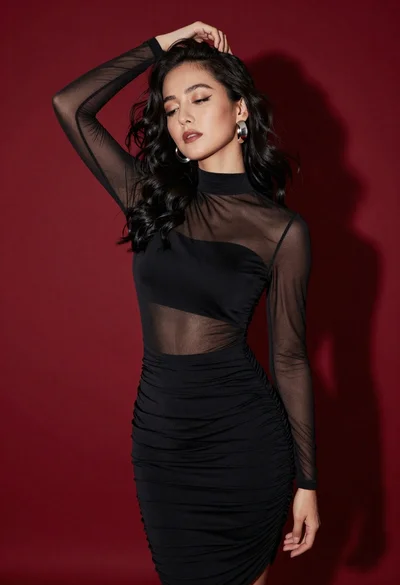
Confident woman in black dress posing against deep red studio backdrop

Portrait of woman in black garment against teal green background

Close up portrait of woman in brown fur coat against white studio
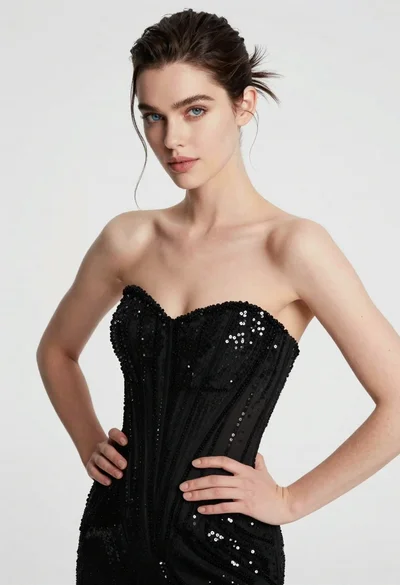
High fashion portrait of woman in sequined black gown against white studio