
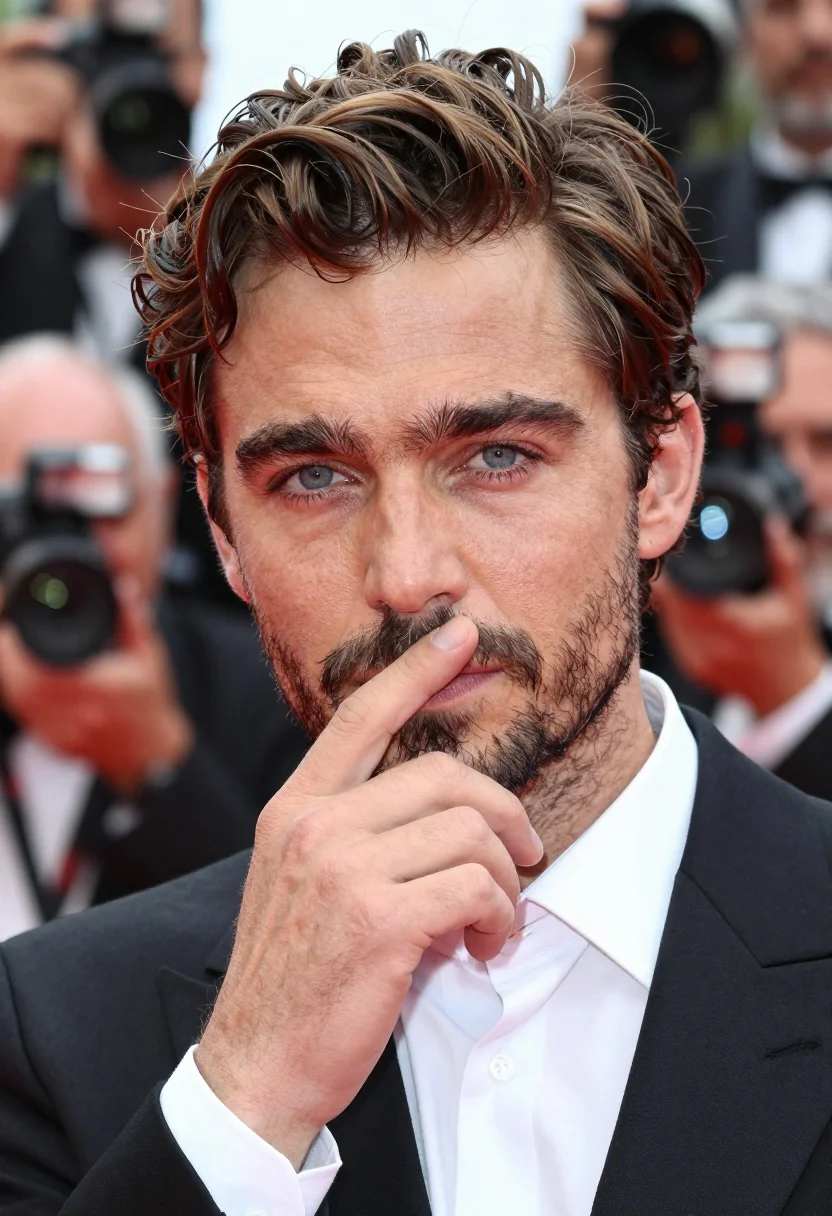
Close up portrait of man in tuxedo at red carpet event
Prompt
A close-up portrait of a man with wavy brown hair and blue eyes looking directly at the camera.

Subject: A handsome man with thick dark eyebrows, light blue eyes, and a short beard and stubble on his chin and cheeks.

Clothing: He is wearing a formal black tuxedo jacket over a crisp white dress shirt with a stiff collar.

Action: His right hand is raised to his face, with fingers gently resting against his lips and chin in a thoughtful gesture.

Environment: The background is a busy red carpet event setting, blurred to show photographers holding cameras and other people in formal wear.

Camera: A tight close-up shot focusing on the subject's face and upper torso with a shallow depth of field that blurs the background significantly.

Lighting: Bright, even daylight illuminates the scene from the front, highlighting the texture of his skin and hair without harsh shadows.

Style Details: High-resolution photography with realistic textures, sharp focus on the eyes and hand, and a cinematic color palette typical of event coverage.
Description
This prompt is useful for creating celebrity profile shots, formal event documentation, and high-end menswear editorials. The combination of 'bright, even daylight' with a 'shallow depth of field' ensures the subject remains sharply defined while the background blur effectively isolates him from the visual noise of the 'busy red carpet event setting'.
Suggestions
- Change 'wavy brown hair' to 'slicked back dark hair' for a more classic look.
- Swap 'stiff collar' for 'silk ascot' to add an accessory focus.
- Adjust 'bright, even daylight' to 'soft flash lighting' for a more dramatic portrait feel.
Category
Tags
Brown HairClose UpFormal WearMalePortrait ShotRealistic
Date added
July 3, 2026
Added by
PromptDexter Team
Related Prompts
More prompts with similar categories and tags.
Underwater portrait of man submerged in blue water
Handsome man in navy suit at dimly lit bar counter
Close up profile portrait of young man in dark turtleneck sweater
Close up portrait of young man with curly dark hair against red
Handsome man in blue shirt leaning on ornate stone window frame
Bride and groom embracing intimately behind a glass window pane
Portrait of handsome young man with dark wet hair in pinstripe suit
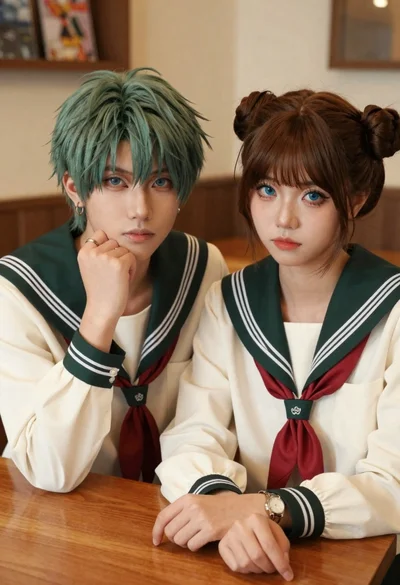
Two young people in sailor uniforms sitting at a wooden table
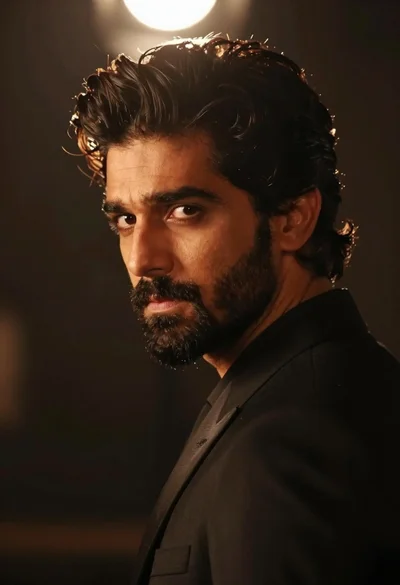
Handsome man in black suit jacket looking back over shoulder
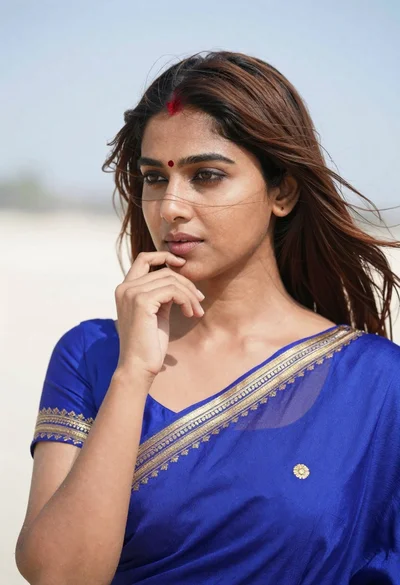
Close up portrait of young woman in blue saree outdoors
