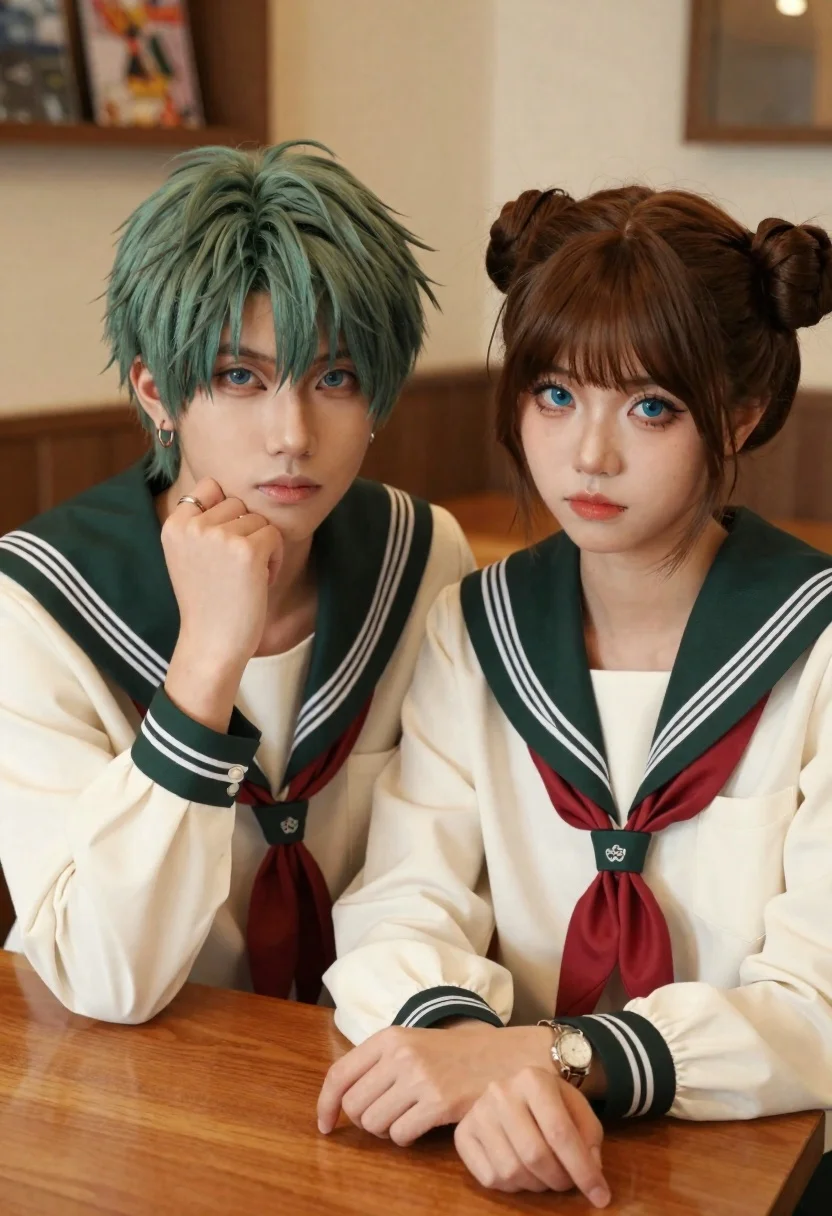
Two young people in sailor uniforms sitting at a wooden table
Prompt
Two young people in matching sailor-style uniforms sit side by side at a wooden table in a warm, softly lit indoor setting.

Subject: A male with short green hair and a female with brown hair styled in twin buns, both featuring fair skin and striking blue eyes.

Clothing: Cream-colored long-sleeved shirts with dark green sailor collars featuring white stripes, paired with matching red neckties; the male wears hoop earrings and a ring while the female wears a watch and bracelet.

Action: The male rests his chin on his hand with a contemplative expression, while the female gazes forward calmly with her hands resting on the table.

Environment: A cozy interior space with blurred background elements suggesting shelves or framed items on walls, bathed in ambient warmth.

Camera: Close-up framing focusing on the upper bodies and faces, with shallow depth of field blurring the background to emphasize the subjects.

Lighting: Soft, directional lighting highlighting facial features and hair texture, creating a gentle glow and subtle shadows for depth.

Style Details: High-resolution digital rendering with smooth skin textures, realistic fabric details, and a cinematic color palette emphasizing warm tones and natural highlights.
Description
This prompt is useful for creating character concept art for historical dramas, intimate portrait studies for roleplaying games, and narrative scene illustrations. The combination of 'soft, directional lighting' and the 'shallow depth of field' ensures that the focus remains tightly on the subjects' expressions and the detailed textures of their matching uniforms, preventing the background from distracting from the emotional connection between the two figures.
Suggestions
- Change 'green hair' to 'auburn hair' for a more cohesive palette.
- Swap 'cream-colored' for 'navy blue' to deepen the contrast with the collars.
- Adjust 'contemplative expression' to 'shared glance' to change the dynamic.
Category
Tags
Brown HairClose UpDigital ArtFair SkinFemaleIndoorsMalePortrait ShotRealistic
Date added
June 21, 2026
Added by
PromptDexter Team
Related Prompts
More prompts with similar categories and tags.

Close up portrait of young woman with dark brown hair indoors
Young woman with brown hair holding camera and winking in indoor setting
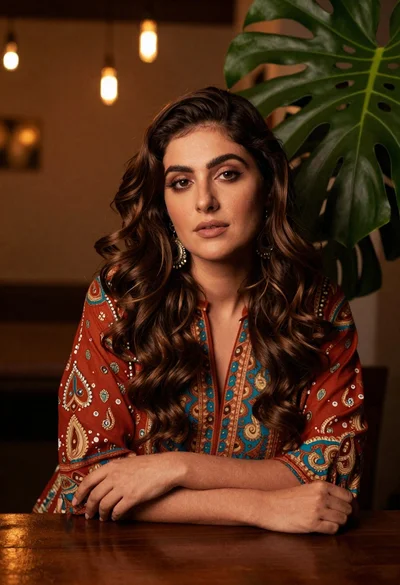
Woman with wavy brown hair in patterned tunic leaning on wooden table

Portrait of young woman in red santa hat and knit sweater
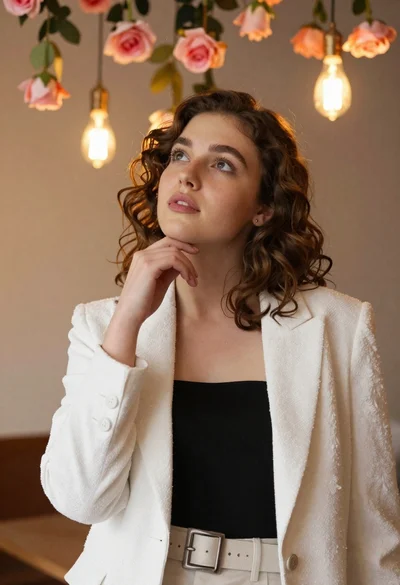
Young woman with brown hair in white blazer posing in decorated room
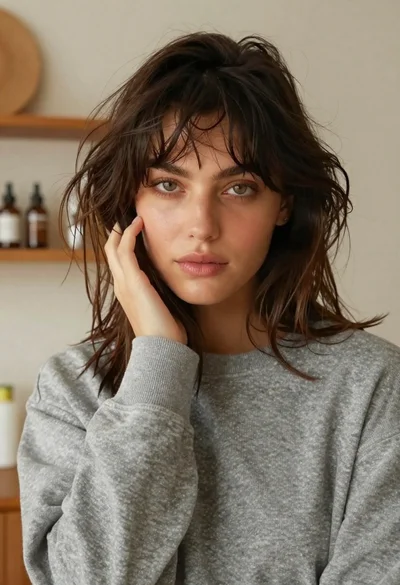
Closeup portrait of young woman in grey sweatshirt indoors
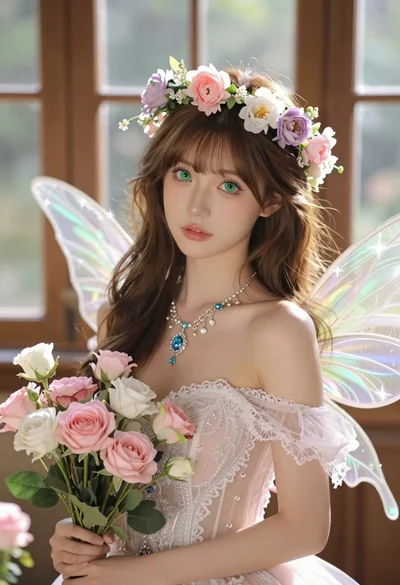
Hyperrealistic portrait of fairy woman with green eyes in sunlit conservatory
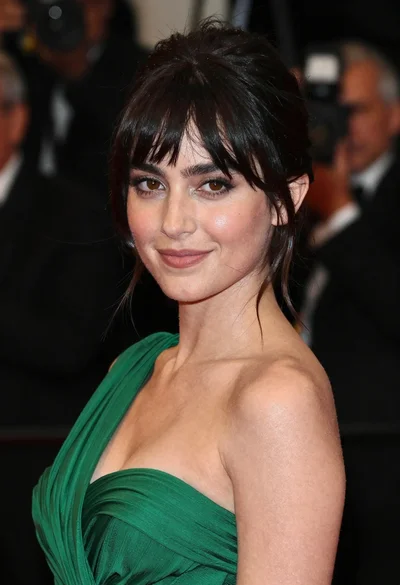
Close up portrait of woman in emerald gown against dark blurred background