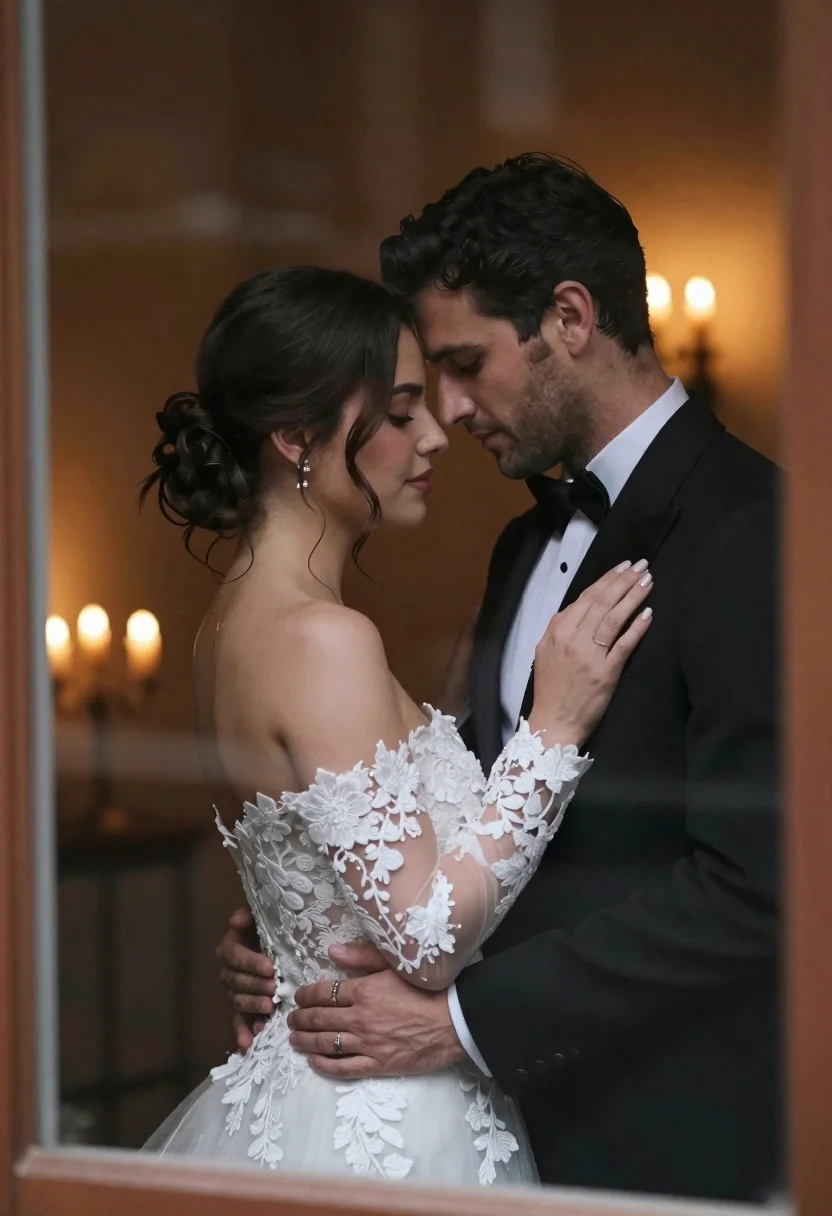
Bride and groom embracing intimately behind a glass window pane
Prompt
A romantic close-up of a bride and groom embracing intimately through a window pane.

Subject: A woman with dark hair styled in an elegant updo with loose tendrils framing her face, and a man with dark wavy hair and light facial stubble.

Clothing: The woman wears an off-the-shoulder white wedding gown featuring intricate floral lace detailing on the bodice and long sheer sleeves. The man wears a classic black tuxedo with a crisp white dress shirt and a black bow tie.

Action: They stand in a tight embrace, foreheads touching gently, eyes closed or cast downward in a tender moment; his hands hold her waist while her hand rests softly on his chest.

Environment: The scene is viewed through a window frame with visible glass texture and reflections, set against a dark, moody interior background illuminated by warm candlelight.

Lighting: Soft, golden ambient light emanates from candles in the background, creating a romantic glow that highlights their profiles while casting gentle shadows on their faces.

Camera: Shot through a window pane with slight distortion and reflection artifacts, using a shallow depth of field to blur the background and emphasize the couple.

Style Details: Cinematic photography style with high contrast between warm interior tones and cool exterior darkness, evoking an intimate, timeless wedding atmosphere.
Description
This prompt is useful for creating cinematic wedding portraiture, romantic engagement announcements, and fine art editorial spreads capturing private moments. The combination of 'visible glass texture and reflections' with the 'soft, golden ambient light' ensures that the physical barrier of the window becomes a narrative element, adding visual complexity beyond just illuminating the couple's profiles.
Suggestions
- Change 'dark wavy hair' to 'swept back waves' for a more formal look.
- Swap 'black tuxedo' for 'deep navy tuxedo' to complement the warm light.
- Adjust 'shallow depth of field' to 'medium depth of field' to keep more background detail visible.
Category
Tags
Black HairClose UpFemaleFormal WearIndoorsMalePortrait ShotRealistic
Date added
June 21, 2026
Added by
PromptDexter Team
Related Prompts
More prompts with similar categories and tags.
Close up portrait of shy bride in white gown on garden terrace
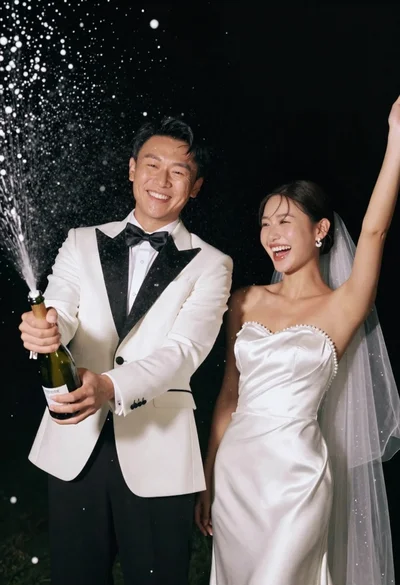
Joyful wedding couple celebrating with spraying champagne in studio
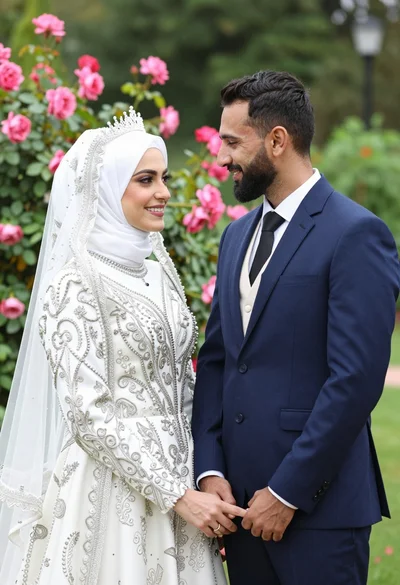
Smiling bride in white hijab and groom in navy suit holding hands

Handsome man in black suit jacket looking back over shoulder
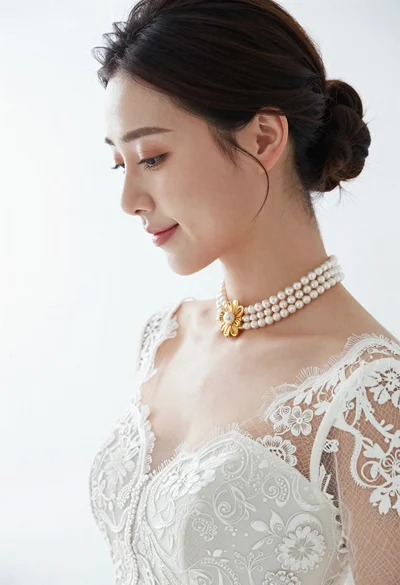
Profile portrait of woman in white lace wedding dress and pearls
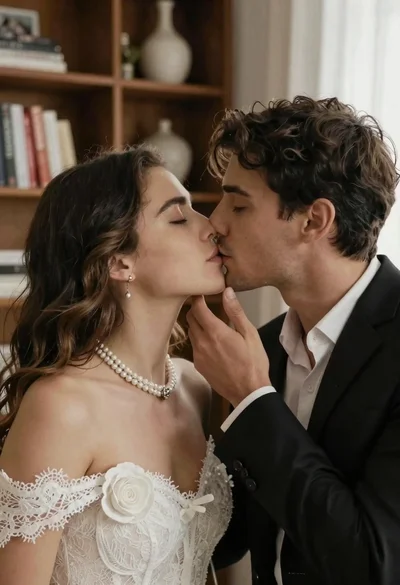
Romantic close up of a couple sharing an intimate kiss indoors
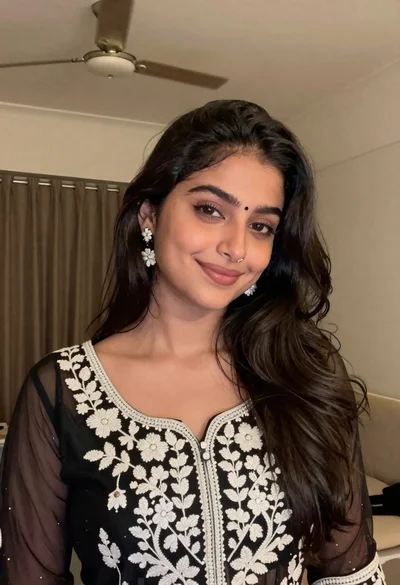
Young woman with dark wavy hair wearing embroidered top indoors portrait
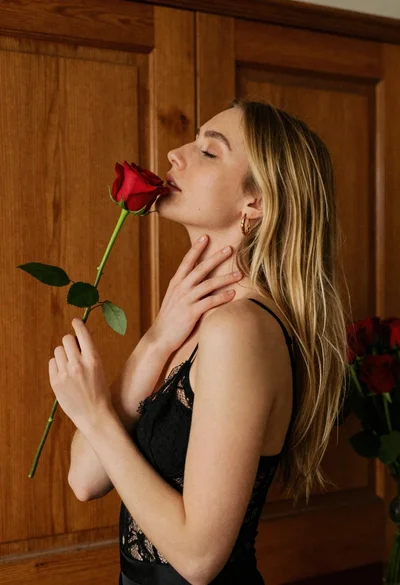
Young blonde woman in black lace camisole holding red rose indoors