

Close up portrait of menacing alien figure with blue skin and golden
Prompt
A close-up portrait of a menacing alien figure with pale blue-grey skin and large pointed ears.

Subject: An alien humanoid with pale blue-grey skin, deep-set yellow eyes, and prominent wrinkles on the forehead and cheeks. A large golden circular gem is embedded in the center of the forehead. The character has large, pointed ears with pinkish-red inner linings.

Clothing: The figure wears a purple hooded robe or cloak with a thick golden-yellow trim lining the hood opening.

Action: The subject stares directly forward with an intense, unblinking gaze and a neutral, serious expression.

Environment: A dark, out-of-focus background that suggests a cavernous or rocky setting with muted grey tones.

Camera: A tight close-up shot focusing on the head and shoulders, utilizing a shallow depth of field to blur the background significantly.

Lighting: Soft, directional lighting illuminates the face from the front, highlighting the texture of the skin and the metallic sheen of the forehead gem while casting subtle shadows in the eye sockets.

Style Details: High-fidelity 3D render with hyper-realistic textures, cinematic color grading, and a polished digital art aesthetic.
Description
This prompt is useful for creating concept art for sci-fi villain character sheets, book jacket illustrations for alien narratives, and high-end video game character portraits. The combination of 'soft, directional lighting' emphasizing the skin texture alongside the 'large golden circular gem' ensures that key narrative elements are visible while the 'shallow depth of field' isolates the menacing subject from any distracting background details.
Suggestions
- Change 'pale blue-grey skin' to 'iridescent teal skin' for a more otherworldly look.
- Swap 'purple hooded robe' for 'obsidian armored collar' to increase menace.
- Add 'volumetric dust motes in the air' to enhance the cavernous environment.
Category
Tags
3dClose UpFictional CharacterPortrait Shot
Date added
July 12, 2026
Added by
PromptDexter Team
Related Prompts
More prompts with similar categories and tags.
Obsidian humanoid in neon cube holding glowing heart

Cyborg woman in hoodie with glowing amber circuitry amidst floating autumn leaves

Astronaut portrait against pale blue sky background

Close up cyborg woman head with golden internal mechanics

Futuristic woman with glowing goggles and cybernetic headgear
Close up portrait of a black humanoid robot head
Two reptilian aliens in a worn spacecraft cockpit
Close up profile of detailed robotic head in workshop

Astronaut floating in deep space viewing earth
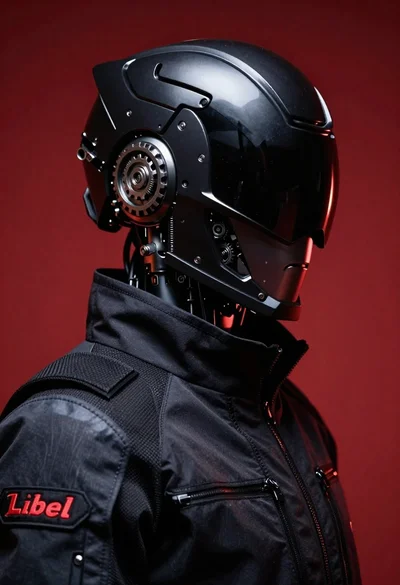
Black helmeted robot against a solid red background