
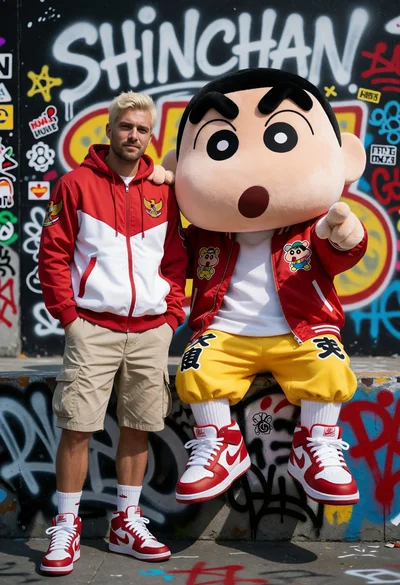
Man and mascot character posing against colorful graffiti covered wall
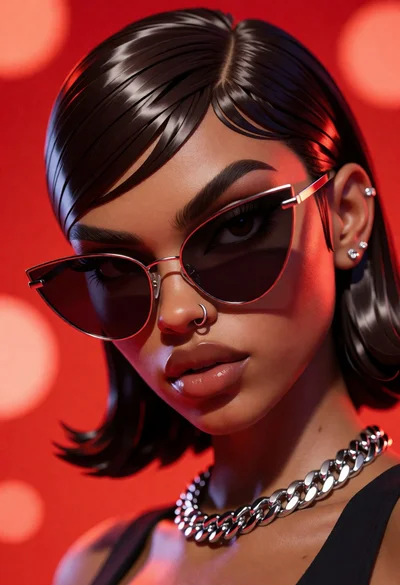
Close up portrait of woman with dark skin wearing cat eye sunglasses
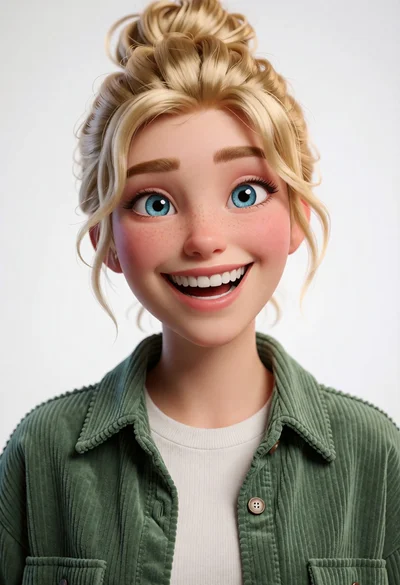
Cheerful young woman with blonde hair in green corduroy shirt studio portrait
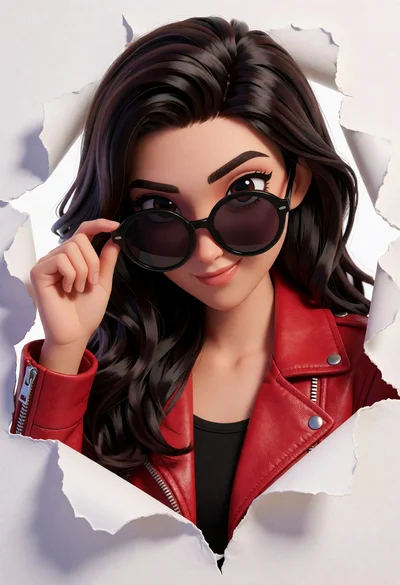
Young woman peering through a torn hole in white surface wearing red

Man running through explosive debris field with angry birds characters
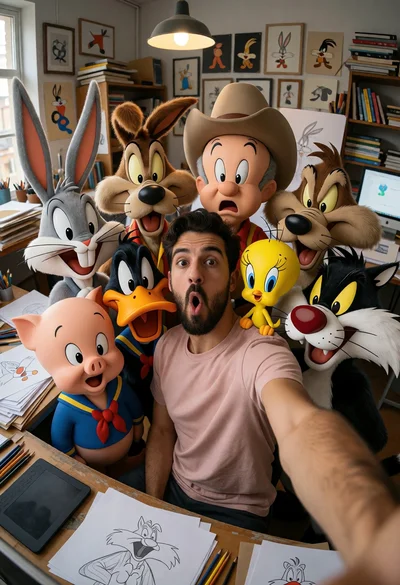
Man taking wide angle selfie with looney tunes characters in studio

Hyperrealistic 3d portrait of stylized male character in black turtleneck
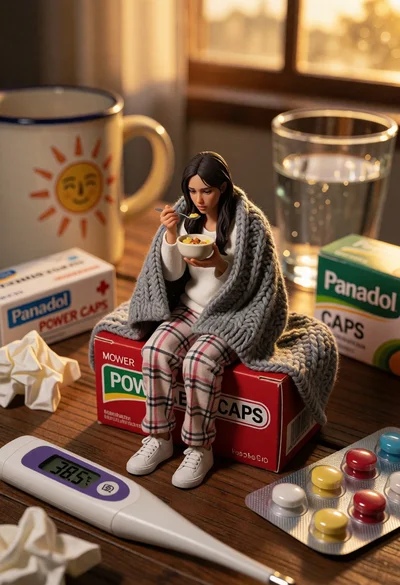
Hyperrealistic miniature woman eating on medicine box with warm sunlight
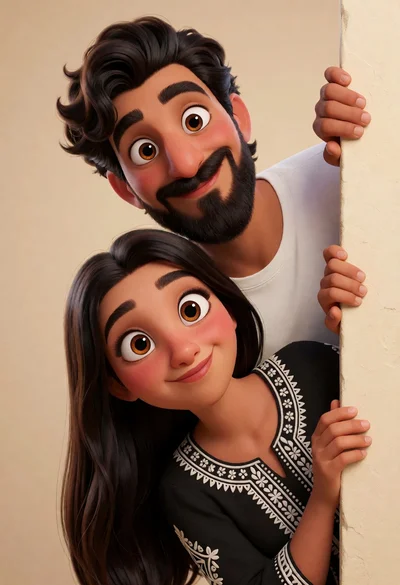
Playful cartoon couple peeking around beige wall edge in studio setting
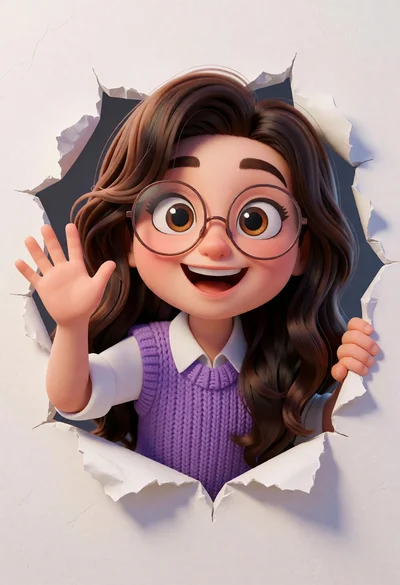
Cheerful cartoon girl peering through a jagged hole in a white wall
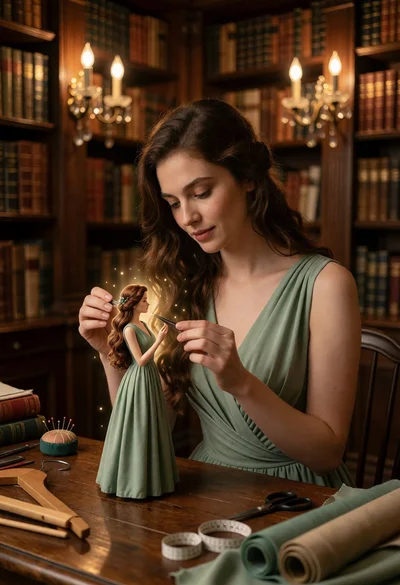
Woman working on miniature doll in cozy library setting with warm light
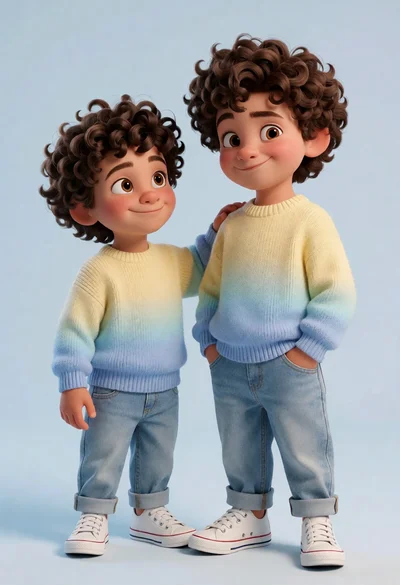
Two young boys in matching sweaters against a light blue studio backdrop

Caricatured man with oversized head in light grey shirt against white background

Smiling young woman posing with large blue robot cat mascot on solid
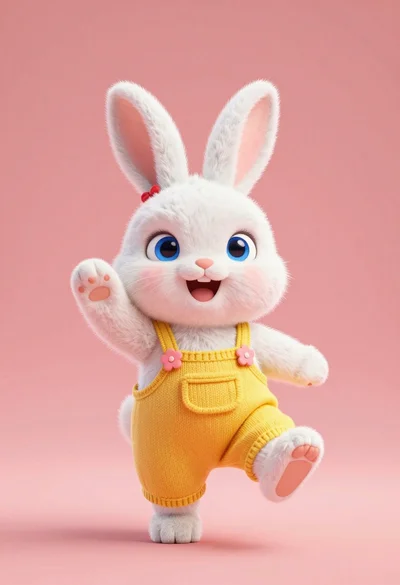
Fluffy white bunny rabbit in yellow overalls waving against coral pink background

Smiling woman next to pink panther mascot in a seamless pastel studio
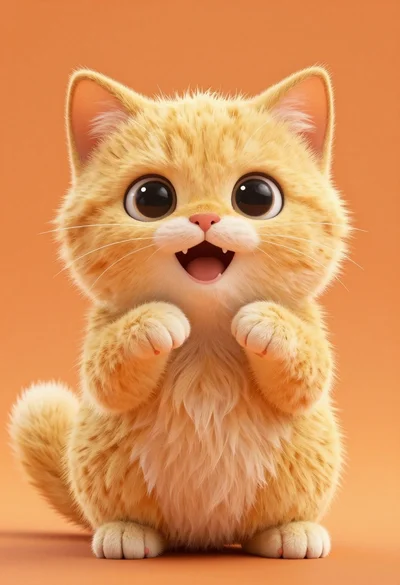
Hyperrealistic fluffy yellow kitten sitting on solid orange background

Digital illustration portrait of a girl with green eyes and pigtails

Fluffy golden puppy jumping joyfully in sunlit meadow with colorful ball

Stylized 3d portrait of young man in black suit against deep blue

Glossy stylized figurine of man in suit on wooden table indoors

Translucent glass couple under golden umbrella on wet cobblestone street
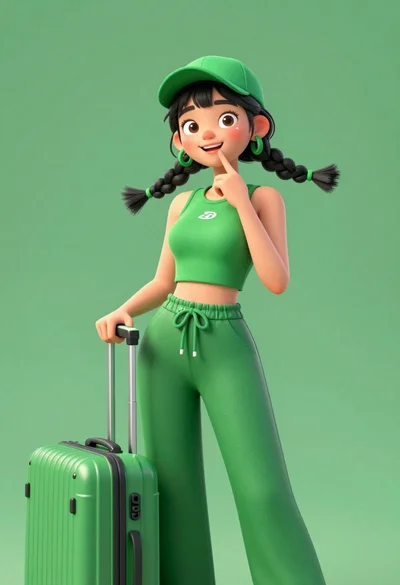
Cheerful young woman in green outfit with suitcase against solid backdrop
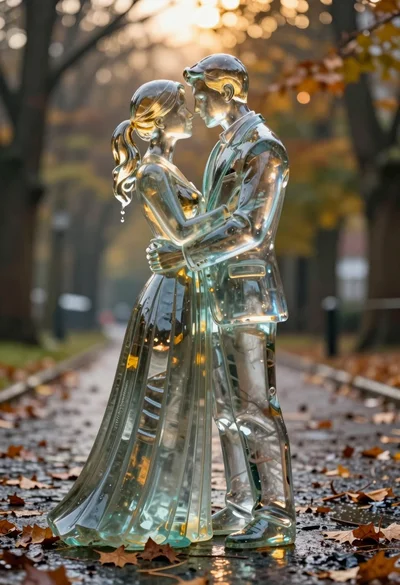
Glass sculpture of embracing couple on wet cobblestone path with autumn leaves
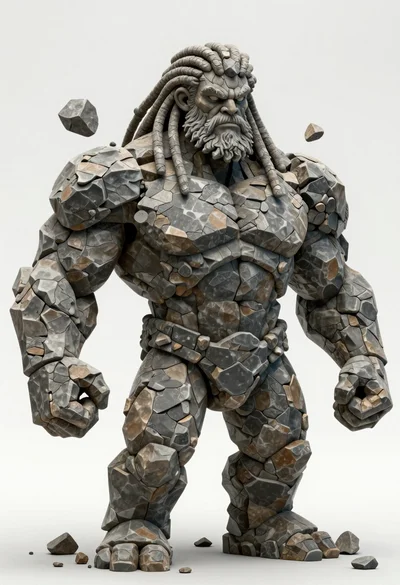
Hyperrealistic statue bust of muscular humanoid figure made from dark stone

Full body studio portrait of woman with two animated animal friends

Woman in pink suit presenting ring box to large red reindeer mascot
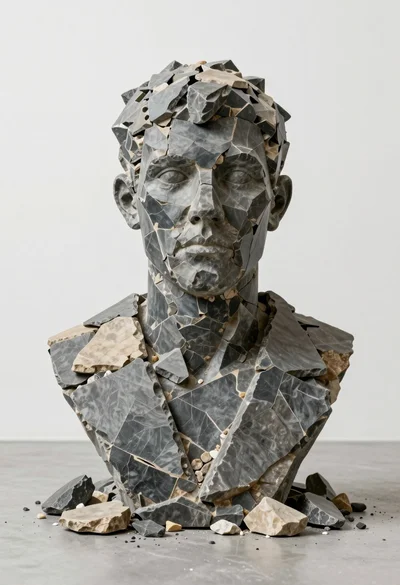
Bust sculpture of mans head from dark slate and tan stone fragments

Santa claus and six elves in a festive snow globe setting

Cheerful young girl winking playfully outdoors with colorful kites flying

Close up portrait of young woman with dark hair blue eyes wearing
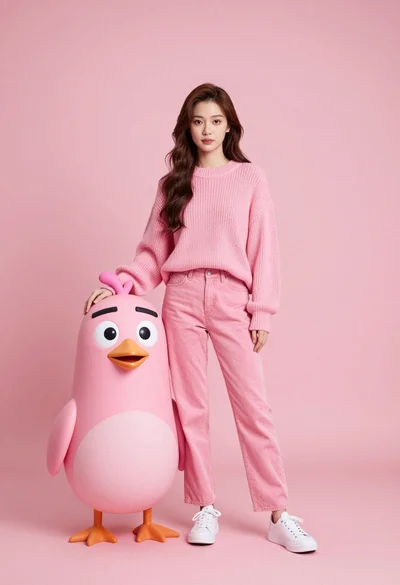
Full body portrait of woman with pink sweater next to animated bird

Close up portrait of young man with blue eyes in dark hoodie
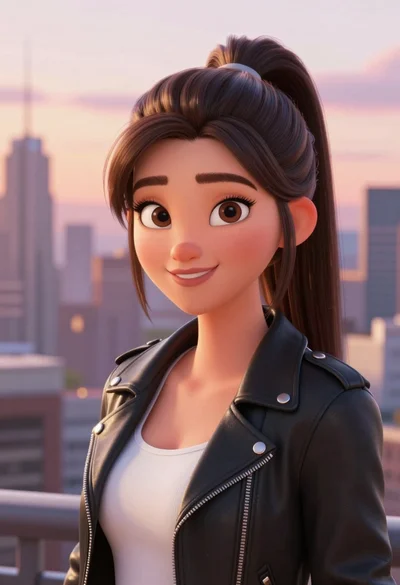
Digital portrait of young woman in black leather jacket against city skyline
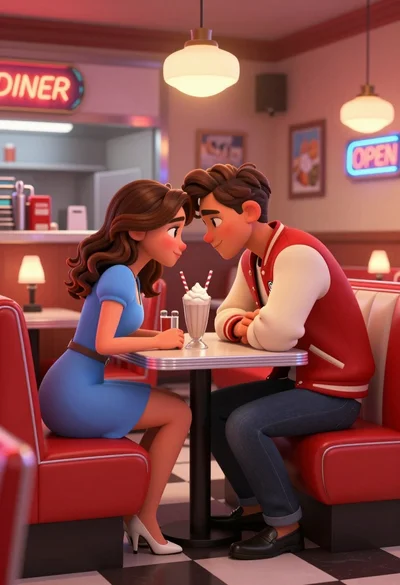
Young couple sharing intimate moment at a retro diner table setting

Close up portrait of young woman with brown hair in cream cardigan

Two stylized animated male characters standing side by side against colorful gradient
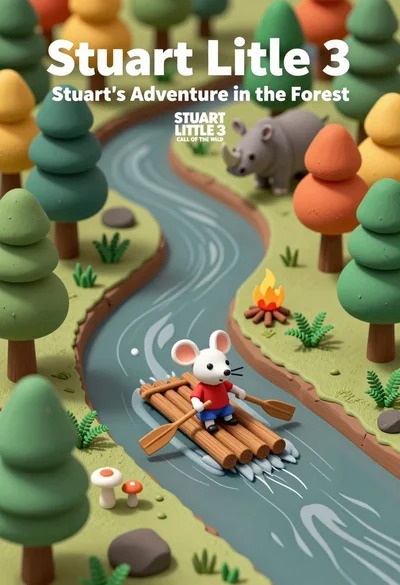
Miniature diorama of forest river scene with mouse on raft and rhino

Stylized claymation figure of superman wielding glowing yellow lightsaber in combat stance
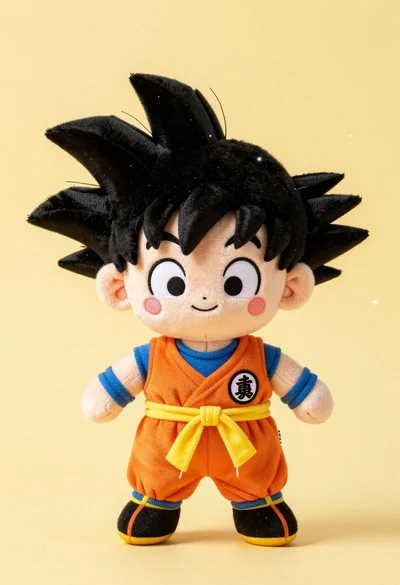
Chibi plush doll resembling goku standing against soft yellow background
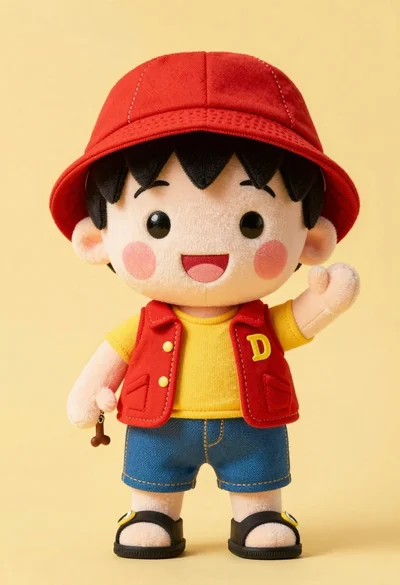
Cute plush toy boy in red hat yellow shirt standing against pale
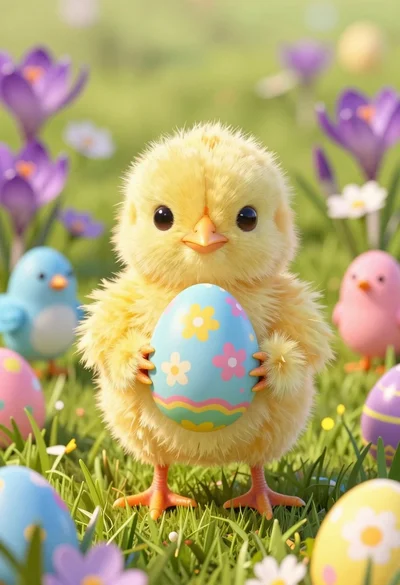
Fluffy yellow chick holding pastel easter egg in lush green meadow
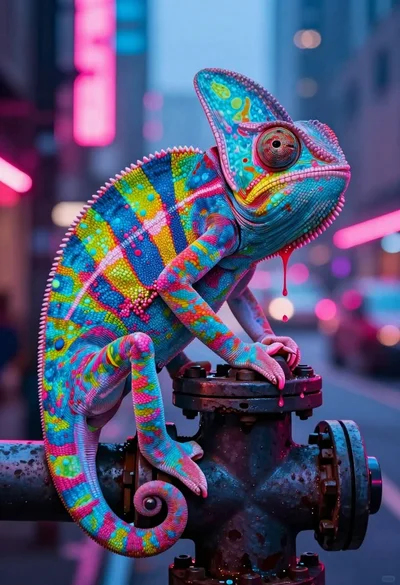
Vivid chameleon on dark pipe in neon lit futuristic city street

Large grey plush cat holding tiny yellow kitten in white studio setting

Isometric view of ancient egyptian tomb diorama with mummy sarcophagus
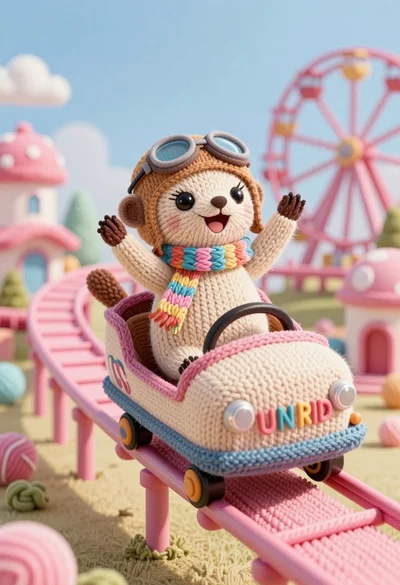
Knitted meerkat pilot riding roller coaster in whimsical yarn amusement park

Close up portrait of menacing alien figure with blue skin and golden
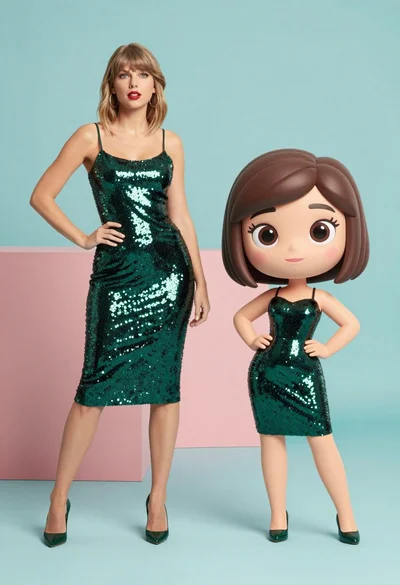
Split screen comparison of realistic woman and cartoon avatar in studio