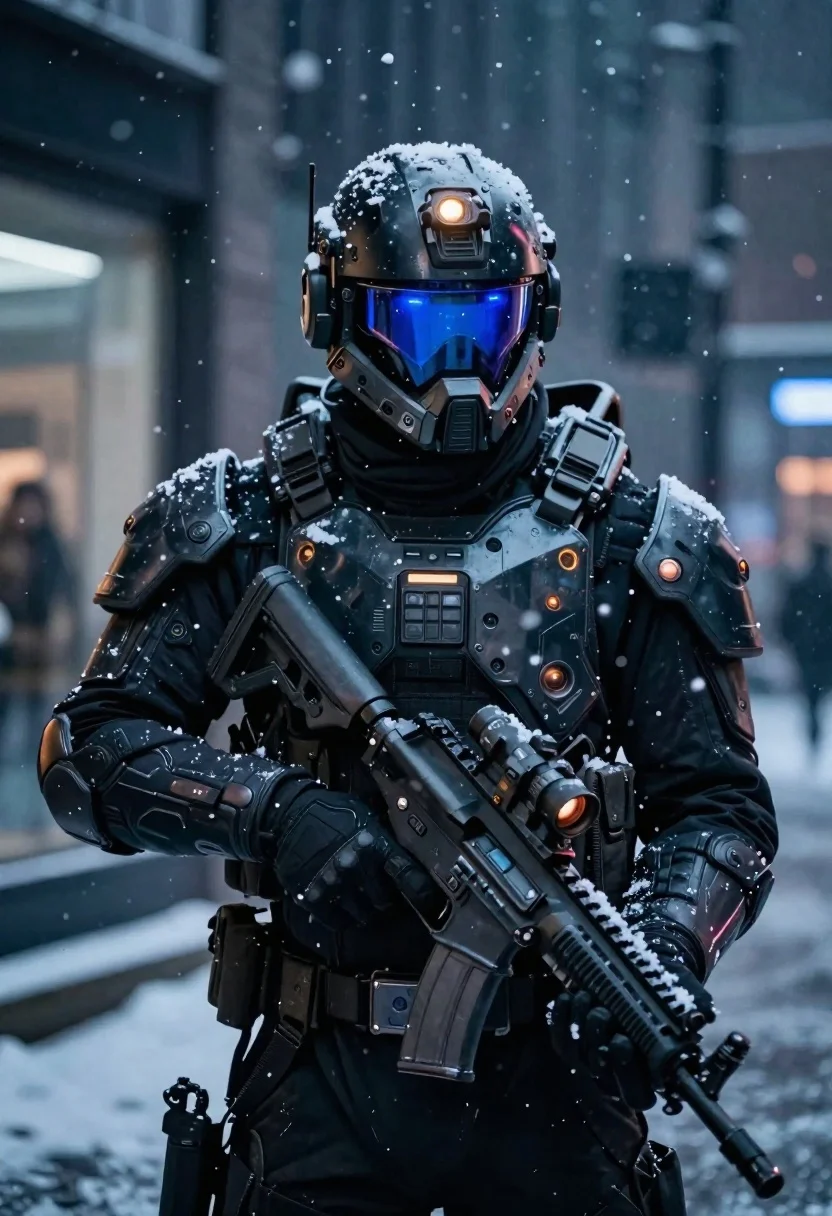
Futuristic soldier in heavy snowfall on an urban street
Prompt
A dark sci-fi portrait of a futuristic soldier standing in heavy snowfall.

Subject: A heavily armored tactical figure wearing a high-tech helmet with glowing blue visor lights and an orange sensor light on the forehead, featuring detailed mechanical textures and battle-worn plating across the chest and shoulders.

Clothing: Tactical body armor with modular plates, utility pouches, reinforced shoulder pads, gloves gripping a weapon system, all showing signs of grime and wear.

Action: Standing still in profile view, holding a futuristic assault rifle angled downward, head turned slightly forward toward the viewer.

Objects: A high-tech firearm equipped with attachments including an optical sight and glowing red targeting element near the muzzle; small antennas or sensors protruding from helmet structure.

Environment: Urban street scene at night during falling snowflakes, blurred background suggesting city lights through glass storefronts or windows.

Lighting: Cool-toned ambient lighting dominated by deep blues and shadows, contrasted with warm highlights on armor surfaces and glowing elements within the suit's interface.

Camera: Close-up medium shot focusing tightly on upper torso and head, shallow depth of field blurring background to emphasize subject presence.

Style Details: Cinematic composition reminiscent of high-end video game art or movie stills, emphasizing realism combined with sci-fi aesthetic design language.
Description
This prompt is useful for creating concept art for video game cutscenes, cinematic science fiction posters, and detailed character model sheets. The combination of 'cool-toned ambient lighting' contrasted with 'warm highlights on armor surfaces' ensures that the glowing blue visor lights pop against the deep shadows, preventing the entire composition from becoming uniformly dark while maintaining a gritty, believable sci-fi atmosphere.
Suggestions
- Change 'heavy snowfall' to 'light sleet' for a less obstructive environment.
- Swap 'glowing blue visor lights' for 'amber visor lights' to shift the color palette.
- Adjust 'Close-up medium shot' to 'full body shot' to better showcase the utility pouches.
Category
Tags
3dArmorClose UpFull BodyMaleMedium ShotPortrait ShotRobotRooftopStreetUniformUrbanVehicles
Date added
June 19, 2026
Added by
PromptDexter Team
Related Prompts
More prompts with similar categories and tags.

Futuristic android woman in metallic corridor
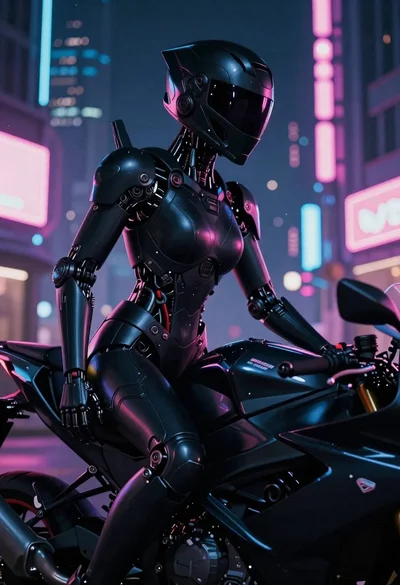
Cyborg rider on motorcycle in cyberpunk city at night
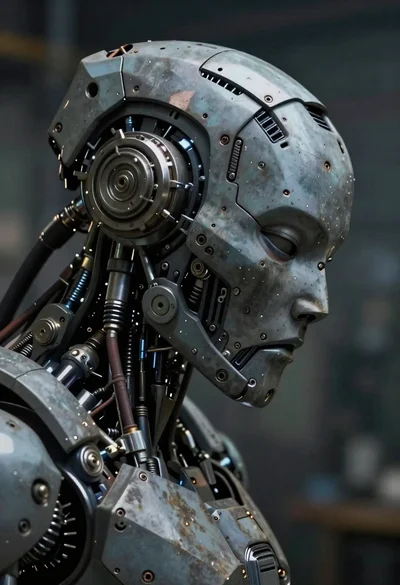
Close up profile of detailed robotic head in workshop
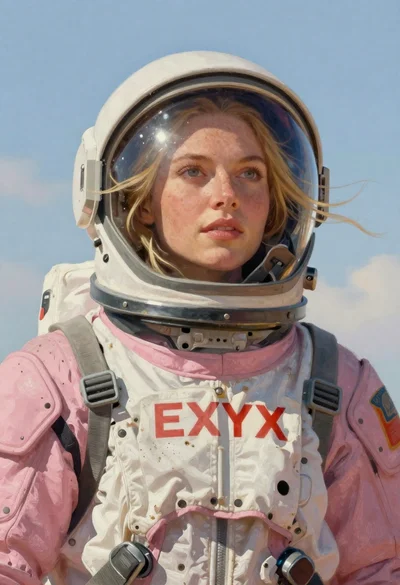
Astronaut portrait against pale blue sky background
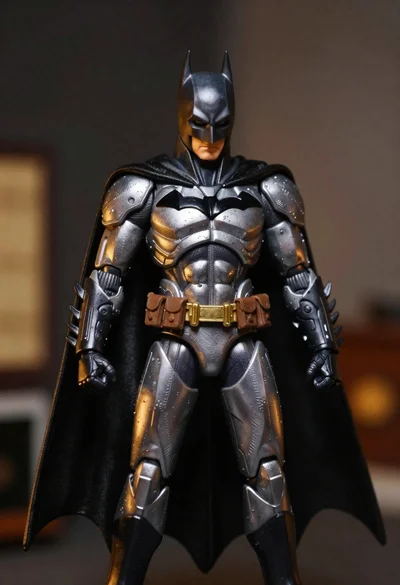
Batman action figure in silver and gold armor
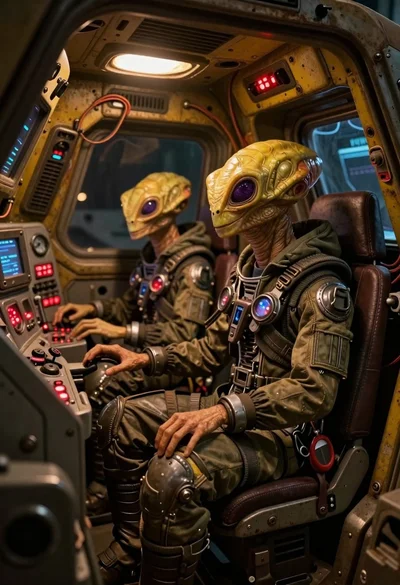
Two reptilian aliens in a worn spacecraft cockpit
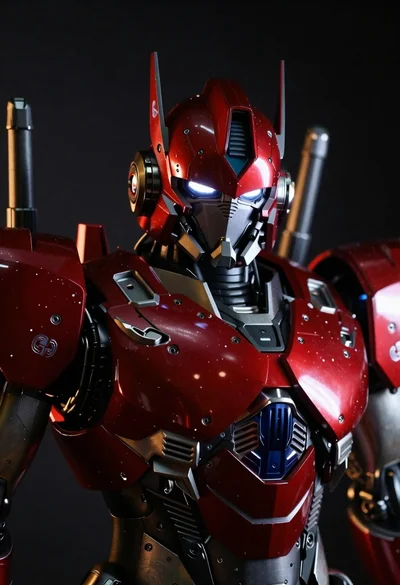
Close up of red and black armored robot suit
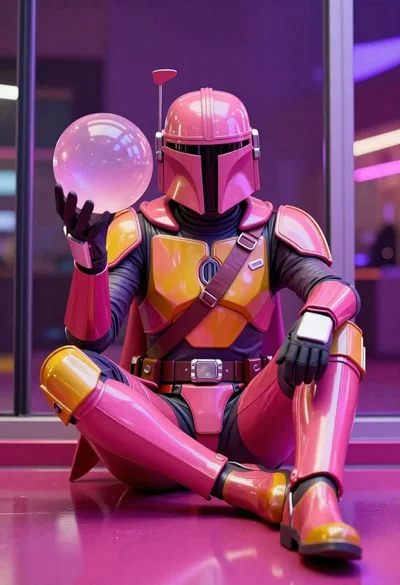
Mandalorian character in pink and gold armor on magenta surface