Close up portrait of smiling woman in fuchsia gown at event
Prompt
A close-up portrait of a smiling woman with reddish-brown hair styled in an elegant updo.

Subject: A fair-skinned woman with green eyes and a warm smile, looking slightly to the left. Her hair is a rich copper-red color swept back from her face into a sophisticated low bun or chignon. She has defined eyeliner and natural-looking makeup.

Clothing: She wears a vibrant fuchsia sleeveless gown featuring a high neck that wraps around like a scarf or cowl, draping softly over her shoulders.
Accessories: A dangling earring with red gemstones is visible on her left ear.

Action: She is posing for a photograph, turning her head slightly to the side while smiling gently at the camera.

Environment: The background is dark and out of focus, suggesting a crowded event or red carpet setting with blurred figures behind her.

Lighting: Bright, direct flash lighting illuminates her face and shoulder, creating high contrast against the dark background and highlighting the texture of her skin and hair.

Style Details: High-resolution photography with a shallow depth of field that blurs the background to emphasize the subject's facial features and attire.
Description
This prompt is useful for creating high-contrast red carpet gallery shots, editorial beauty spreads, and formal event promotional materials. The combination of 'bright, direct flash lighting' against a 'dark and out of focus' background maximizes the visibility of her 'vibrant fuchsia gown' while the shallow depth of field ensures that only the subject's facial features remain sharp.
Suggestions
- Change 'reddish-brown hair' to 'copper-red hair' for better consistency.
- Swap 'dangling earring with red gemstones' for 'diamond stud earring' for a different metallic focus.
- Adjust 'bright, direct flash lighting' to 'soft box lighting' for less harsh shadows.
Category
Tags
BrunetteClose UpFair SkinFemaleFormal WearPortrait ShotRealisticRed Hair
Date added
June 19, 2026
Added by
PromptDexter Team
Related Prompts
More prompts with similar categories and tags.

Fair skinned woman with red hair in brown satin dress against gray

Close up portrait of woman in champagne gown with brown hair
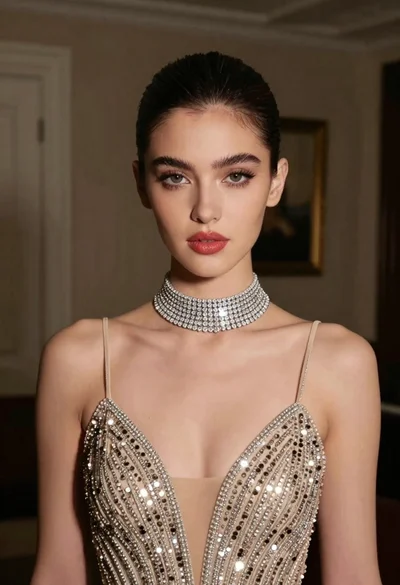
Glamorous portrait of young woman in champagne gown indoors

Woman in rust gown posing on white step and repeat backdrop

Full length shot of woman in dusty pink lace gown at indoor
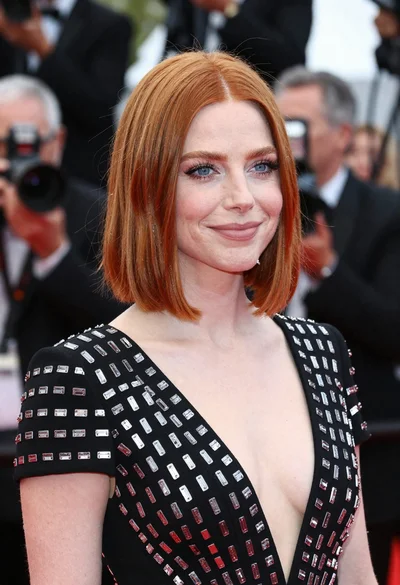
Close up portrait of red haired woman in black patterned dress

Blonde woman in seafoam gown looking over shoulder at camera
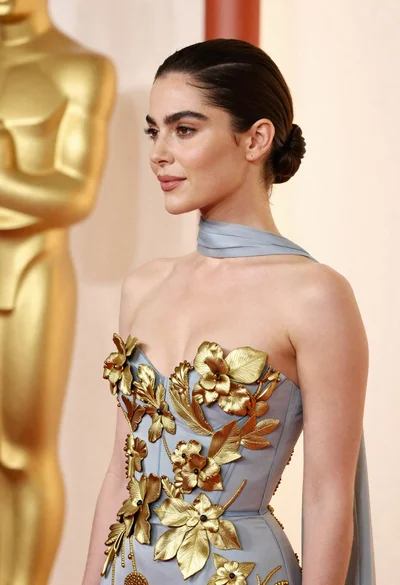
Woman in pale blue gown with gold appliqués against cream backdrop
Glamorous portrait of woman in white satin outfit on red carpet
Fair skinned woman in black blazer posing against solid purple backdrop