

Glamorous portrait of woman in white satin outfit on red carpet
Prompt
A glamorous portrait of a woman with dark hair pulled back into a sleek bun, featuring dramatic winged eyeliner and bold red lipstick.

Subject: A young woman with fair skin and a small tattoo on her left wrist, looking slightly to the side with a poised expression.

Clothing: She wears a structured white satin two-piece outfit consisting of a bustier top with wide straps and a matching skirt cinched by a wide belt with a large metallic buckle.

Objects: A sparkling diamond necklace rests around her neck, and she wears a small stud earring in her left ear.

Environment: The background is a busy red carpet event filled with blurred photographers holding cameras and other attendees in formal black attire.

Lighting: Bright, high-contrast flash photography illuminates the subject from the front, creating sharp highlights on her skin and jewelry while casting deep shadows behind her.

Camera: A medium close-up shot taken at eye level with a shallow depth of field that keeps the subject in sharp focus while blurring the background crowd.

Style Details: High-fashion editorial aesthetic with vibrant colors and a polished, glossy finish typical of celebrity press photography.
Description
This prompt is useful for creating high-end magazine editorials, red carpet event coverage mockups, and luxury brand advertising campaigns. The combination of 'bright, high-contrast flash photography' and the 'structured white satin two-piece outfit' ensures that sharp highlights catch the 'sparkling diamond necklace,' which is essential for conveying the polished, glossy finish expected in celebrity press photography.
Suggestions
- Change 'dramatic winged eyeliner' to 'smoky eye makeup' for a more subdued glamour.
- Swap 'large metallic buckle' for 'crystal-embellished belt' to match the jewelry.
- Adjust 'medium close-up shot' to 'head and shoulders portrait' to emphasize the facial details.
Category
Tags
BrunetteFair SkinFemaleFormal WearPortrait ShotRealistic
Date added
June 19, 2026
Added by
PromptDexter Team
Related Prompts
More prompts with similar categories and tags.
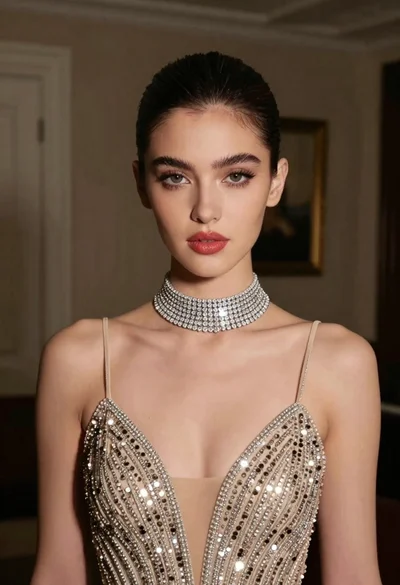
Glamorous portrait of young woman in champagne gown indoors

Woman in rust gown posing on white step and repeat backdrop

Blonde woman in seafoam gown looking over shoulder at camera
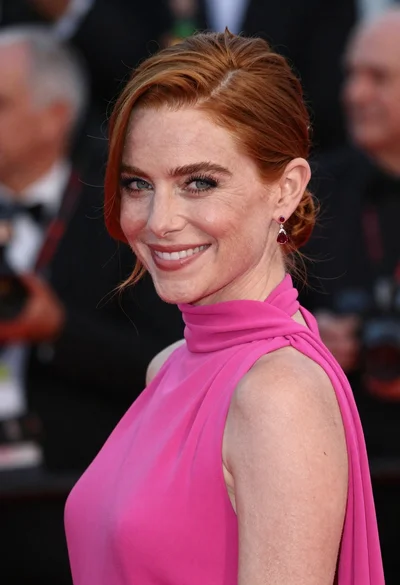
Close up portrait of smiling woman in fuchsia gown at event
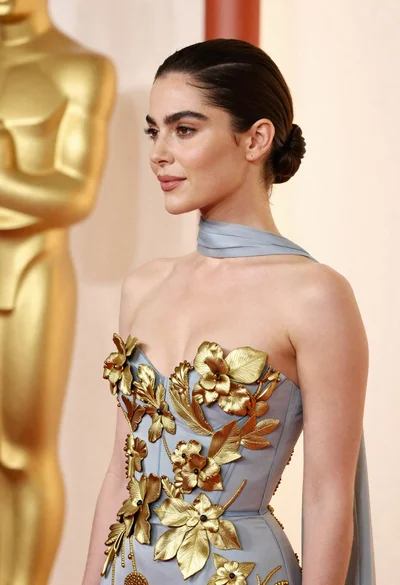
Woman in pale blue gown with gold appliqués against cream backdrop
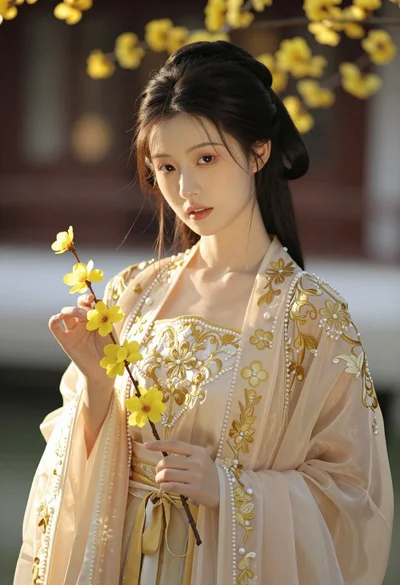
Portrait of young woman in embroidered chinese hanfu gown holding yellow flowers
Young woman in black gown against white curtain backdrop studio portrait

Smiling woman in royal blue gown on red carpet with green foliage

Close up portrait of blonde woman in champagne gown at gala
Poised woman smiling on red carpet with sparkly brown strapless dress
