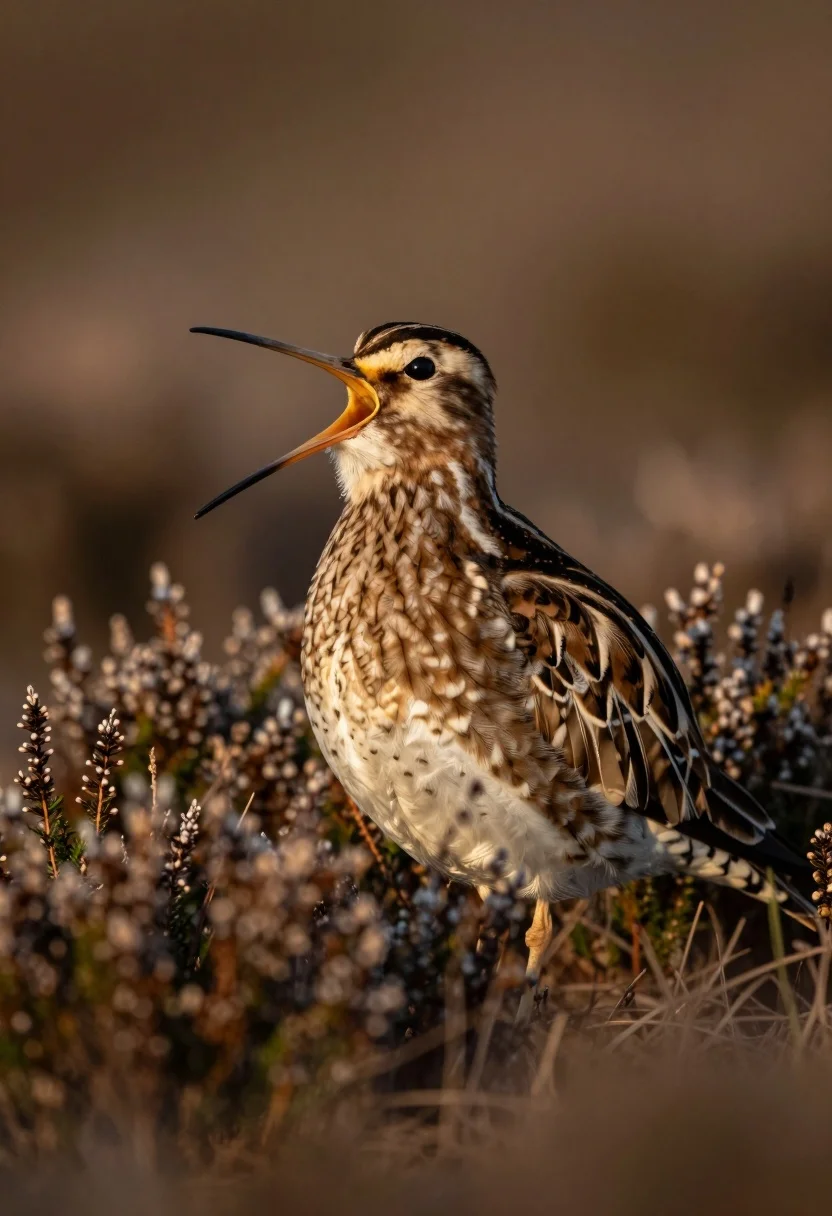
Close up portrait of snipe bird calling in dry scrub vegetation
Prompt
A close-up portrait of a snipe bird standing amidst low-lying vegetation with its beak wide open.

Subject: A small wading bird featuring intricate brown and white speckled plumage on its back and wings, contrasting with a lighter underbelly, possessing a long, straight, dark bill and a large, dark eye.

Action: The bird is captured mid-call with its mouth fully agape, revealing the interior of its beak.

Environment: The bird stands in a field of dry, brownish scrub and heather, with a soft-focus, dark background that isolates the subject.

Camera: A telephoto lens perspective with a very shallow depth of field, keeping the bird sharp while blurring the foreground vegetation and background into bokeh.

Lighting: Warm, golden sunlight strikes the bird from the side, highlighting the texture of its feathers and creating a soft rim light along its body.

Style Details: Naturalistic wildlife photography with high detail on the subject's textures and a smooth, creamy background.
Description
This prompt is useful for creating nature documentary stills, fine art wildlife prints, and educational guides detailing avian anatomy. The combination of 'telephoto lens perspective' and 'very shallow depth of field' ensures the bird remains tack-sharp against a creamy background, while the 'warm, golden sunlight' specifically accentuates the intricate texture of the speckled plumage for maximum visual impact.
Suggestions
- Change 'dry, brownish scrub' to 'sage green grasses' for seasonal variation.
- Adjust 'telephoto lens perspective' to '85mm portrait lens' for a more defined compression.
- Swap 'warm, golden sunlight' for 'overcast soft light' if you want less harsh rim lighting.
Category
Tags
AnimalMacro ShotNatureRealistic
Date added
July 12, 2026
Added by
PromptDexter Team
Related Prompts
More prompts with similar categories and tags.
Close up portrait of baby sloth on large green leaf in lush
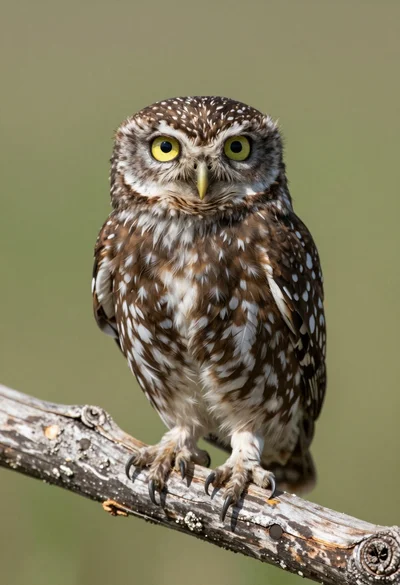
Close up portrait of a small owl perched on weathered wood branch
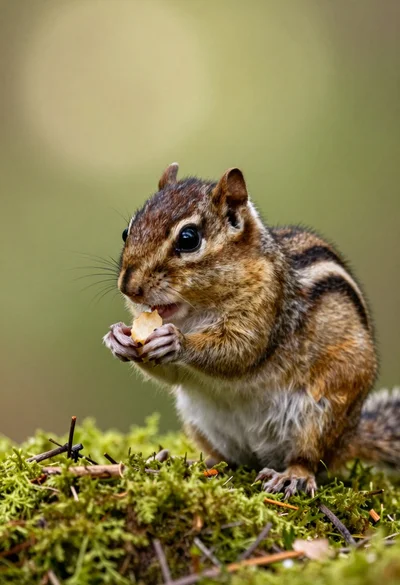
Close up portrait of a chipmunk eating on vibrant green mossy forest
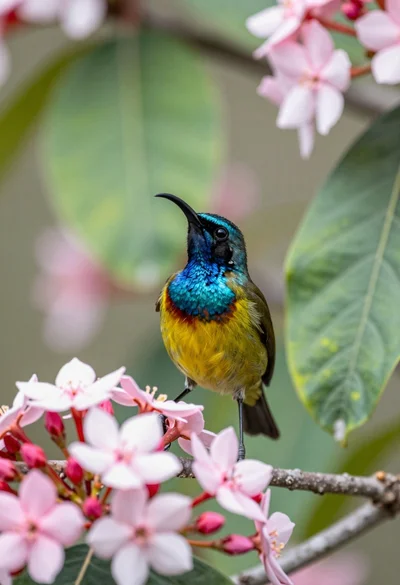
Close up of sunbird perched on pink red flowers with green leaf

Young woman with brown hair and golden retriever under pine tree
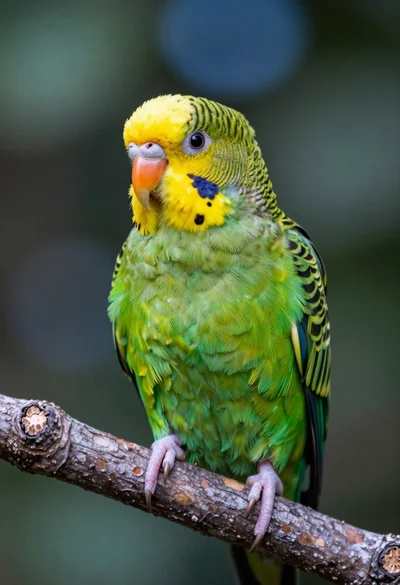
Close up portrait of vibrant green parrot on textured tree branch in

Silhouette of two elephants with riders walking across grassy plain at sunset
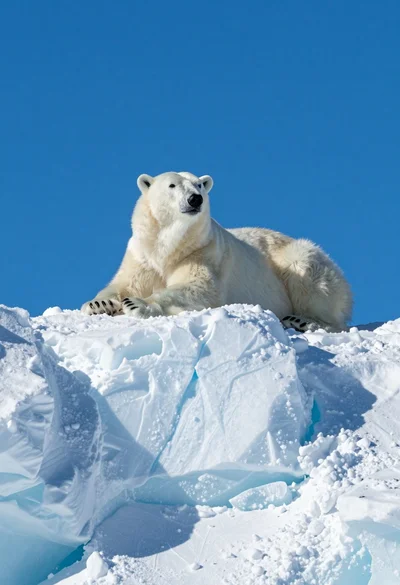
Majestic polar bear resting on rugged snow covered ice formation under deep
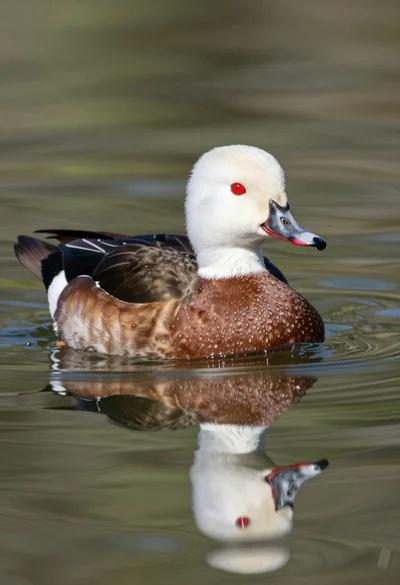
Close up portrait of a duck floating on calm water showing clear
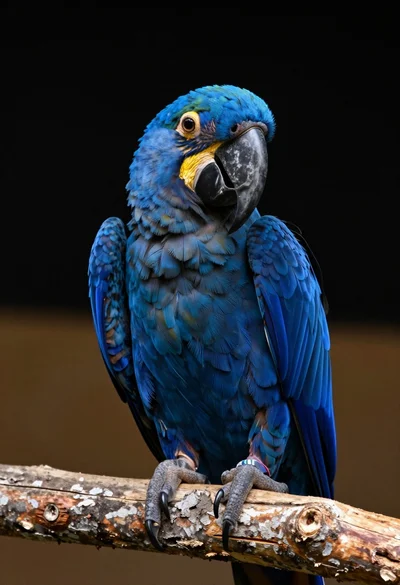
Close up portrait of a blue macaw on a branch against black