

Close up portrait of woman with dark wavy hair wearing black leather
Prompt
A close-up portrait of a woman with voluminous, windswept dark wavy hair and striking makeup featuring heavy black eyeliner and glossy pink lips.

Subject: A young woman with messy, windblown dark brown wavy hair that frames her face, fair skin, and intense blue eyes looking directly at the camera.

Clothing: She wears a black leather moto jacket with silver zippers and snap buttons, worn open to reveal a hint of red underneath.

Action: Her head is turned slightly to the side while she gazes forward, with strands of hair blowing across her face and one hand partially visible near her chest.

Environment: A plain neutral gray background that keeps the focus entirely on the subject.

Camera: Shot from a close-up perspective with a shallow depth of field that blurs the background and highlights facial features.

Lighting: Soft studio lighting illuminates the front of her face while casting gentle shadows in the hair to create texture and depth.

Style Details: High-fashion editorial photography style with a moody, edgy aesthetic and high contrast between the dark leather and skin tones.
Description
This prompt is useful for creating edgy magazine editorials, character concept art for film, and dramatic beauty advertisements. The combination of 'soft studio lighting' against the 'black leather moto jacket' establishes a moody aesthetic by allowing just enough shadow in the hair to give texture without losing detail on the 'fair skin', which is crucial for high-fashion impact.
Suggestions
- Change 'glossy pink lips' to 'deep oxblood lipstick' for more drama.
- Swap 'neutral gray background' for 'charcoal concrete wall' for more grit.
- Adjust 'soft studio lighting' to 'hard key light' for harsher shadows.
Category
Tags
Brown HairClose UpFair SkinFemaleRealisticStudio
Date added
June 19, 2026
Added by
PromptDexter Team
Related Prompts
More prompts with similar categories and tags.
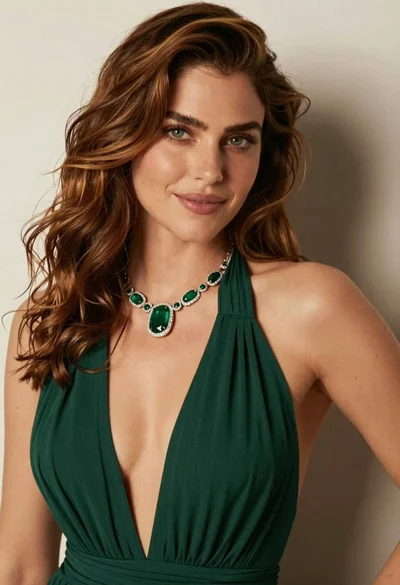
Close up portrait of woman with brown hair in green dress

Close up portrait of woman in brown fur coat against white studio
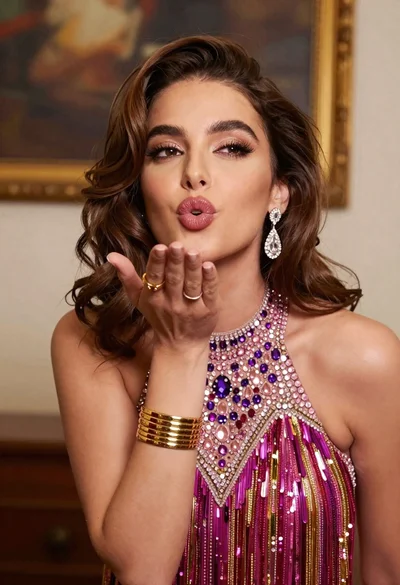
Glamorous young woman blowing a kiss in an elegantly decorated studio
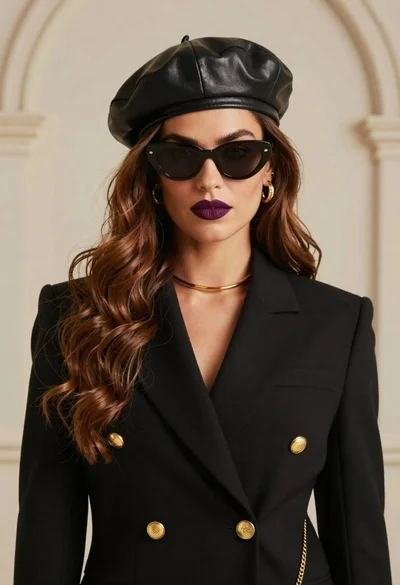
Stylish woman wearing black blazer beret and sunglasses against beige wall

Young woman in blue denim jacket posing against pale pink seamless background
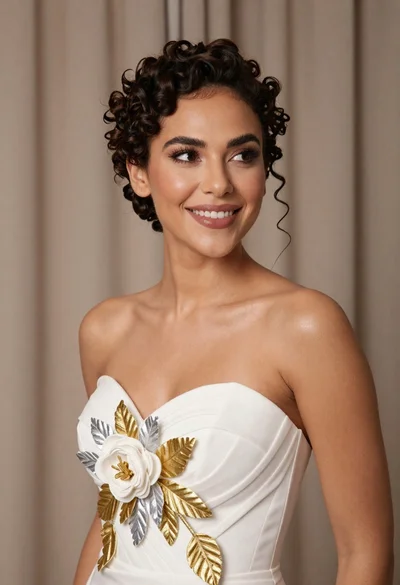
Medium close up portrait of woman in white gown with floral appliqué
Smiling woman with dark wavy hair wearing sparkling tiara and pink boa
Young woman in grey blouse and denim shorts on concrete wall
Close up portrait of woman touching hair in green garden setting

Confident woman in embellished denim jumpsuit against a gray studio backdrop
