Smiling woman with dark wavy hair wearing sparkling tiara and pink boa
Prompt
A smiling woman with long dark wavy hair wearing a sparkling tiara and holding a large pink feather boa.

Subject: A young woman with fair skin, brown eyes, and voluminous dark wavy hair that cascades over her shoulders. She has a bright smile showing her teeth and is looking directly at the camera.

Clothing: She wears a light-colored, possibly cream or champagne, sleeveless dress embellished with silver sequins and beading along the neckline and straps. A large fluffy pink feather boa is draped around her arms and shoulders.

Action: Her right hand is raised to the back of her head near the tiara, while her left arm holds the feather boa. She has a playful and confident expression.

Environment: The background consists of a dark brown wooden surface, likely a door or wall paneling.

Lighting: The lighting is soft and frontal, illuminating her face and highlighting the sparkle on her dress and tiara against the darker background.

Style Details: The image features high detail with a focus on textures like feathers, sequins, and hair, rendered in a realistic photographic style.
Description
This prompt is useful for creating vintage glamour portraits, costume concept art, and celebratory editorial spreads. The combination of 'soft and frontal' lighting against the 'dark brown wooden surface' ensures that the 'sparkling tiara' and sequins catch the light effectively without harsh shadows, which keeps the focus squarely on her playful expression.
Suggestions
- Change 'large fluffy pink feather boa' to 'iridescent peacock feathers' for a color shift.
- Swap 'cream or champagne' for 'deep emerald velvet' to contrast with the background.
- Add 'bokeh effect in the background' to soften the wooden paneling.
Category
Tags
Brown HairBrunetteFair SkinFemalePortrait ShotRealisticStudio
Date added
June 19, 2026
Added by
PromptDexter Team
Related Prompts
More prompts with similar categories and tags.

Confident woman in embellished denim jumpsuit against a gray studio backdrop
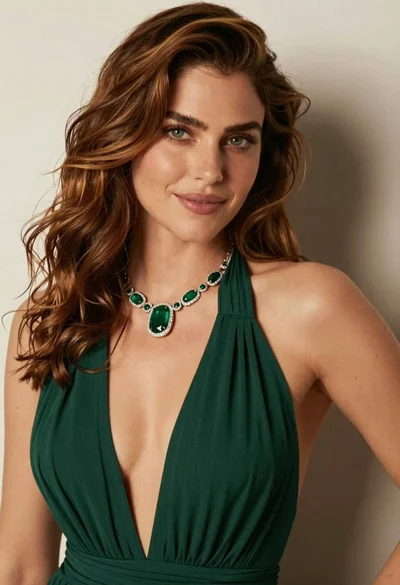
Close up portrait of woman with brown hair in green dress

Young woman in black graphic tshirt against white paneled wall

Portrait of woman in elaborate red feathered gown against vivid blue background

Glamorous woman posing in shimmering two piece outfit against green backdrop
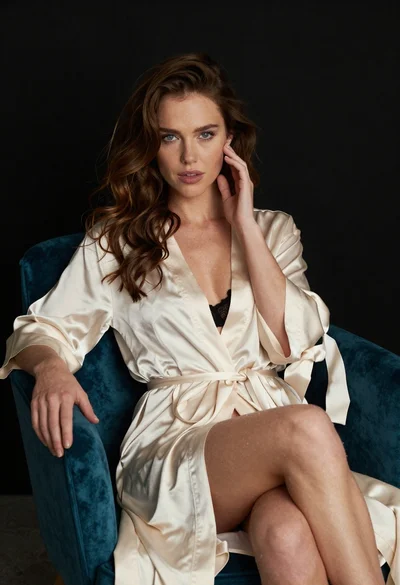
Glamorous woman in cream robe sitting in a teal velvet armchair
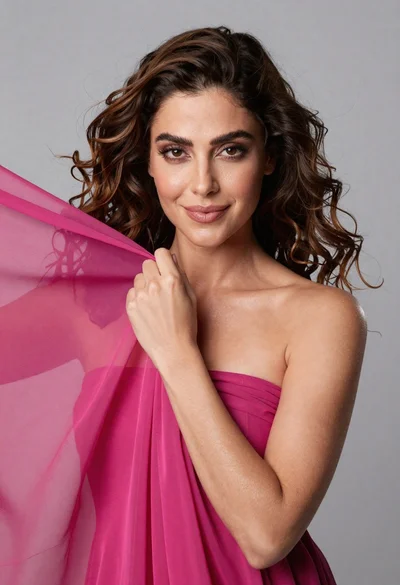
Medium close up portrait of woman with brown wavy hair in magenta

Fair skinned woman in black blazer against white studio wall
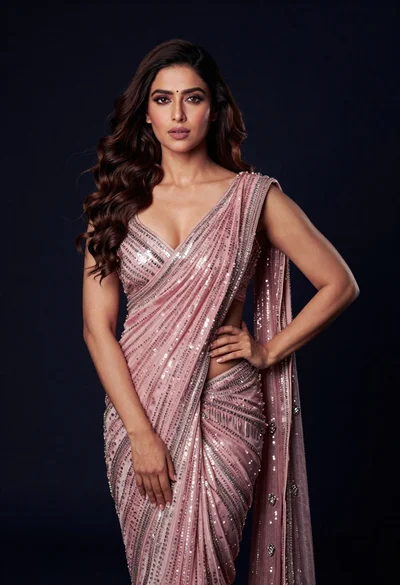
Glamorous woman in shimmering pink saree against dark studio background
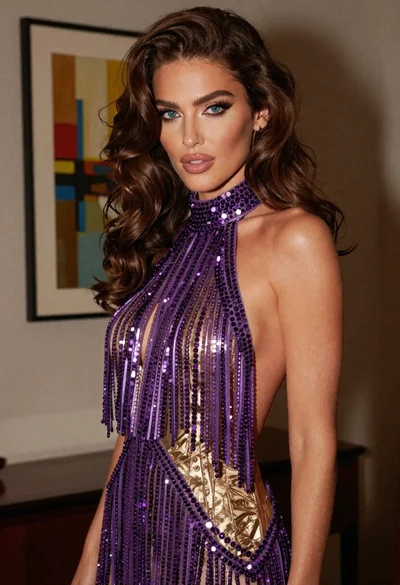
Glamorous woman in purple rhinestone gown posing indoors with abstract art