Medium close up portrait of woman in white gown with floral appliqué
Prompt
A close-up portrait of a woman with dark curly hair styled in an updo, wearing a white strapless gown adorned with a large sculptural flower featuring gold and silver metallic leaves.

Subject: A woman with dark brown curly hair swept up into a short, elegant updo, fair skin, and a soft, confident smile while looking off to the side.

Clothing: She wears a fitted white strapless dress with ruched fabric on the bodice, accented by a massive, three-dimensional floral appliqué made of white pleated material with gold and silver metallic leaf details cascading down the side.

Action: Her head is turned slightly to her right, gazing upward and away from the camera with a gentle, engaging expression.

Environment: The background consists of soft, neutral beige curtains that are slightly out of focus, creating a warm and intimate studio setting.

Lighting: Soft, diffused lighting illuminates her face and shoulders evenly, highlighting the sheen on her skin and the metallic textures of the dress without harsh shadows.

Camera: A medium close-up shot with a shallow depth of field that keeps the subject sharp while blurring the background curtains to emphasize her features.

Style Details: High-resolution photography with a polished, elegant aesthetic, featuring rich color saturation and smooth skin texture rendering.
Description
This prompt is useful for creating high-end bridal lookbooks, formal portraiture editorials, and luxury catalog imagery. The combination of 'soft, diffused lighting' and the 'shallow depth of field' ensures that the intricate details of the 'gold and silver metallic leaf' appliqué remain visible while preventing harsh shadows on the subject's 'fair skin', which is crucial for polished commercial presentation.
Suggestions
- Change 'dark brown curly hair' to 'platinum blonde hair' for a different contrast.
- Swap 'neutral beige curtains' for 'deep emerald velvet' to deepen the mood.
- Adjust 'medium close-up shot' to 'headshot' if you want more focus on the face.
Category
Tags
Close UpFair SkinFemaleFormal WearMedium ShotRealisticStudio
Date added
June 19, 2026
Added by
PromptDexter Team
Related Prompts
More prompts with similar categories and tags.
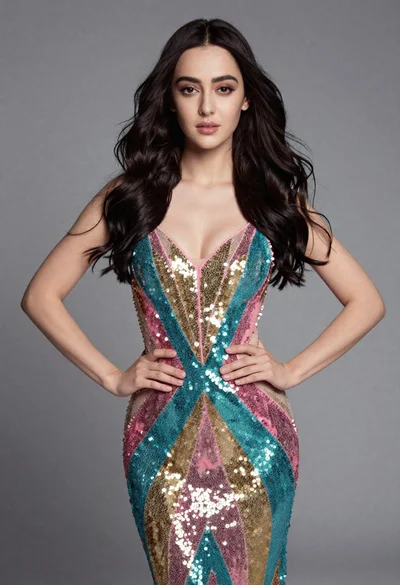
Full length studio portrait of young woman in sequined gown
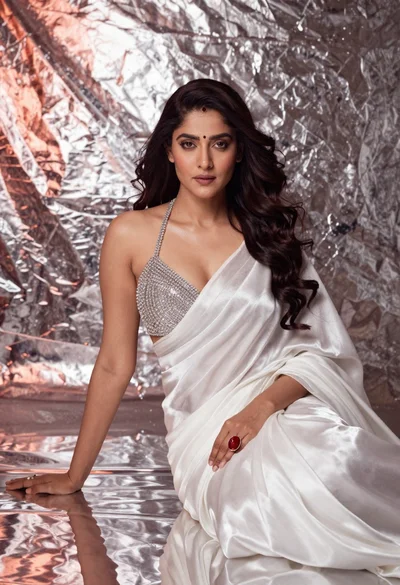
Woman in silver beads and white saree seated on reflective studio floor
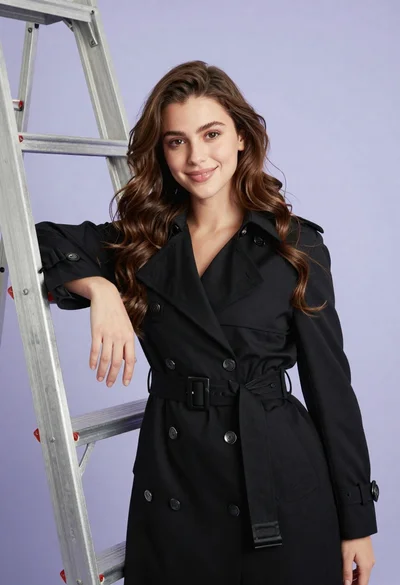
Confident young woman in black trench coat posing with silver ladder in

Close up portrait of woman in brown fur coat against white studio
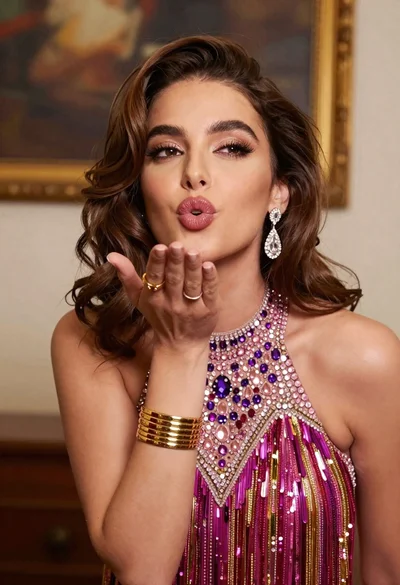
Glamorous young woman blowing a kiss in an elegantly decorated studio
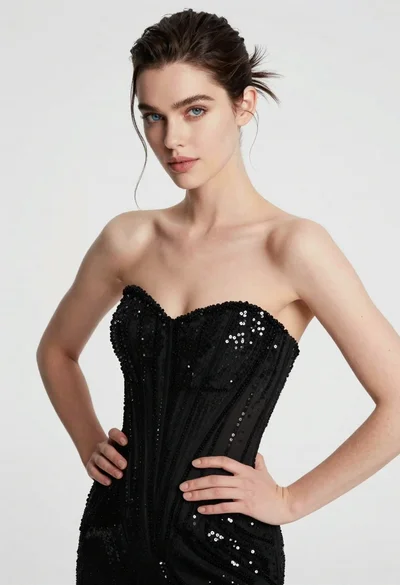
High fashion portrait of woman in sequined black gown against white studio
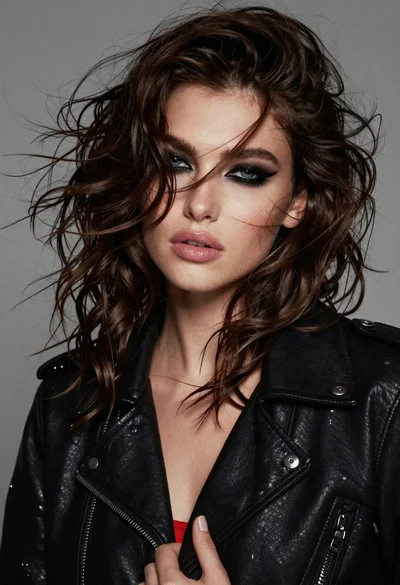
Close up portrait of woman with dark wavy hair wearing black leather

Portrait of woman with red hair in navy blouse and green skirt
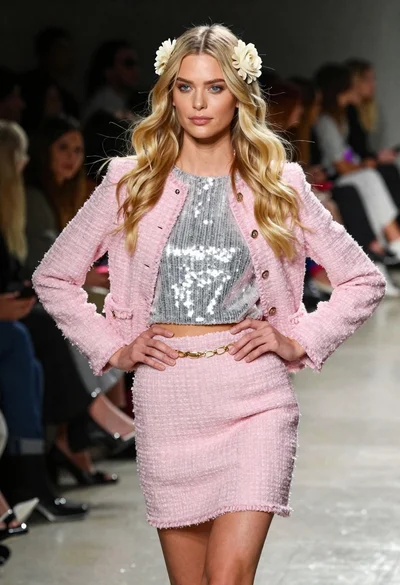
Blonde woman walking fashion runway in pink tweed ensemble

Blonde woman in silver gown with fur stole studio portrait