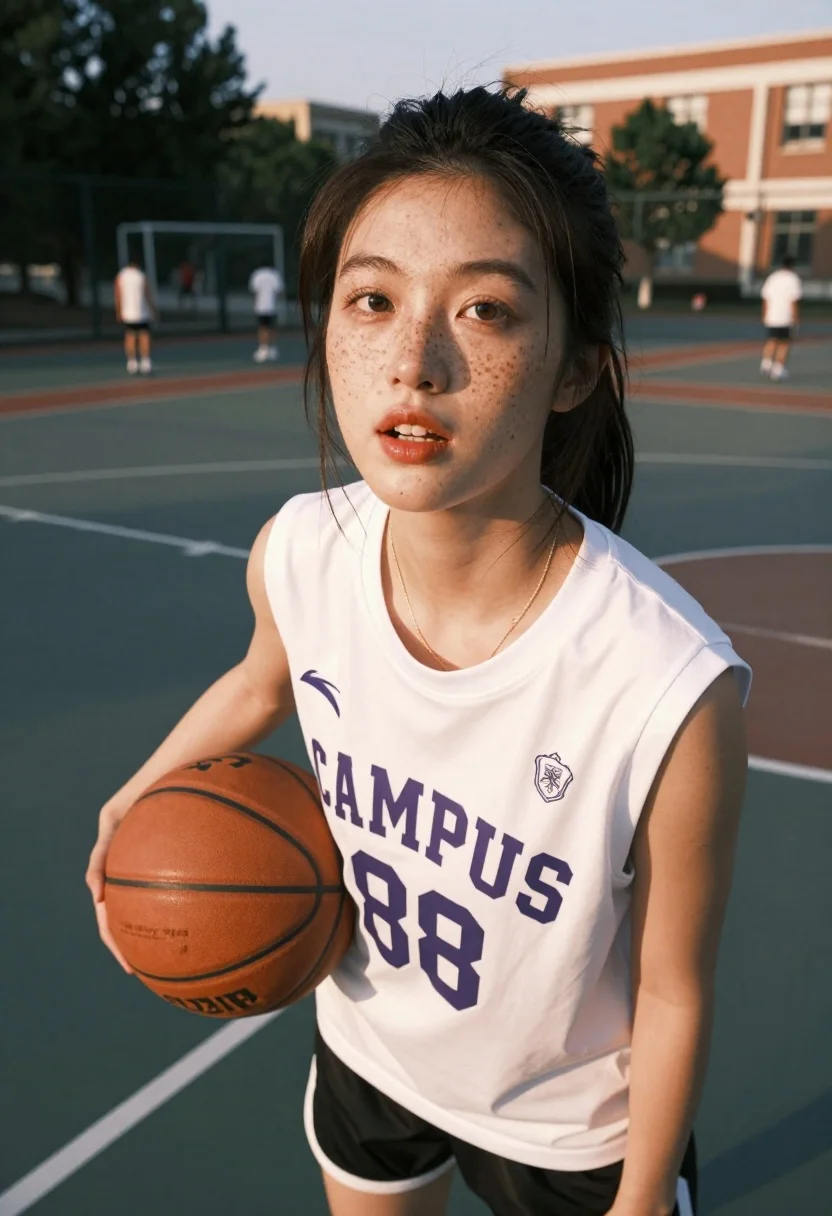
Close up portrait of young east asian woman holding basketball on outdoor
Prompt
A close-up portrait of a young woman with freckles holding a basketball on an outdoor court during golden hour.

Subject: A young East Asian woman with dark hair pulled back, prominent freckles across her nose and cheeks, glossy lips, and a focused expression looking slightly off-camera.

Clothing: She wears a white sleeveless t-shirt with the text "CAMPUS 88" in purple block letters on the front and a small crest logo near the neckline, paired with black shorts and a thin gold chain necklace.

Action: She holds an orange basketball under her right arm while standing still, with her mouth slightly open as if breathing heavily or speaking.

Environment: An outdoor asphalt basketball court with white painted lines, surrounded by trees and a brick building in the background where other figures are visible in the distance.

Camera: Shot from a low angle looking up at the subject, utilizing a shallow depth of field that blurs the background to emphasize her face and upper body.

Lighting: Warm golden sunlight hits her face from the side, creating soft highlights on her skin and casting gentle shadows that enhance the texture of her freckles.

Style Details: The image has a cinematic, high-definition quality with vibrant colors and a warm color temperature typical of sunset photography.
Description
This prompt is useful for creating athletic portraiture for sportswear campaigns, personal fitness blogs, and cinematic character concept art. The combination of 'low angle looking up' and 'warm golden sunlight hits her face from the side' sculpts the subject by emphasizing her stature against the background while the shallow depth of field ensures that the viewer's focus remains tightly locked onto her freckles and expression.
Suggestions
- Change 'white sleeveless t-shirt' to a mesh athletic top for better texture.
- Adjust 'purple block letters' to neon yellow for higher contrast.
- Modify 'golden hour' to 'midday harsh sunlight' for more dramatic shadows.
Category
Tags
FemaleLow AngleMedium ShotRealistic
Date added
July 12, 2026
Added by
PromptDexter Team
Related Prompts
More prompts with similar categories and tags.
Young woman in blue dress holding wooden tennis racket on outdoor court
Fair skinned blonde woman in mauve dress leaning on pool table indoors
Two athletes stand back to back in red white and blue norway
Two athletes in red jerseys stand back to back against a dark
Smiling woman in white ski gear on snowy mountain slope under blue
Young woman looking at phone outdoors wearing athletic compression wear
Fit blonde woman in athletic wear standing in modern gym setting
Woman with dark hair holding bow at outdoor archery range setting
Young woman in black athletic wear looking over shoulder in modern gym
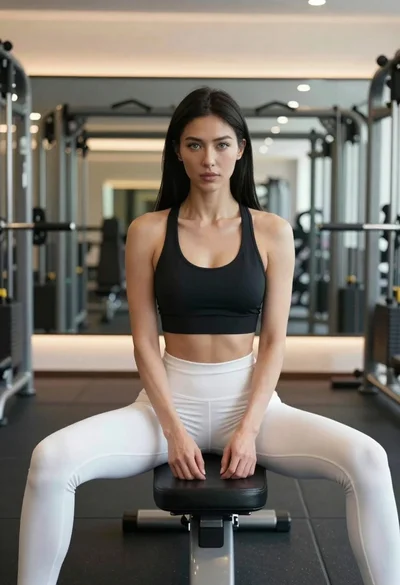
Fit woman in black sports bra and white leggings sitting on gym