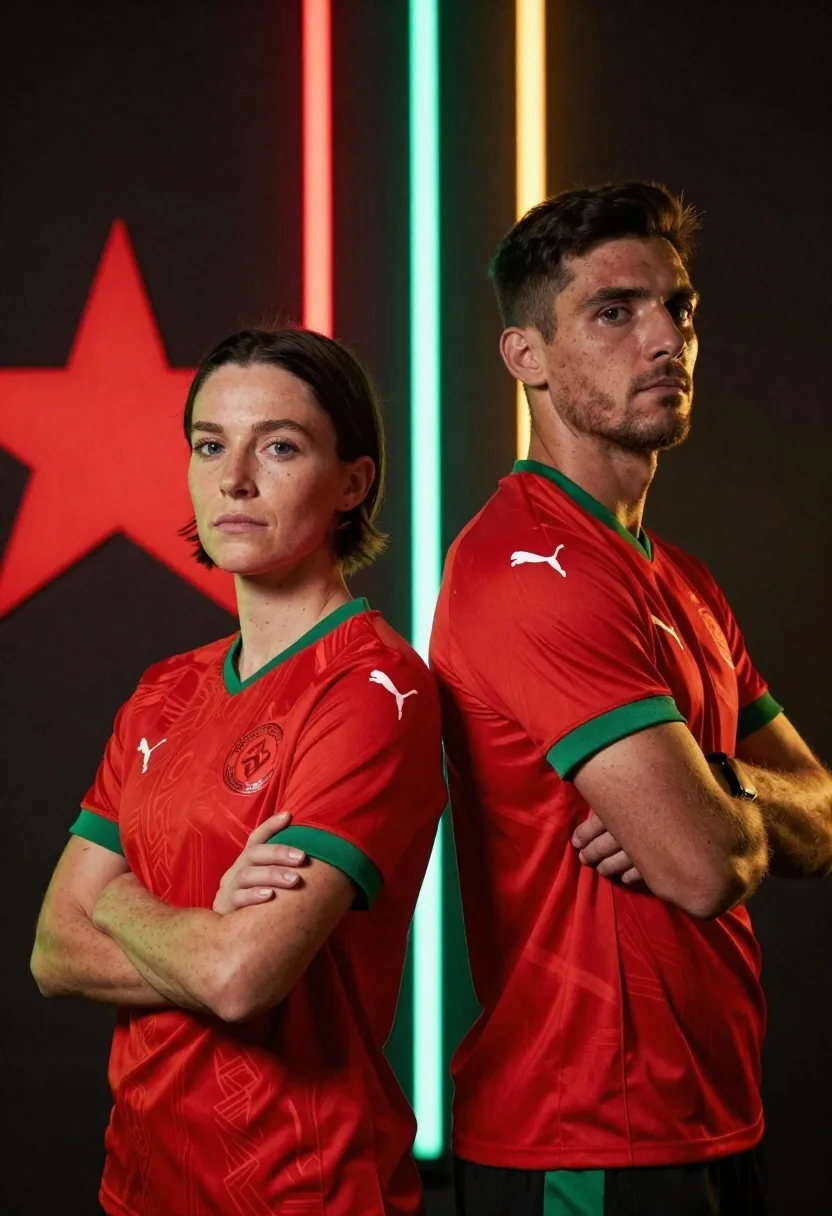
Two athletes in red jerseys stand back to back against a dark
Prompt
Two athletes stand back-to-back in red jerseys with green accents against a dark background featuring vertical neon light beams and a large star motif.

Subject: A woman with short dark hair and blue eyes stands on the left, while a man with short dark hair stands on the right; both have serious expressions and crossed arms.

Clothing: Both subjects wear matching red athletic jerseys with green V-neck collars, green sleeve cuffs, white Puma logos, and circular crest badges on the chest.

Action: The woman faces forward with her arms crossed tightly over her chest, while the man stands in profile facing left with his arms crossed behind his back.

Environment: A dark, moody background features a large red star shape on the left side and vertical glowing light beams in red, green, and gold colors separating the two figures.

Camera: Medium shot framing both subjects from the waist up with a slight low angle perspective emphasizing their stature and presence.

Lighting: Dramatic lighting with strong contrast between the dark background and the bright neon vertical light strips that cast colored reflections on the subjects' faces and jerseys.

Style Details: Cinematic sports photography style with high saturation, sharp focus on facial features, subtle film grain texture, and professional poster composition aesthetic.
Description
This prompt is useful for creating athletic promotional posters, concept art for video game cutscenes, and dramatic team branding materials. The combination of 'dramatic lighting with strong contrast' against the 'dark background' ensures that the neon light beams and the subjects' red jerseys pop, preventing them from getting lost in shadow while the 'low angle perspective' emphasizes their imposing stature.
Suggestions
- Change 'red jerseys' to 'black jerseys' for a more aggressive feel.
- Replace 'vertical glowing light beams' with 'geometric grid patterns' for a sci-fi edge.
- Adjust 'high saturation' to 'muted tones' if you want a grittier, less commercial look.
Category
Tags
FemaleLow AngleMaleMedium ShotOutdoorsRealistic
Date added
June 26, 2026
Added by
PromptDexter Team
Related Prompts
More prompts with similar categories and tags.
Two athletes stand back to back in red white and blue norway
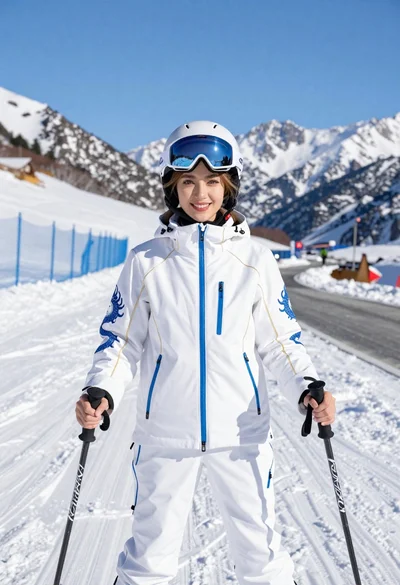
Smiling woman in white ski gear on snowy mountain slope under blue
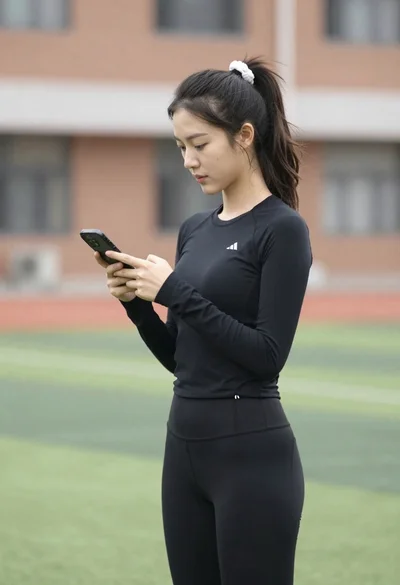
Young woman looking at phone outdoors wearing athletic compression wear
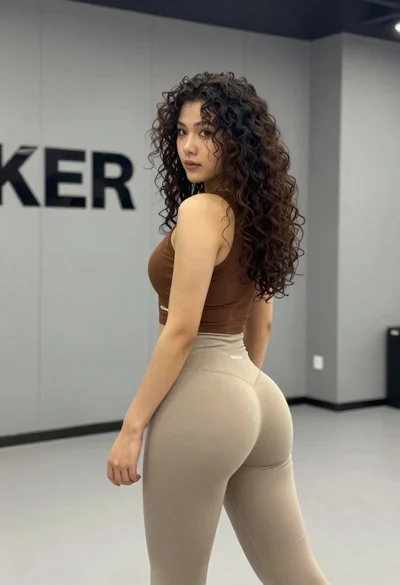
Young woman in athletic wear posing in a modern gym studio setting
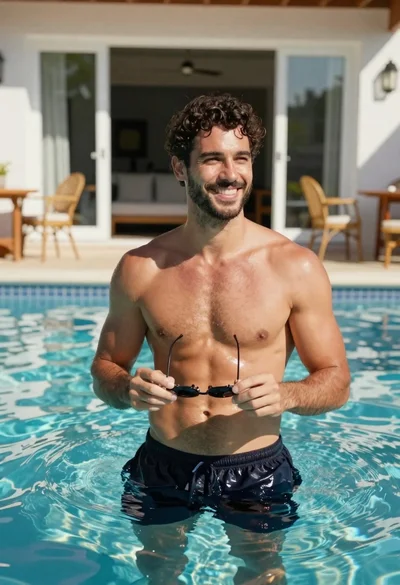
Handsome man in blue pool water on sunny day
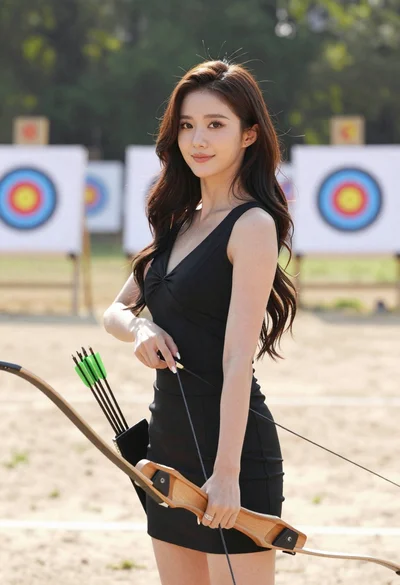
Woman with dark hair holding bow at outdoor archery range setting
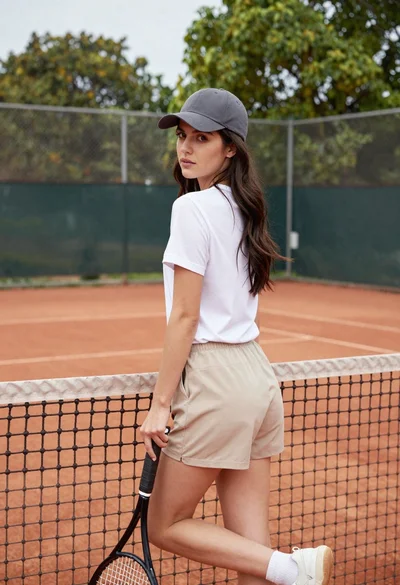
Young woman in white tshirt and cap leaning on tennis net
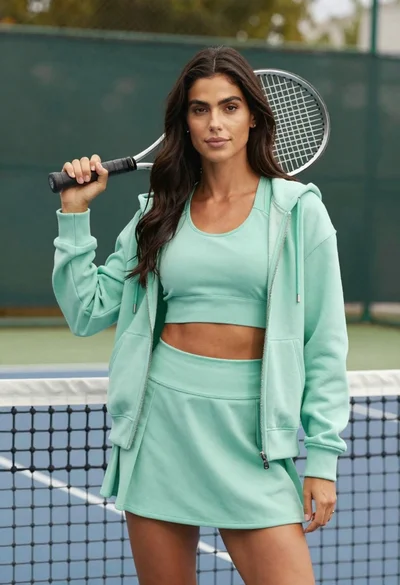
Confident woman in mint green athletic wear holding tennis racket on court