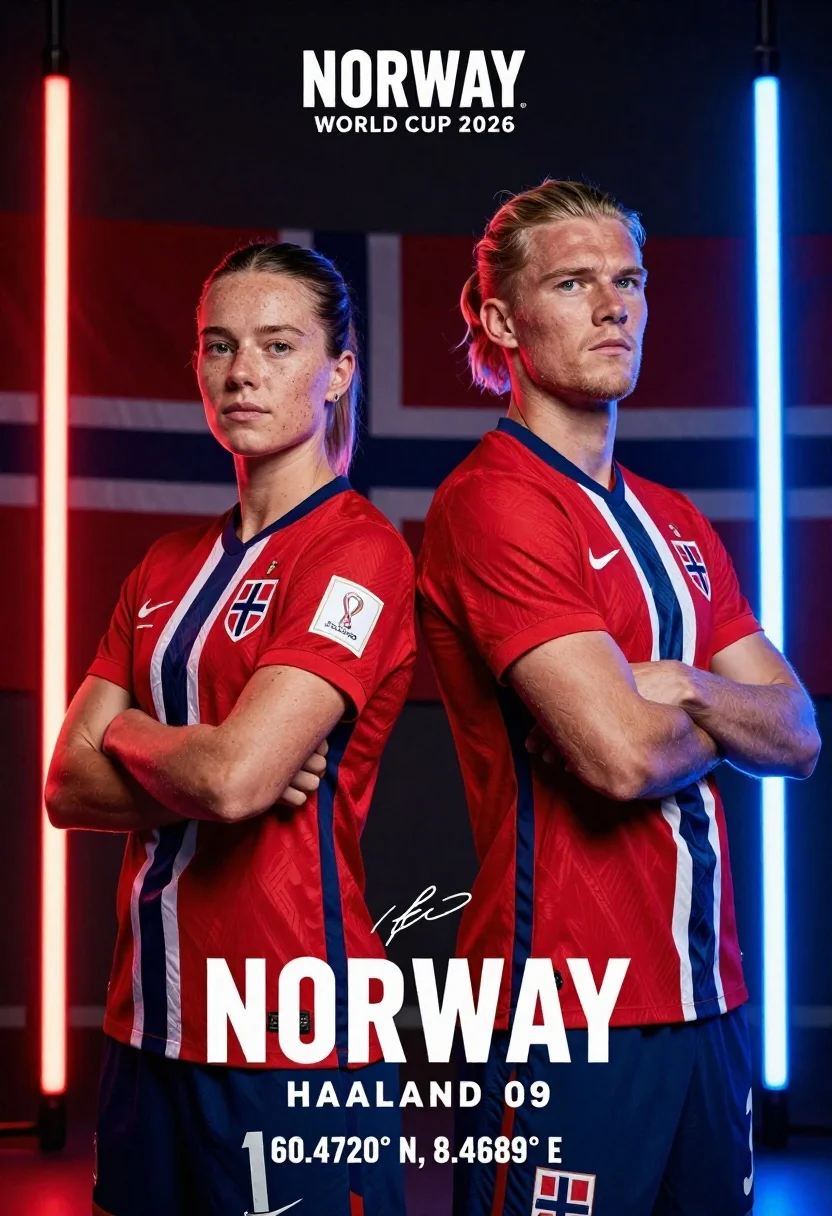
Two athletes stand back to back in red white and blue norway
Prompt
Two athletes stand back-to-back in red, white, and blue Norway national football kits with arms crossed against a dark background split by vertical neon light beams.

Subject: A female athlete on the left with short brown hair and freckles, and a male athlete on the right with blonde hair tied back in a ponytail, both displaying serious expressions.

Clothing: Red jerseys featuring white and blue diagonal stripes, the Norwegian coat of arms crest, a Nike swoosh, and a FIFA World Cup 2026 patch on the sleeve.

Action: Both subjects stand with arms crossed over their chests, facing forward with confident body language.

Environment: A dark setting illuminated by vertical neon light beams in red on the left and blue on the right, with faint outlines of the Norwegian flag visible in the background.

Camera: Medium shot framing both athletes from the waist up with a slight low angle to emphasize their stature.

Lighting: Dramatic studio lighting highlighting facial features and jersey textures against deep shadows, enhanced by the glowing vertical light beams.

Text/Graphics: Text elements include "NORWAY", "WORLD CUP 2026", "HAALAND 09" with a signature, and coordinates at the bottom reading "60.4720° N, 8.4689° E".

Style Details: High-contrast digital poster style with sharp focus, vibrant neon accents, and a polished promotional aesthetic.
Description
This prompt is useful for creating sports promotional posters, athletic team announcements, and high-energy merchandise mockups. The combination of 'dramatic studio lighting' against the 'dark background split by vertical neon light beams' creates intense contrast that makes the vibrant colors of the kits pop while ensuring the 'sharp focus' keeps all text elements legible.
Suggestions
- Change 'Nike swoosh' to a specific sponsor logo for greater realism.
- Adjust 'low angle' to 'eye-level' if you want more direct engagement from the viewer.
- Swap 'red, white, and blue' for a specific color gradient in the neon beams.
Category
Tags
FemaleLow AngleMaleMedium ShotRealistic
Date added
June 26, 2026
Added by
PromptDexter Team
Related Prompts
More prompts with similar categories and tags.
Young woman in athletic wear posing in a modern gym studio setting
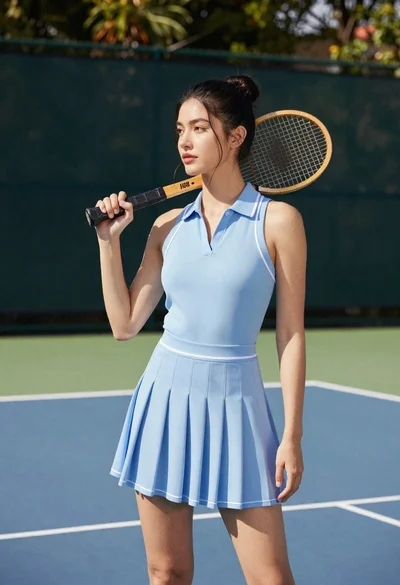
Young woman in blue dress holding wooden tennis racket on outdoor court
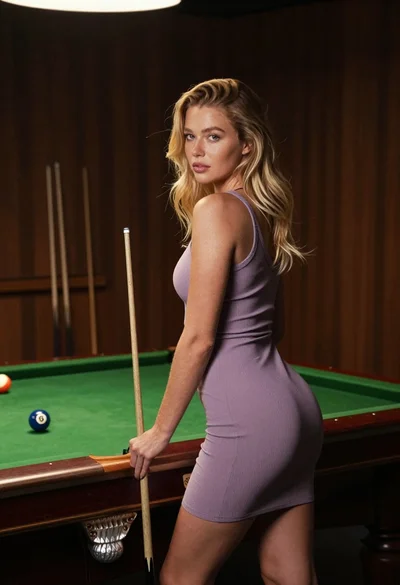
Fair skinned blonde woman in mauve dress leaning on pool table indoors
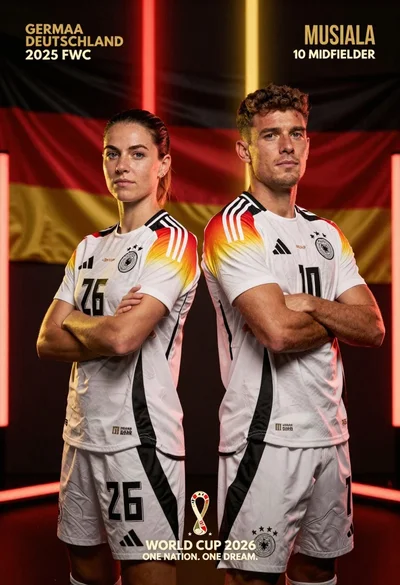
Two german football players stand back to back in white jerseys against
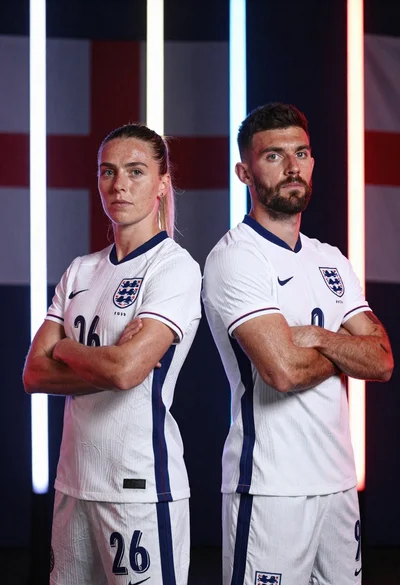
Two football players in white england kits standing back to back with
Close up portrait of young east asian woman holding basketball on outdoor
Smiling woman in white ski gear on snowy mountain slope under blue
Muscular man lifting dumbbell in gym setting low angle view