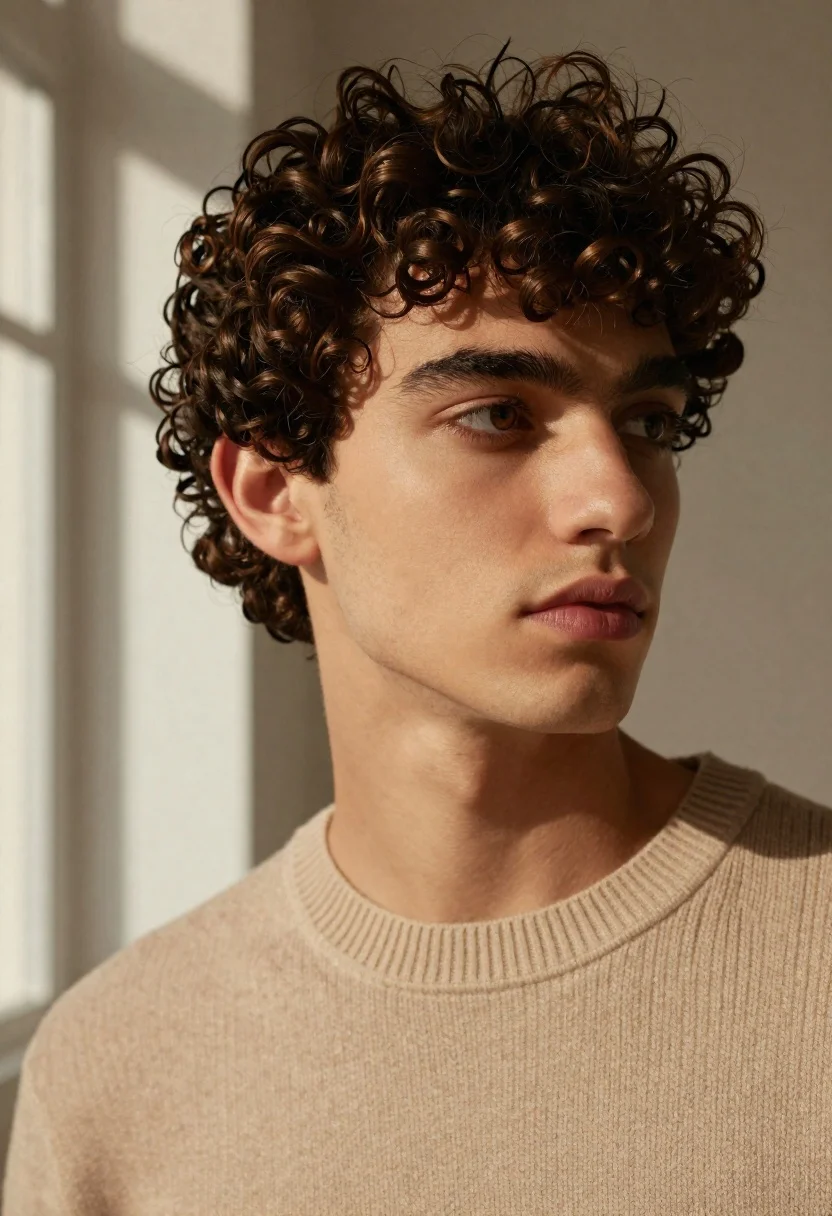
Close up portrait of young man with dark curly hair indoors
Prompt
A close-up portrait of a young man with dark curly hair looking off to the side.

Subject: A handsome young man with thick, dark brown curly hair and warm brown eyes. He has a clean-shaven face with defined cheekbones and a neutral, contemplative expression.

Clothing: He wears a beige ribbed knit sweater with a crew neck collar.

Action: The subject is posed in a three-quarter view, gazing thoughtfully towards the right of the frame with his head slightly tilted.

Environment: The background is an out-of-focus indoor setting with soft, warm shadows cast on the wall behind him, suggesting a window nearby.

Lighting: Soft, directional natural light illuminates the left side of his face and hair, creating gentle highlights and soft shadows that define his features.

Camera: Shot as a tight close-up portrait with a shallow depth of field to blur the background and emphasize the subject's expression.

Style Details: High-resolution photography with a cinematic color palette featuring warm beige and brown tones, smooth skin texture, and a clean, modern aesthetic.
Description
This prompt is useful for creating intimate character studies, editorial headshots for actors, and sophisticated lifestyle branding materials. The combination of 'soft, directional natural light' hitting the left side while maintaining a 'shallow depth of field' ensures that the focus remains intensely on the subject's expression and defined features, preventing the background from distracting from the narrative quality required in these portrait applications.
Suggestions
- Change 'beige ribbed knit sweater' to 'charcoal turtleneck' for higher contrast.
- Swap 'warm brown eyes' for 'piercing blue eyes' for a more dramatic effect.
- Add '85mm lens' to enhance the flattering compression of the close-up.
Category
Tags
Close UpIndoorsMalePortrait ShotRealistic
Date added
June 19, 2026
Added by
PromptDexter Team
Related Prompts
More prompts with similar categories and tags.
Bride and groom embracing intimately behind a glass window pane
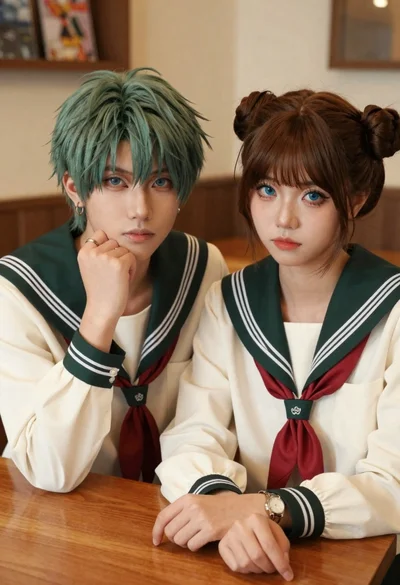
Two young people in sailor uniforms sitting at a wooden table
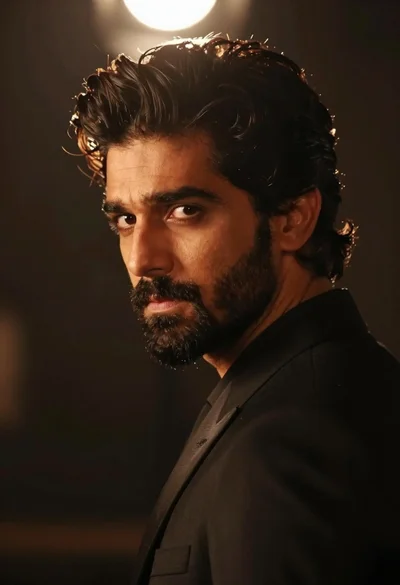
Handsome man in black suit jacket looking back over shoulder
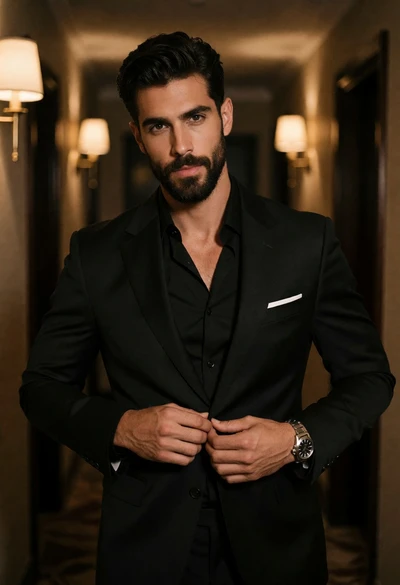
Handsome man buttoning black suit jacket in dimly lit hallway portrait

Handsome man with mug in a softly lit cafe

Studio portrait of young man with sunglasses against yellow
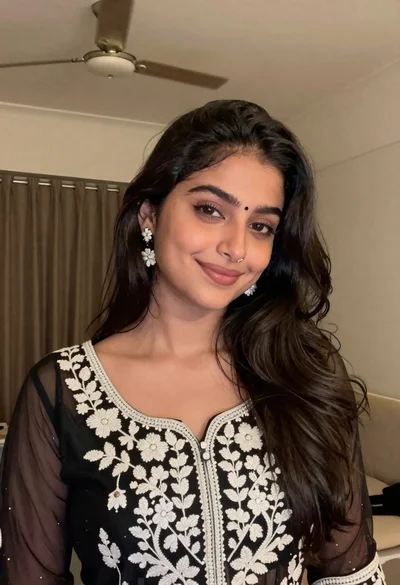
Young woman with dark wavy hair wearing embroidered top indoors portrait

Close up portrait of smiling woman with dark hair resting head on

Close up portrait of young woman with dark brown hair indoors
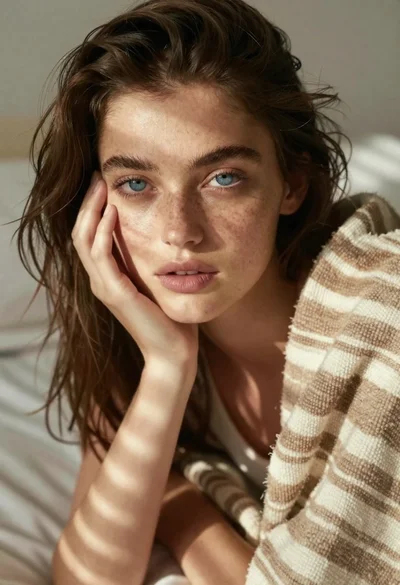
Young woman portrait with blue eyes under striped blanket