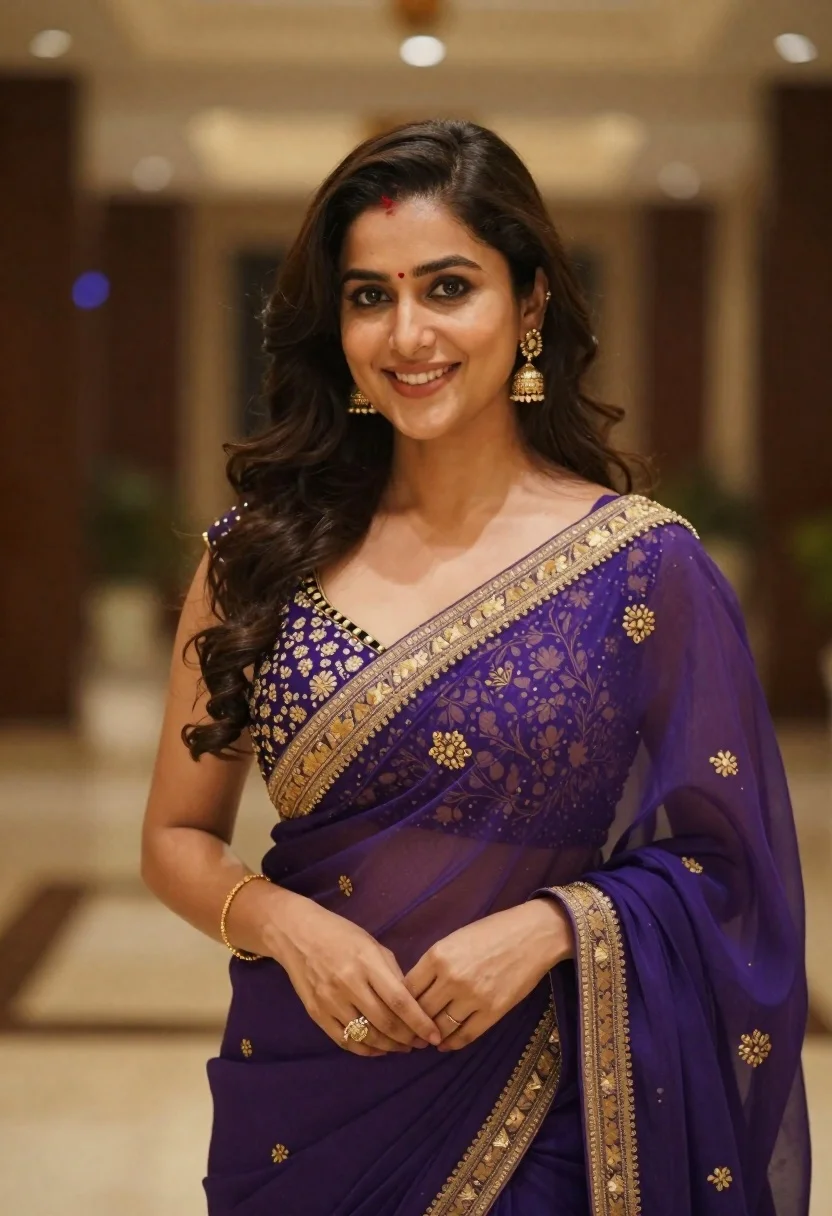
Young woman in purple embroidered saree standing indoors with warm smile
Prompt
A confident woman with long dark wavy hair and a warm smile stands in an indoor setting wearing an elegant purple saree.

Subject: A young woman with fair skin, large expressive eyes, and a gentle, engaging smile looking directly at the camera. She has long, voluminous dark brown hair styled in soft waves that cascade over her shoulders. A small red bindi is visible on her forehead.

Clothing: She wears a deep purple saree made of sheer fabric with intricate gold embroidery along the border and floral patterns on the pallu. The blouse features heavy gold embellishments around the neckline and sleeves. She accessorizes with dangling gold earrings, a delicate gold bracelet on her left wrist, and a ring on her right hand.

Action: She stands in a relaxed pose with her arms crossed gently over her midsection, holding the folds of the saree fabric. Her expression is poised and friendly.

Environment: The background is an indoor venue, likely a hotel lobby or event hall, featuring blurred architectural elements and warm ambient lighting.

Lighting: Soft, diffused lighting illuminates her face and upper body, creating a flattering glow with gentle shadows that highlight the texture of her skin and the fabric of her attire.

Camera: Shot with a medium close-up framing that focuses on the subject from the waist up, utilizing a shallow depth of field to render the background as a smooth, colorful bokeh.

Style Details: High-resolution photography with vibrant color saturation, sharp focus on the subject's face and clothing details, and a polished, professional portrait aesthetic.
Description
This prompt is useful for creating cultural portraiture for travel magazines, bridal feature editorials, and high-end ethnic wear lookbooks. The combination of 'soft, diffused lighting' with the 'shallow depth of field' ensures that the intricate gold embroidery on the purple saree remains sharp while the background bokeh keeps the focus entirely on the subject's 'gentle, engaging smile'.
Suggestions
- Change 'deep purple saree' to 'royal blue saree' for a different color story.
- Add 'natural sunlight streaming from a side window' to alter the lighting quality.
- Swap 'medium close-up framing' for 'head and shoulders shot' to emphasize the face.
Category
Tags
Brown HairBrunetteFair SkinFemaleIndoorsPortrait ShotRealisticTraditional Wear
Date added
June 19, 2026
Added by
PromptDexter Team
Related Prompts
More prompts with similar categories and tags.
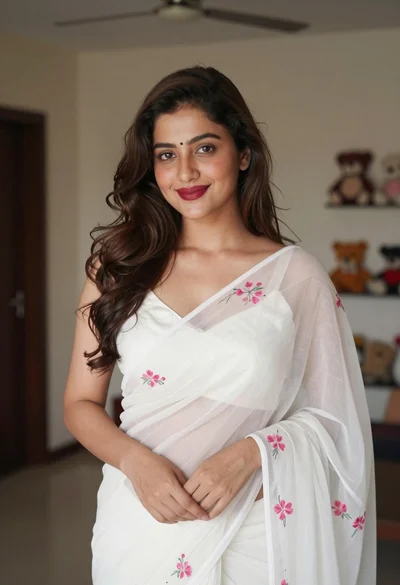
Young woman in white embroidered saree smiling indoors with soft natural light
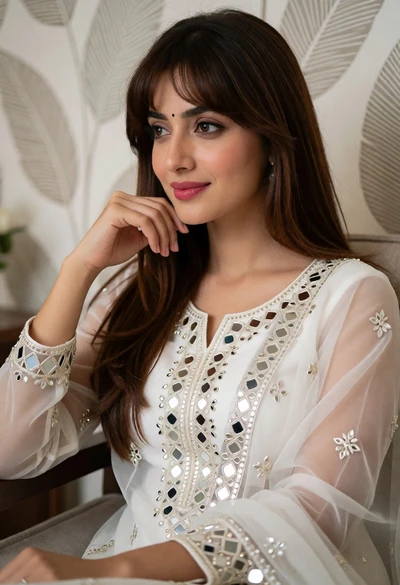
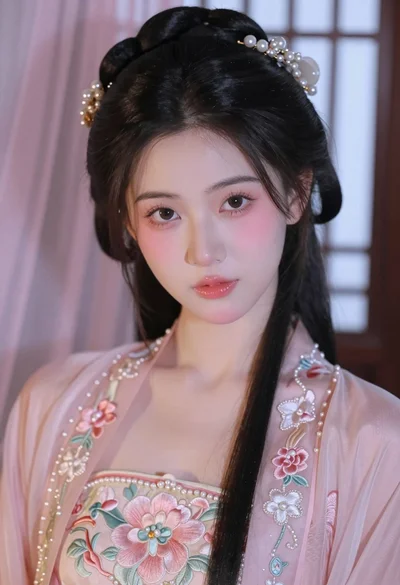
Portrait of young woman in white embroidered traditional outfit indoors
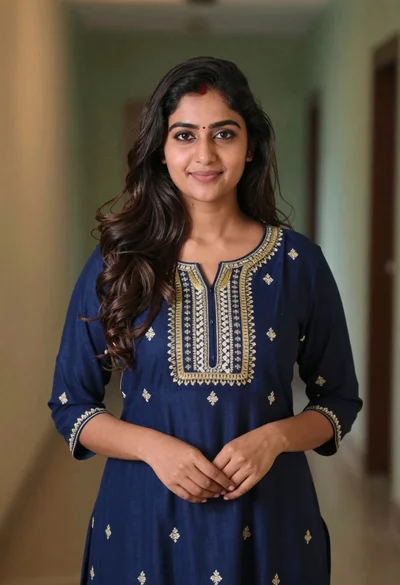
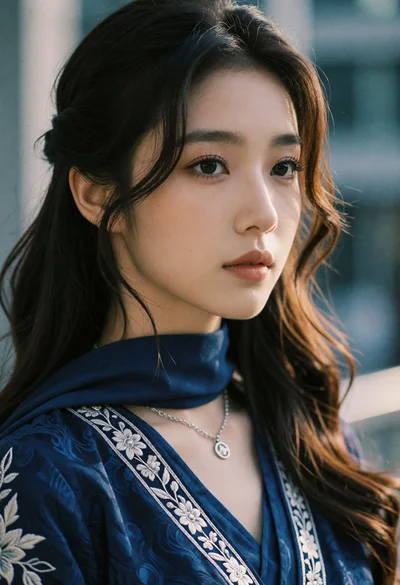
Young woman in navy embroidered traditional dress indoors medium shot
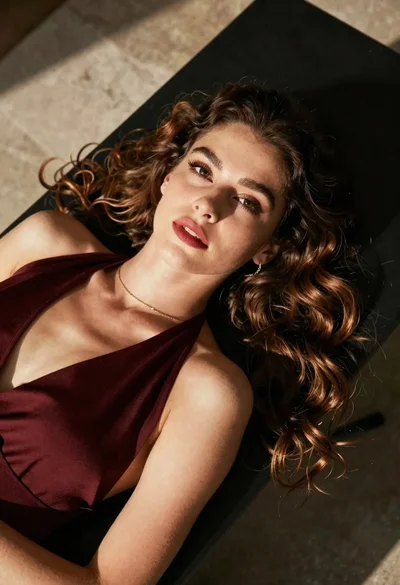
High angle portrait of woman with brown hair on dark surface
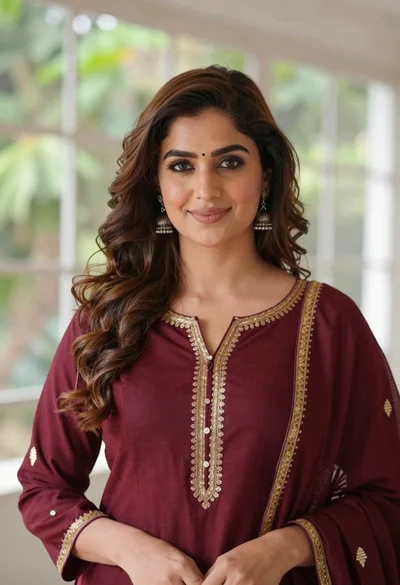
Portrait of woman with brown hair in maroon tunic indoors

Young woman in red velvet gown standing indoors against white wall

Young woman with brown hair in beige cardigan smiling indoors at camera
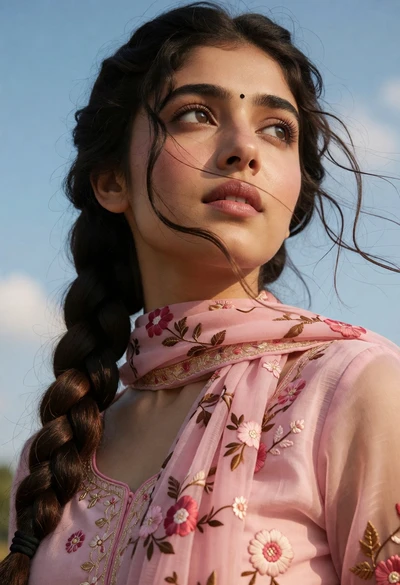
Close up portrait of young woman with braid under blue sky daylight
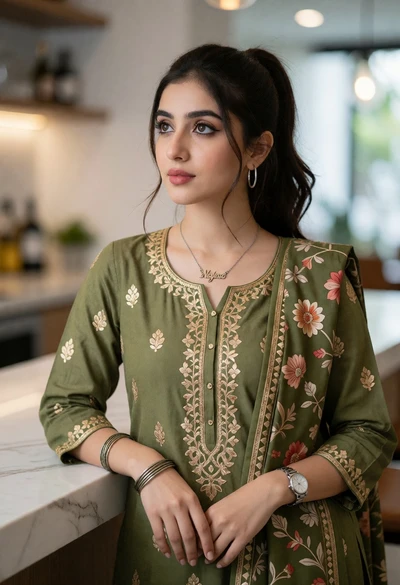
Young woman in olive green kurta against white marble countertop indoors
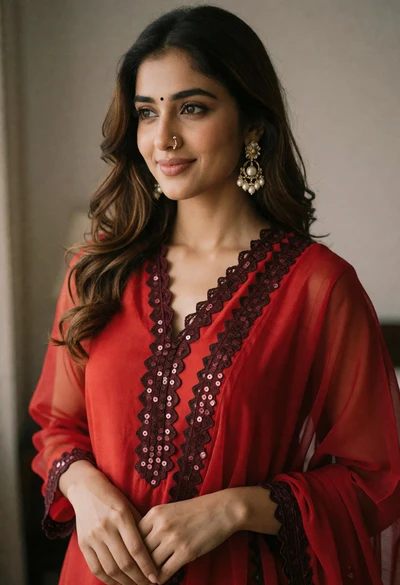
Young woman in red tunic with pearl earrings indoors soft lighting