Close up portrait of young woman with brown hair holding vintage telephone
Prompt
A close-up portrait of a young woman with brown hair styled in a high messy bun with straight bangs framing her face, holding a vintage grey telephone receiver to her ear.

Subject: A young woman with brown eyes and a small beauty mark on her left cheek, looking directly at the camera with a soft, confident expression.

Clothing: She wears a black long-sleeved turtleneck top featuring silver sequined floral embroidery on the chest and sheer black lace mesh panels on the shoulders and sleeves.

Action: She holds a retro-style grey telephone receiver to her left ear with her right hand, fingers curled around the handset.

Environment: The background is split between a white perforated wall panel on the left and a blurred stage setting on the right featuring blue lighting and structural beams.

Camera: A tight medium close-up shot with a shallow depth of field that keeps the subject in sharp focus while blurring the background elements.

Lighting: Soft, diffused studio lighting illuminates her face evenly, creating a gentle glow on her skin with minimal harsh shadows.

Style Details: High-resolution photography with a polished, modern aesthetic and vibrant color saturation.
Description
This prompt is useful for creating editorial fashion editorials, character portraits for film promotion, and high-end beauty advertising campaigns. The combination of 'soft, diffused studio lighting' ensuring even illumination across the face, paired with the contrast between the 'black long-sleeved turtleneck top featuring silver sequined floral embroidery' and the structured background elements, directs focus precisely onto the subject's expression while maintaining a polished aesthetic.
Suggestions
- Change 'vintage grey telephone receiver' to 'antique black rotary phone' for a different era feel.
- Swap 'silver sequined floral embroidery' for 'velvet appliqué' to shift the texture.
- Adjust 'blue lighting' in the background to 'deep emerald green' for a richer color palette.
Category
Tags
Black HairBrown HairClose UpFemaleMedium ShotRealisticStudio
Date added
June 19, 2026
Added by
PromptDexter Team
Related Prompts
More prompts with similar categories and tags.

Blonde woman in sequined black dress looking back over shoulder

Close up portrait of blonde woman in champagne gown at gala

Young woman in silver sequin top and lace dress against beige wall

Poised woman in elegant white gown on blurred red carpet steps

Woman in black dress by window overlooking ocean at golden hour
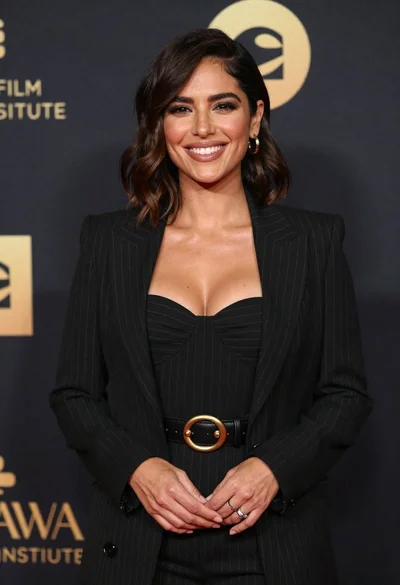
Smiling woman in black pinstripe suit jacket against dark backdrop

Blonde woman looking back over shoulder against white wall

Poised woman in black blazer sitting on stool against blue gradient background

Glamorous woman on balcony overlooking city skyline at night
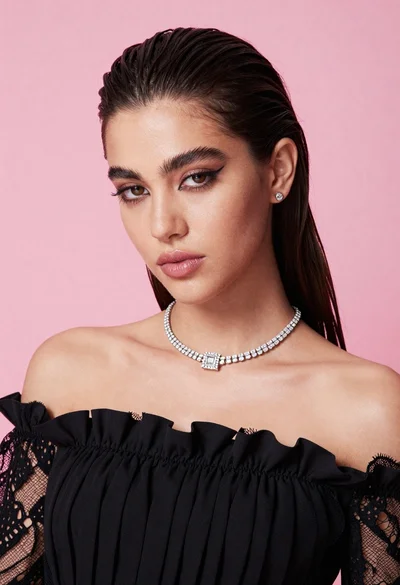
Glamorous portrait of young woman in black ruffled top against pink background