Close up portrait of young woman with brown hair in train carriage
Prompt
A close-up portrait of a young woman with long wavy brown hair and blue eyes smiling gently at the camera.

Subject: A young woman with long wavy light brown hair, fair skin, defined eyebrows, and blue eyes looking directly forward with a soft smile.

Clothing: She wears a black ribbed knit zip-up top that is partially unzipped to reveal her chest, accessorized with large gold hoop earrings and a silver necklace featuring a small cross pendant.

Action: The woman is seated and facing the camera with a relaxed posture, her head slightly tilted.

Environment: The setting appears to be inside a train carriage or bus, indicated by blue patterned fabric seats behind her and overhead fluorescent lighting fixtures visible in the background.

Camera: A close-up shot framed tightly on the subject's face and upper torso, utilizing a shallow depth of field that blurs the background elements.

Lighting: The scene is lit by bright overhead artificial lights creating soft highlights on her hair and skin, with natural light filtering through a window to the right.

Style Details: High-resolution photography with realistic textures, warm color tones, and a focus on portrait aesthetics.
Description
This prompt is useful for creating candid travel portraits, character concept art for film stills, and intimate social media profile imagery. The combination of 'overhead fluorescent lighting' mixed with natural light filtering from the window creates a specific contrast that prevents the scene from looking overly staged, while the 'shallow depth of field' ensures the viewer focuses solely on her expression despite the busy background elements.
Suggestions
- Change 'blue patterned fabric seats' to 'dark wood paneling' for a more classic feel.
- Swap 'gold hoop earrings' for 'pearl drop earrings' to soften the look.
- Adjust 'overhead fluorescent lighting' to 'soft window light only' for a more cohesive mood.
Category
Tags
Brown HairClose UpFair SkinFemaleIndoorsRealistic
Date added
June 19, 2026
Added by
PromptDexter Team
Related Prompts
More prompts with similar categories and tags.

Close up portrait of young woman in gaming chair indoors

Close up portrait of young woman with brown hair and red lipstick
Close up selfie of young woman making peace sign indoors

Young woman taking a selfie seated in a car interior during daylight

Young woman taking a selfie on bed with white floral sheets
Young woman taking a selfie in a bedroom with white linens
Young woman taking a mirror selfie in modern marble bathroom interior

Close up portrait of young woman in car with brown hair
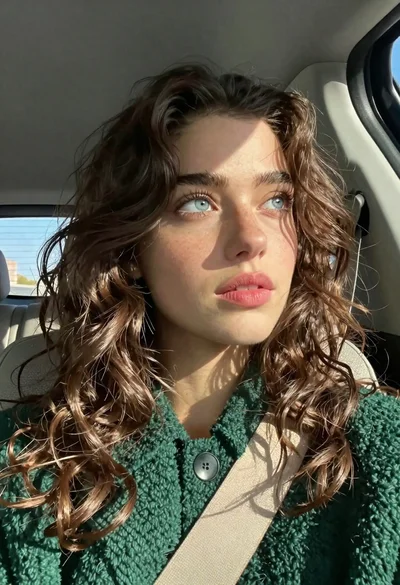
Close up portrait of young woman with brown hair in car
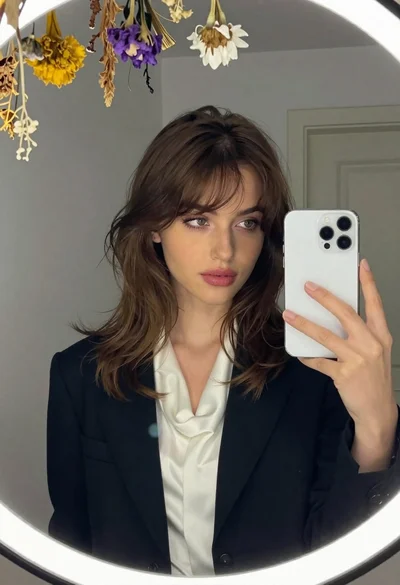
Young woman in black blazer taking mirror selfie in interior room