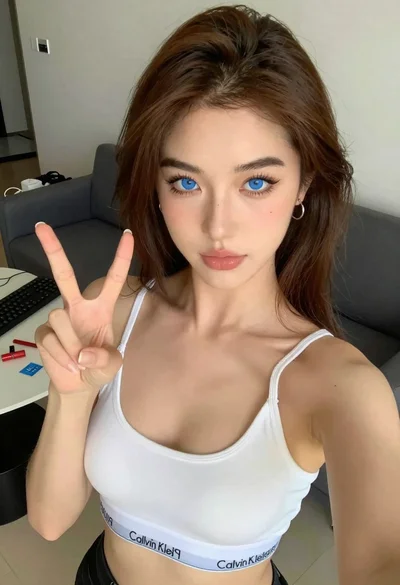

Close up portrait of young woman with brown hair and red lipstick
Prompt
A close-up portrait of a young woman with brown hair styled in a ponytail with bangs framing her face.

Subject: A young woman with fair skin, large dark eyes, and full lips painted with bold red lipstick. She has a neutral expression and is looking directly at the camera.

Clothing: She wears a black top featuring sheer lace panels on the sleeves and sides, revealing a hint of skin underneath.
Accessories: A delicate silver necklace with a small pendant rests against her collarbone.

Action: She tilts her head slightly while gazing forward with a calm demeanor.

Environment: The background is a simple indoor setting with a plain light-colored wall and a white door frame visible on the left side.

Lighting: Soft, diffused lighting illuminates her face evenly, creating gentle shadows that highlight her features without harsh contrast.

Camera: A tight close-up shot captures her upper body and face in detail, emphasizing facial expressions and texture.

Style Details: The image has a polished, high-definition quality with smooth skin tones and vibrant color saturation typical of modern portrait photography.
Description
This prompt is useful for creating intimate beauty editorials, character concept art focusing on makeup, and personal branding headshots requiring intense focus on facial detail. The combination of 'soft, diffused lighting' and the 'tight close-up shot' ensures that every element, from the 'bold red lipstick' to the 'sheer lace panels,' is visible without harsh shadows obscuring texture or depth.
Suggestions
- Change 'plain light-colored wall' to 'textured plaster wall' for more background interest.
- Swap 'delicate silver necklace' for 'chunky gold chain' to alter the perceived era.
- Add 'bokeh effect' to the camera details to soften the background further.
Category
Tags
Brown HairClose UpFair SkinFemaleIndoorsPortrait ShotRealistic
Date added
June 19, 2026
Added by
PromptDexter Team
Related Prompts
More prompts with similar categories and tags.
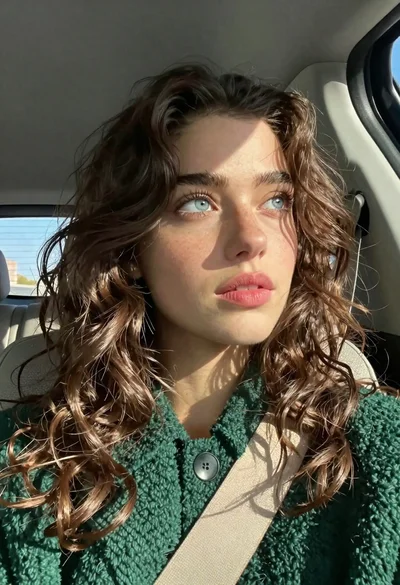
Close up portrait of young woman with brown hair in car
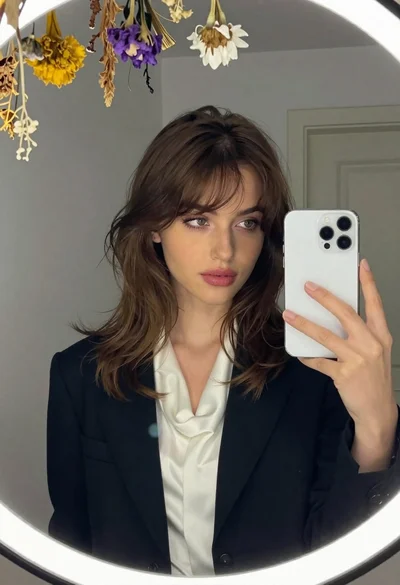
Young woman in black blazer taking mirror selfie in interior room
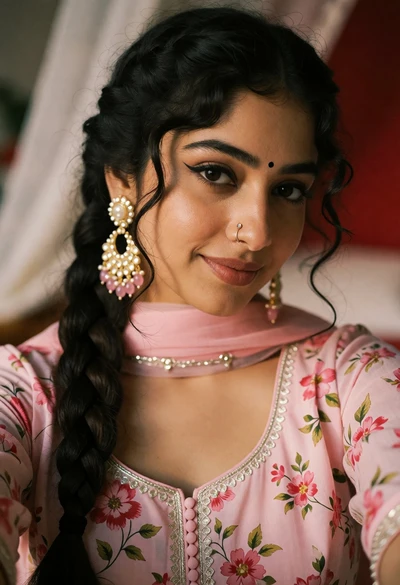
Close up portrait of young woman in pink traditional top with ornate
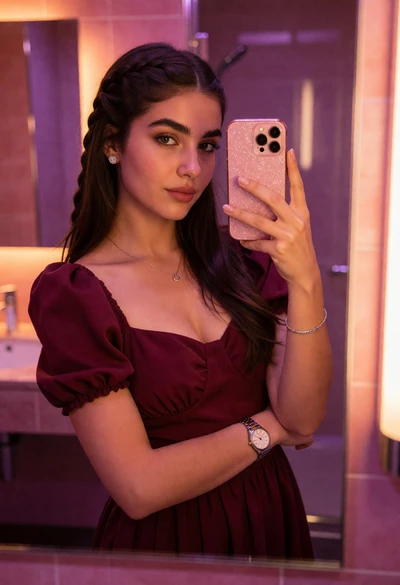
Young woman taking mirror selfie in bathroom with pink and purple light

Close up portrait of young woman with brown braid indoors
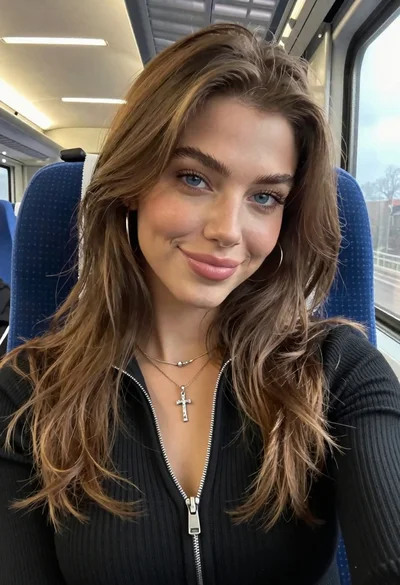
Close up portrait of young woman with brown hair in train carriage
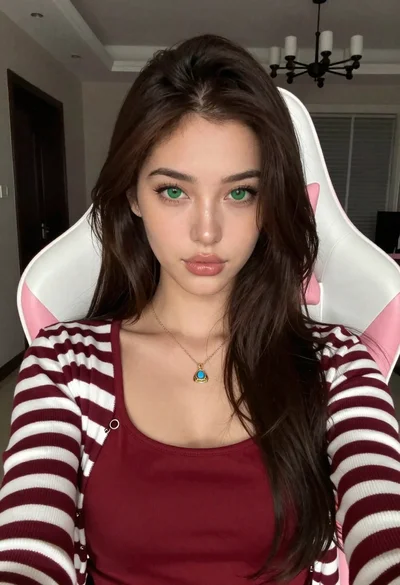
Close up portrait of young woman in gaming chair indoors
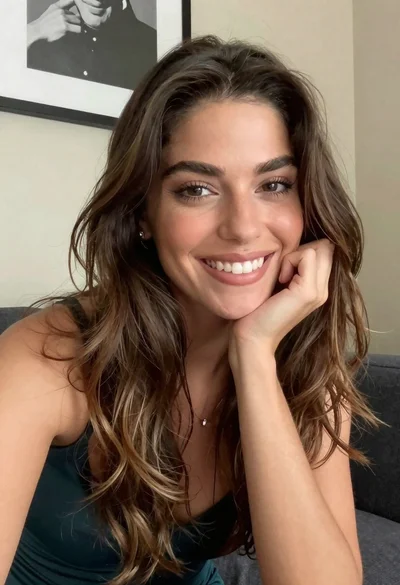
Close up portrait of smiling woman with brown hair resting chin on

Selfie portrait of woman in cozy living room

Young woman studying thoughtfully in library with plaid shirt