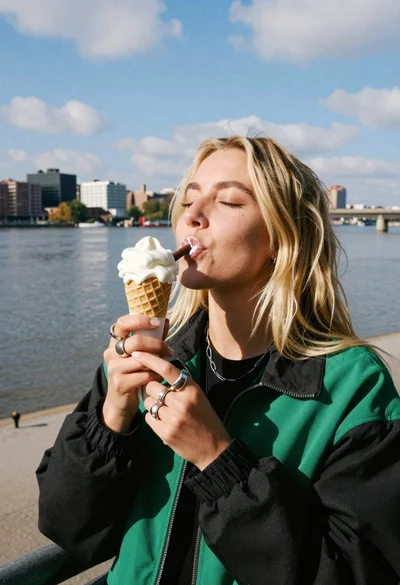
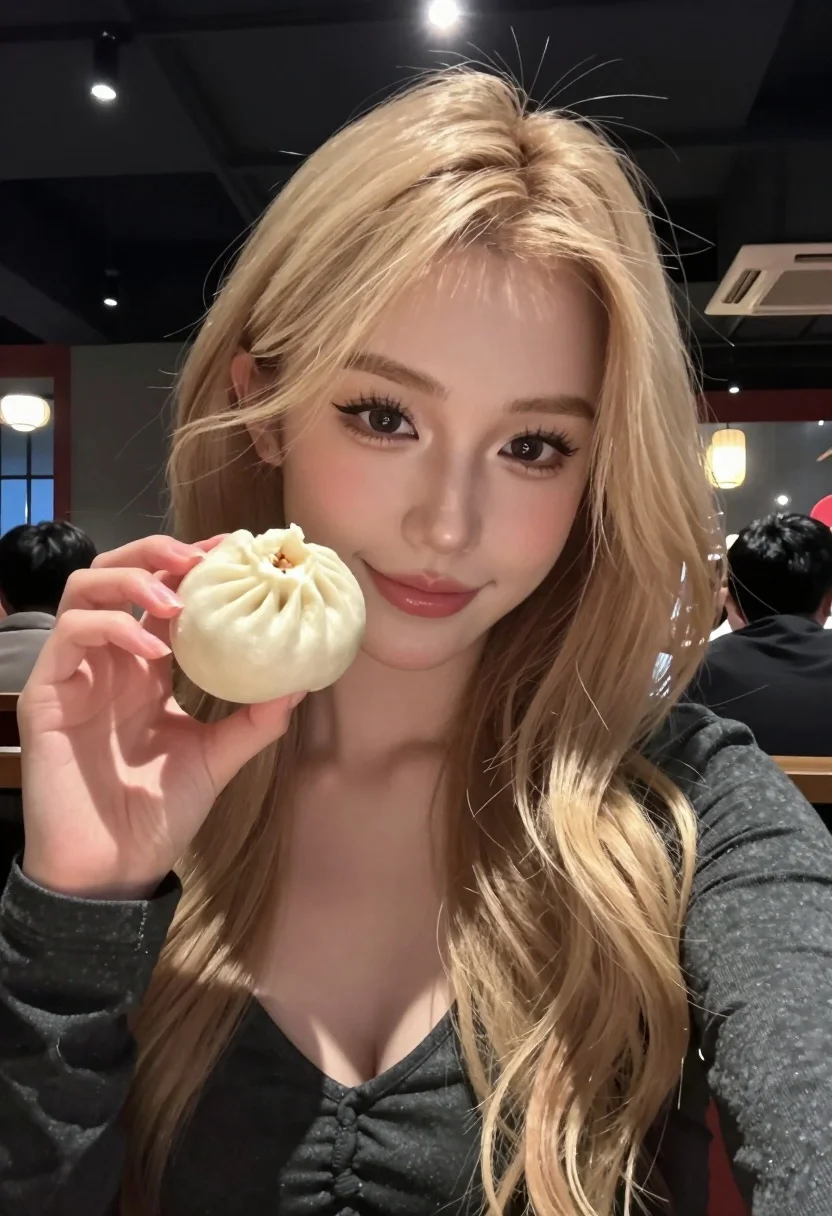
Close up selfie of blonde woman holding steamed bun in dimly lit
Prompt
A close-up selfie of a young woman with long blonde hair holding a steamed bun towards the camera.

Subject: A young woman with long, wavy blonde hair and light makeup featuring defined eyebrows and eyelashes. She has a fair complexion and is looking directly at the camera with a soft smile.

Clothing: She wears a dark grey or black long-sleeved top with a deep V-neckline that reveals her collarbone and upper chest.

Action: She holds a small, round, white steamed bun in her right hand, presenting it close to the lens while maintaining direct eye contact.

Environment: The setting is a dimly lit indoor location, likely a restaurant or bar, with a dark background featuring blurred lights and indistinct shapes of other people.

Camera: The shot is a tight close-up selfie angle taken from a slightly low perspective, utilizing a shallow depth of field to keep the subject in sharp focus while blurring the background significantly.

Lighting: The scene is lit by warm ambient light with distinct vertical bokeh highlights from overhead fixtures creating soft glows behind her head and shoulders.

Style Details: The image has a candid, social media aesthetic with high contrast between the dark surroundings and the illuminated subject, emphasizing skin texture and hair details.
Description
This prompt is useful for generating intimate food reviews, moody lifestyle portraits, and casual social media storytelling content. The combination of 'dimly lit indoor location' with 'warm ambient light' creates a high contrast that prevents the subject from looking flat against the dark background, while the 'shallow depth of field' ensures the steamed bun remains the sharp focal point for the viewer.
Suggestions
- Change 'dark grey or black long-sleeved top' to 'cream knit sweater' for better color contrast.
- Swap 'steamed bun' for 'matcha latte' to change the food focus.
- Adjust 'soft smile' to 'slight smirk' for a more confident mood.
Category
Tags
BlondeCasual WearClose UpFair SkinFemalePortrait ShotRealisticSelfie
Date added
July 12, 2026
Added by
PromptDexter Team
Related Prompts
More prompts with similar categories and tags.
Young woman in red outfit taking selfie with glazed strawberries on street
Young east asian woman taking a selfie in a park setting

Selfie of young woman with dark hair holding croissant near coffee shop
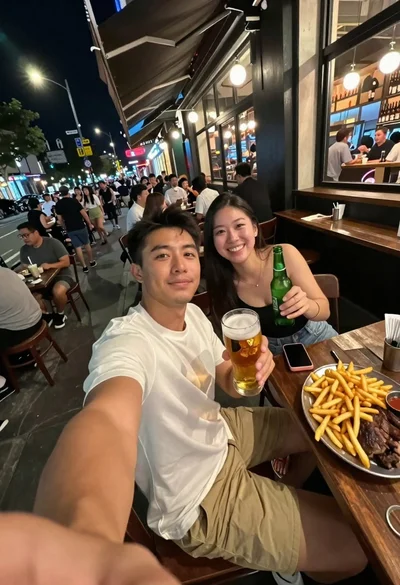
Man taking a selfie at a crowded outdoor night eatery
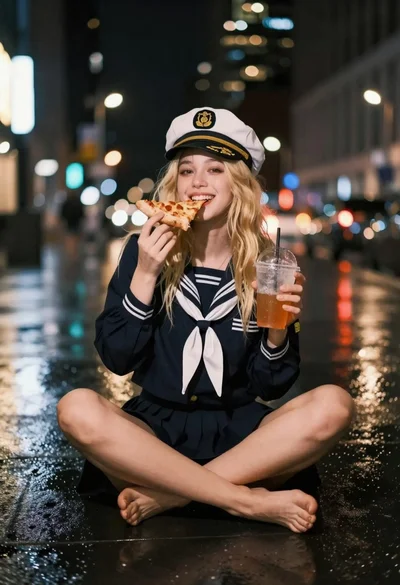
Blonde woman eating pizza on wet city sidewalk at night
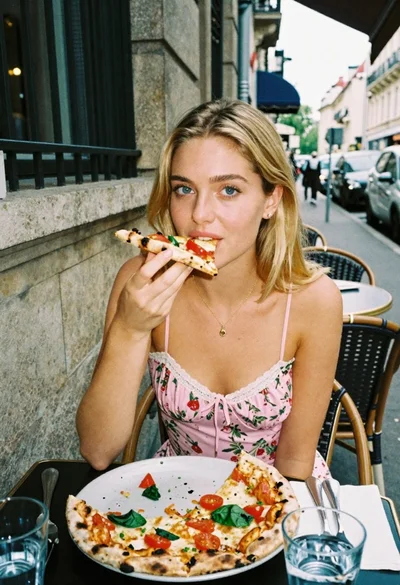
Blonde woman eating pizza at an outdoor european cafe table
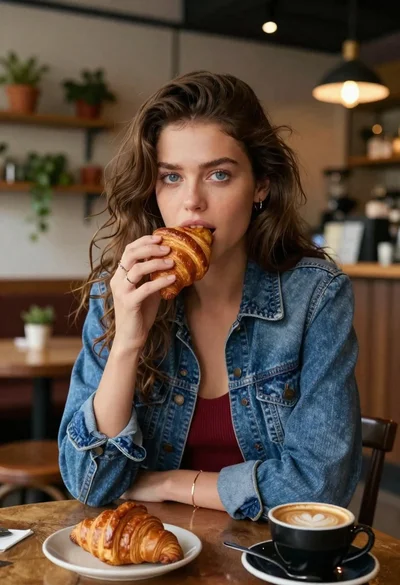
Young woman eating croissant in cozy cafe setting low angle shot
Young woman with braids smiling while holding chopsticks over ramen bowl
Laughing blonde woman at wooden table in japanese food alleyway scene
Young woman eating burger at crowded neon lit city street table