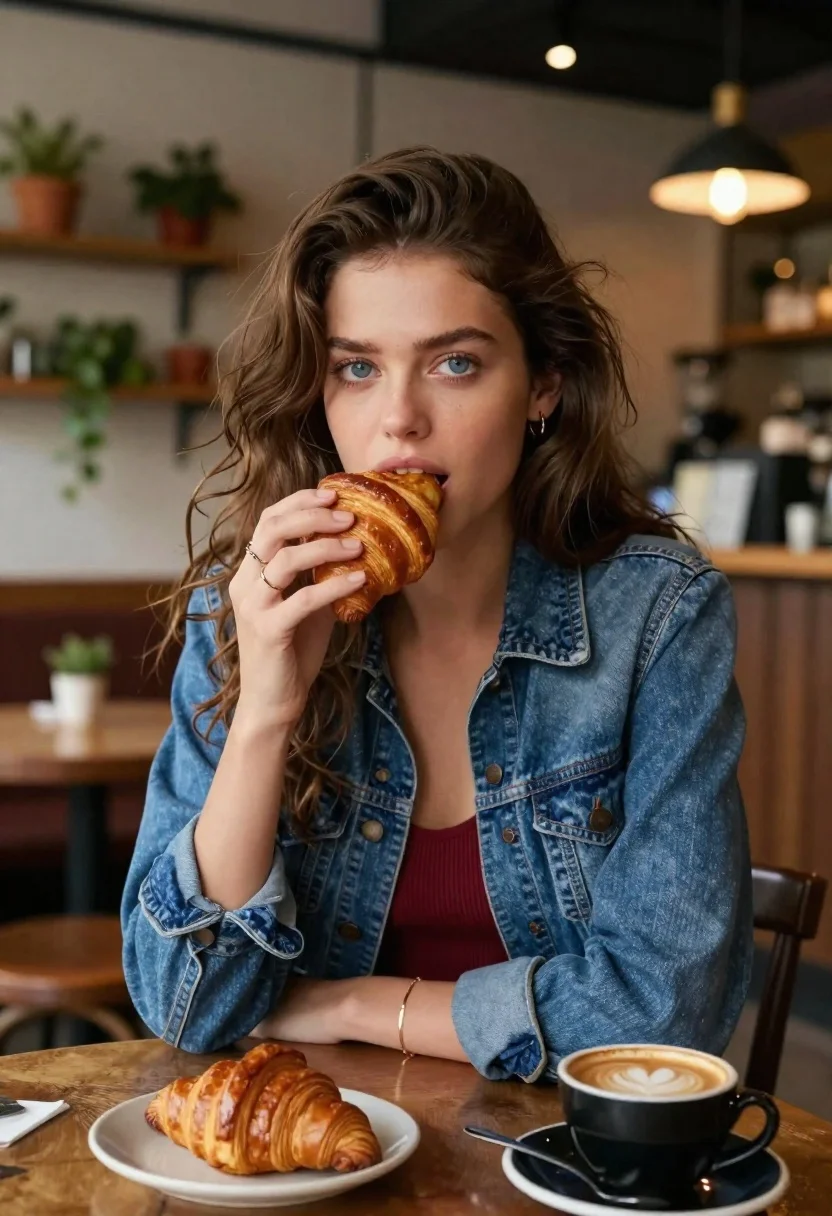
Young woman eating croissant in cozy cafe setting low angle shot
Prompt
A young woman with long brown hair and blue eyes takes a bite of a croissant while looking directly at the camera in a cozy cafe setting.

Subject: A young woman with long wavy brown hair parted in the middle, striking blue eyes, fair skin, and a direct gaze toward the viewer.

Clothing: She wears an unbuttoned blue denim jacket over a deep red or maroon ribbed tank top; she has a gold ring on her finger and a thin gold bracelet on her wrist.

Action: She holds a golden-brown croissant to her mouth with her right hand, taking a bite, while leaning forward slightly toward the table.

Environment: The setting is a rustic cafe or restaurant with wooden tables, shelves filled with potted green plants in the background, and warm overhead lighting fixtures.

Camera: Shot from a low angle looking up at the subject over the edge of a wooden table, using a shallow depth of field to blur the background.

Lighting: Warm ambient light creates soft highlights on her face and hair, with a cozy, inviting atmosphere enhanced by the glow of cafe lamps.

Objects: On the wooden table in front of her are a small plate with another pastry and a black cup of coffee with latte art foam.

Style Details: The image features a cinematic, photorealistic style with rich colors, soft focus on the background, and high detail on the subject's face and food textures.
Description
This prompt is useful for creating lifestyle blog content, intimate portraiture featuring food, and cozy seasonal advertising campaigns. The combination of 'low angle looking up at the subject over the edge of a wooden table' grounds the viewer in the scene while the 'shallow depth of field to blur the background' ensures that the rich colors and high detail on the subject's face and food textures remain the primary focus.
Suggestions
- Change 'deep red or maroon ribbed tank top' to 'cream knit sweater' for a lighter feel.
- Swap 'golden-brown croissant' for 'pain au chocolat' to change the object focus.
- Adjust 'warm ambient light' to 'soft window light' for a brighter, less enclosed mood.
Category
Tags
Brown HairCafeCasual WearFair SkinFemaleLow AnglePortrait ShotRealistic
Date added
June 19, 2026
Added by
PromptDexter Team
Related Prompts
More prompts with similar categories and tags.
Anime woman in food court eating salad
Blonde woman eating pizza at an outdoor european cafe table
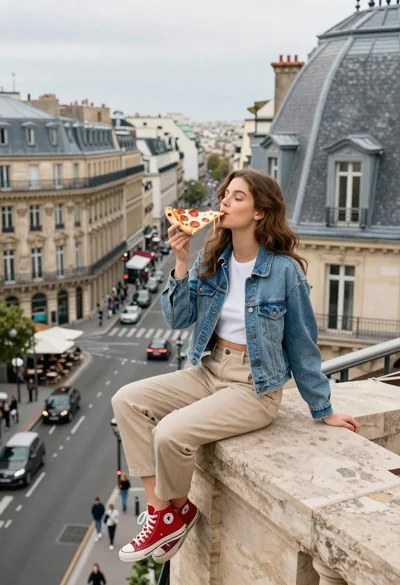
Young woman eating pizza on highrise ledge overlooking european city street

Two smiling children holding red kitkat bars against a blue sky

Selfie of young woman with dark hair holding croissant near coffee shop

Young woman smiling with spaghetti in rustic italian restaurant setting

Close up selfie of blonde woman holding steamed bun in dimly lit

Man in silver puffer jacket eating pepperoni pizza under studio spotlight

Blonde woman eating ice cream by riverbank with city skyline background

Young east asian woman eating ramen in traditional japanese restaurant setting