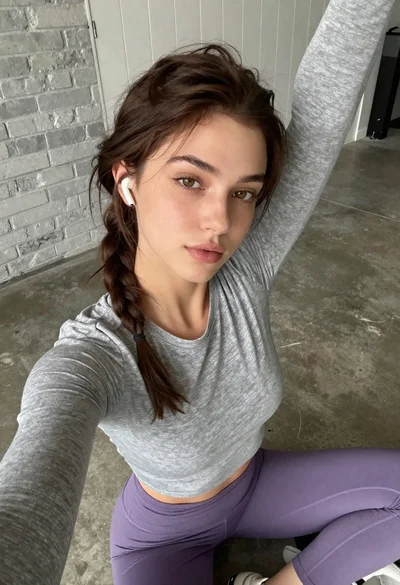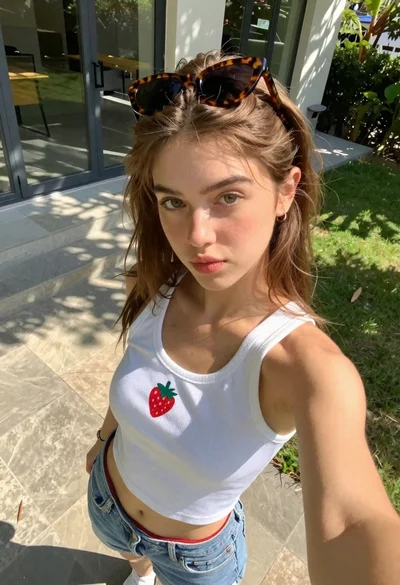

Close up selfie of young woman with brown hair blue eyes
Prompt
A close-up selfie of a woman with long brown hair and blue eyes looking directly at the camera.

Subject: A young woman with fair skin, long wavy brown hair swept to one side, defined eyebrows, and bright blue eyes. She has a soft, confident expression with glossy pink lips.

Clothing: She wears a deep blue satin slip dress with thin spaghetti straps and a plunging neckline. She is accessorized with two delicate gold chain necklaces resting on her collarbone.

Action: She is holding the camera for a selfie, tilting her head slightly to the side while gazing forward. Her hair appears slightly tousled as if by a breeze.

Environment: The setting is a modern bathroom featuring grey marble walls and floors with small mosaic tiles near the base. A white door frame is visible on the right, and a shower stall can be seen in the background on the left.

Camera: Shot from a high-angle close-up perspective, likely using a front-facing camera, creating an intimate and personal composition.

Lighting: The lighting is bright and even, illuminating her face clearly with soft shadows that highlight her features without harsh contrast.

Style Details: High-resolution photography with a focus on skin texture and fabric sheen, rendered in a realistic and polished aesthetic.
Description
This prompt is useful for creating intimate social media portraits, beauty editorial content, and personal lifestyle blogs featuring modern interiors. The combination of 'high-angle close-up perspective' and 'bright and even' lighting ensures that the focus remains tightly on her face and the 'skin texture,' preventing harsh shadows that would distract from the polished aesthetic required for these uses.
Suggestions
- Change 'deep blue satin slip dress' to 'black velvet slip dress' for a moodier feel.
- Add 'soft ring light reflection in eyes' to enhance the selfie quality.
- Swap 'grey marble walls' for 'cream travertine walls' to lighten the background.
Category
Tags
Brown HairClose UpFair SkinFemaleHigh AngleRealisticSelfie
Date added
June 19, 2026
Added by
PromptDexter Team
Related Prompts
More prompts with similar categories and tags.

Young woman with brown hair under pink umbrella at outdoor cafe setting
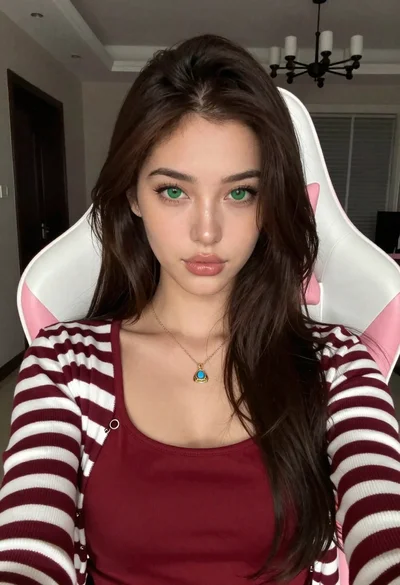
Close up portrait of young woman in gaming chair indoors
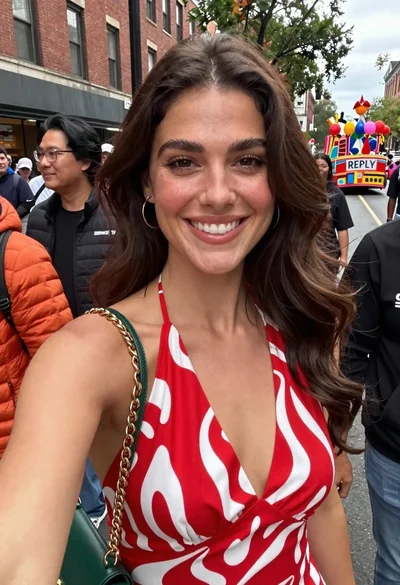
Smiling woman in red patterned dress at busy urban street scene
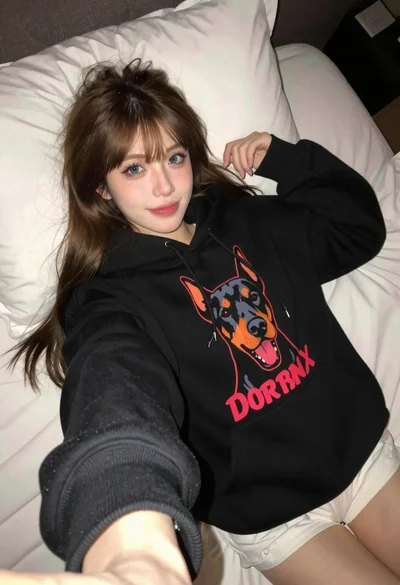
Young woman taking a selfie in black hoodie on white bed

Close up selfie of young woman with black wavy hair on white
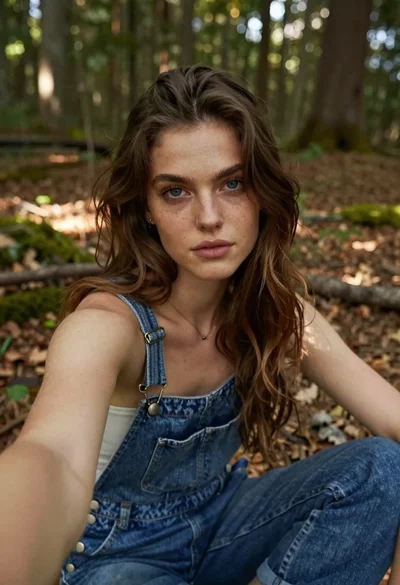
Young woman taking a selfie in the woods
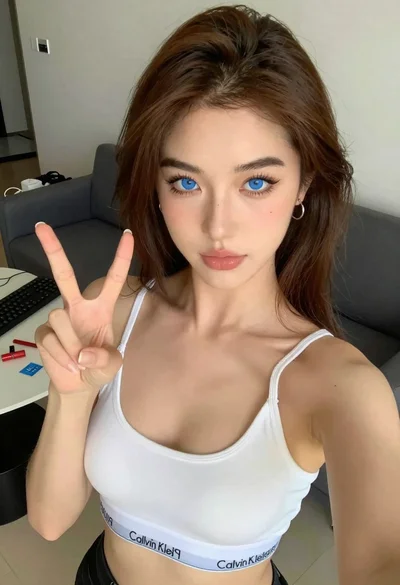
Close up selfie of young woman making peace sign indoors
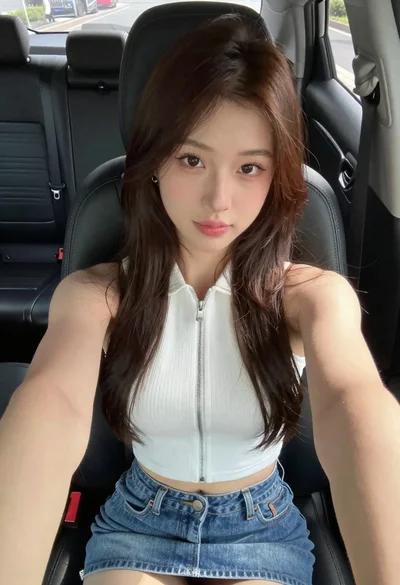
Young woman taking a selfie in a car seat with brown hair

Young woman in maroon tank top sitting inside car looking at camera

Young woman taking a selfie seated in a car interior during daylight