Close up selfie of young woman with cake at outdoor patio table
Prompt
A close-up selfie of a young woman with long dark hair sitting at an outdoor table with a slice of birthday cake in front of her.

Subject: A young woman with long, straight dark brown hair and bangs framing her face, featuring warm skin tone and defined eyebrows.

Clothing: She is wearing a sleeveless top with a halter neckline that features a color-block design in shades of deep forest green and olive green.

Action: She is looking slightly to the side with a soft, subtle smile, exuding a relaxed and happy mood.

Environment: The setting is an outdoor patio or garden area with lush green trees, a palm tree trunk, and a brick-paved ground visible in the background under bright daylight.

Objects: A slice of chocolate cake with pink frosting sits on a white plate in the foreground, topped with whipped cream, a red cherry, sprinkles, and two lit candles.

Lighting: Bright natural sunlight illuminates the scene from above, casting soft shadows and highlighting the subject's face and hair.

Camera: The image is captured as a close-up selfie with a shallow depth of field that keeps the woman in sharp focus while softly blurring the background foliage.

Style Details: The photo has a candid, high-quality aesthetic with vibrant colors and natural textures typical of modern smartphone photography.
Description
This prompt is useful for creating lifestyle blog posts about cafe visits, intimate food reviews, and casual portraiture featuring celebratory moments. The combination of 'bright natural sunlight' casting soft shadows and the 'shallow depth of field' ensures the focus remains tightly on the subject and the cake, preventing the lush background foliage from becoming a distracting visual element.
Suggestions
- Change 'deep forest green and olive green' to 'terracotta and mustard yellow' for autumnal tones.
- Adjust 'bright natural sunlight' to 'overcast daylight' for softer shadows.
- Swap 'chocolate cake with pink frosting' for 'lemon drizzle cake' to change the color palette.
Category
Tags
Brown HairCafeCasual WearClose UpDark SkinFemaleFoodNatureRealisticSelfie
Date added
June 19, 2026
Added by
PromptDexter Team
Related Prompts
More prompts with similar categories and tags.
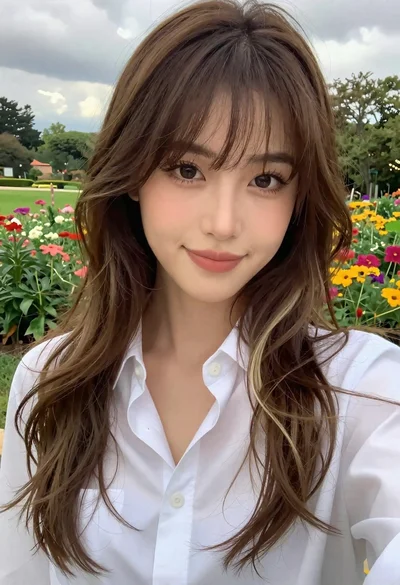
Close up selfie portrait of woman with brown hair outdoors

Close up selfie of woman in white top inside car with natural
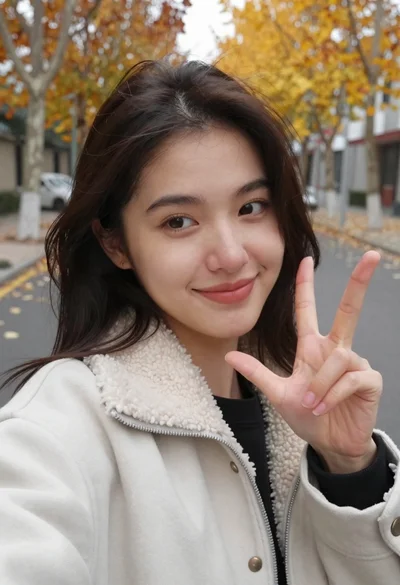
Young woman taking a selfie on the street in autumn foliage
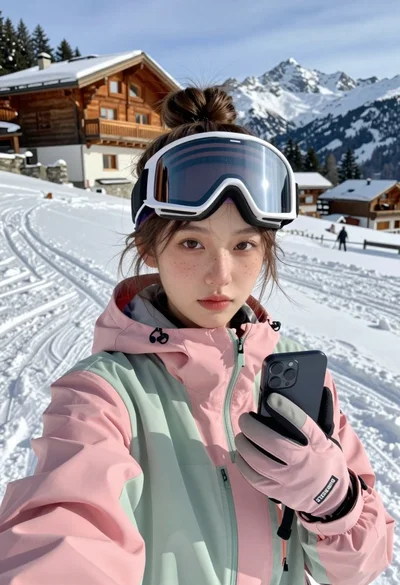
Young woman taking a selfie on snowy mountain slope near chalet

Young woman taking mirror selfie in dimly lit room setting

Close up portrait of woman in car seat with dark hair
Close up selfie portrait of young woman with brown hair indoors
Close up selfie of woman with dark hair smiling against beige brick
Smiling woman in red patterned dress at busy urban street scene

Selfie portrait of woman in cozy living room