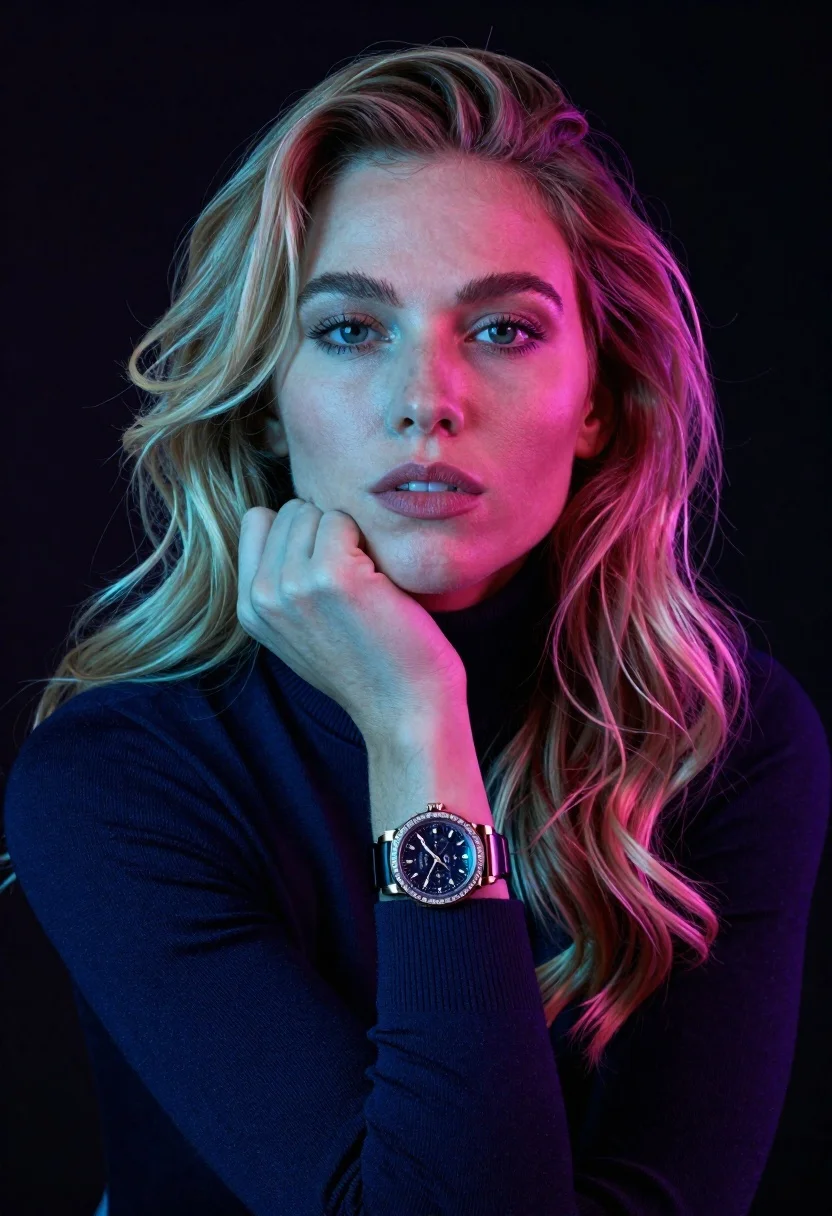
Closeup portrait of woman with blonde hair in navy turtleneck against black
Prompt
A close-up portrait of a woman with long wavy blonde hair and fair skin, her hand resting gently against her chin in a thoughtful pose.

Subject: A woman with long wavy blonde hair and fair skin, wearing a dark navy turtleneck sweater.

Clothing: She wears a dark navy blue turtleneck sweater with long sleeves that cover her wrists.

Action: Her right hand is raised to her face, with her chin resting on her knuckles in a contemplative gesture; she gazes directly at the camera with a calm expression.

Environment: The background is a solid, deep black void that isolates the subject and emphasizes the lighting effects.

Camera: A tight close-up shot focusing on the upper torso and face, utilizing a shallow depth of field to keep the subject sharp while blurring the edges slightly.

Lighting: Dramatic split lighting with strong cyan-blue light illuminating the left side of her face and hair, contrasting with intense magenta-pink light hitting the right side, creating a vibrant neon aesthetic.

Objects: A large luxury chronograph watch with a dark face and sparkling bezel is visible on her left wrist.

Style Details: High-contrast studio photography with vivid color grading, sharp focus on facial features, and a modern, edgy fashion editorial look.
Description
This prompt is useful for creating high-concept beauty editorials, avant-garde portraiture, and mood boards requiring intense color contrast. The combination of 'dramatic split lighting' with specific cyan-blue and magenta-pink hues ensures that the subject remains visually arresting against the 'solid, deep black void,' preventing the image from becoming flat by forcing a vibrant, artificial illumination across the face and hair.
Suggestions
- Change 'dark navy turtleneck sweater' to 'black cashmere turtleneck' for more tonal unity.
- Swap 'cyan-blue light' for 'electric teal light' to adjust the cool tone.
- Add 'rim lighting on the hair' to enhance separation from the background.
Category
Tags
BlondeCasual WearClose UpFair SkinFemaleOutdoorsPortrait ShotRealisticStudio
Date added
June 26, 2026
Added by
PromptDexter Team
Related Prompts
More prompts with similar categories and tags.

Blonde woman in rust knit sweater leaning against textured wall
Close up portrait of blonde woman in champagne gown at gala
Smiling young woman in black leather jacket holding award at red carpet

Blonde woman looking back over shoulder against white wall
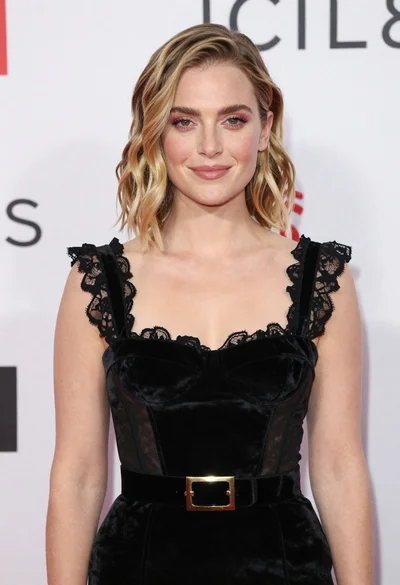
Fair skinned woman in black velvet dress at white step and repeat
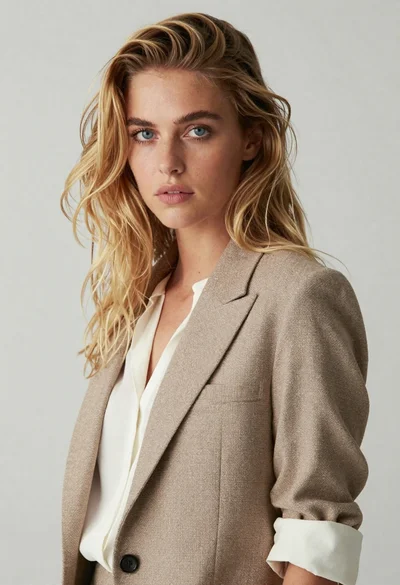
Medium close up portrait of blonde woman in beige blazer studio setting

Blonde woman reading at a cafe table with roses
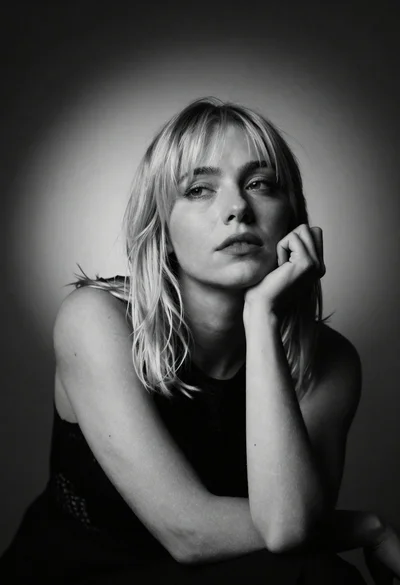
Black and white studio portrait of blonde woman resting chin thoughtfully
