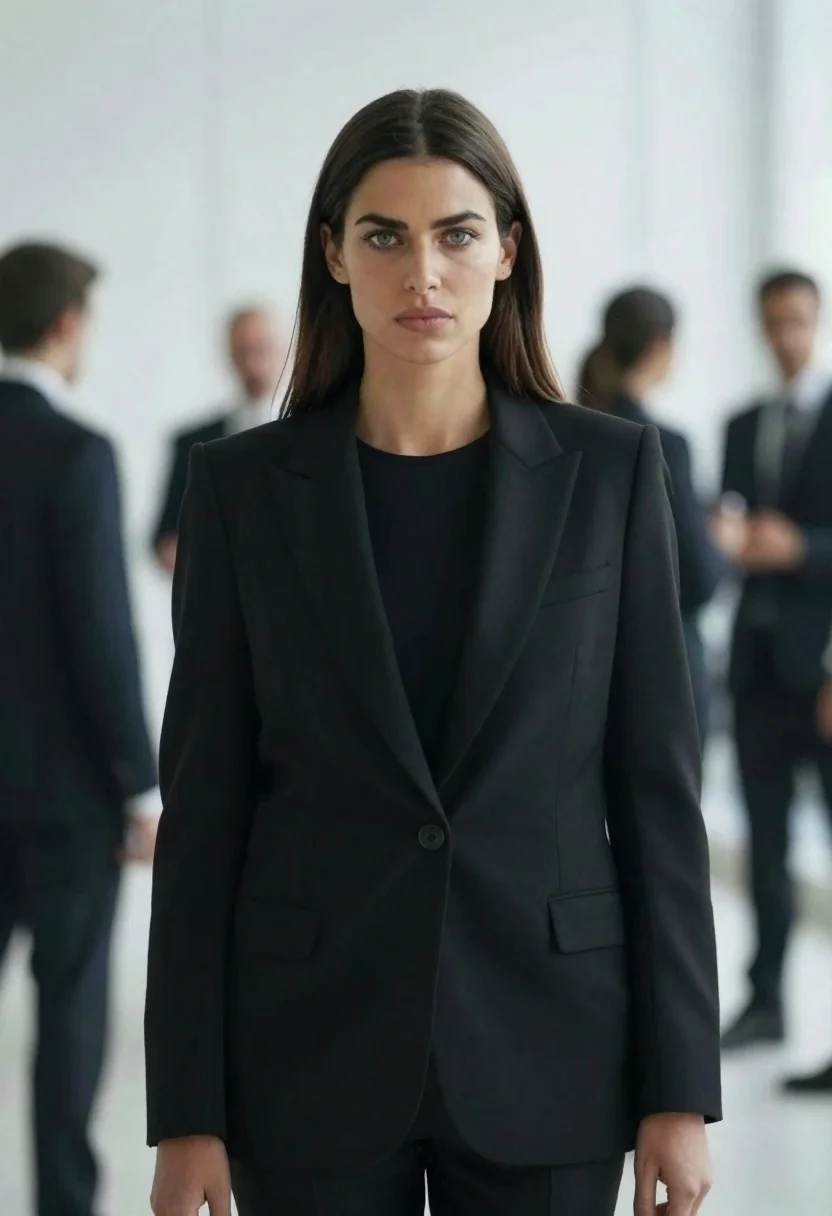
Confident woman in black blazer stands in modern office with blurred colleagues
Prompt
A confident woman with long dark hair stands in sharp focus wearing a tailored black blazer over a black top.

Subject: A poised woman with straight dark brown hair parted in the middle and striking green eyes looking directly forward.

Clothing: She wears a structured, single-breasted black blazer with wide lapels and flap pockets, layered over a simple black crew-neck shirt.

Action: She stands facing the camera with a neutral, serious expression and her hands resting naturally at her sides.

Environment: The background is a bright, modern indoor space with white walls and vertical architectural lines, populated by blurred figures of other people in business attire.

Camera: Shot with a shallow depth of field to isolate the subject, using a medium close-up framing that emphasizes her face and upper torso while rendering the surroundings as soft bokeh.

Lighting: Soft, diffused lighting illuminates the scene evenly from the front, creating a clean look with minimal harsh shadows on the subject's face or clothing.

Style Details: High-resolution photography with a cinematic color palette dominated by cool tones and deep blacks, featuring a sharp focus on the foreground subject against a creamy, out-of-focus background.
Description
This prompt is useful for creating corporate headshots, editorial features about professional success, and architectural lifestyle branding materials. The combination of 'shallow depth of field' and 'soft bokeh' ensures the viewer's attention remains solely on the subject by dissolving distracting background elements into a creamy wash, while the 'tailored black blazer' maintains a strong, authoritative silhouette against the cool tones.
Suggestions
- Change 'black blazer' to 'charcoal wool blazer' for more texture.
- Adjust 'cool tones' to include hints of gold for warmth.
- Modify 'medium close-up framing' to 'waist up shot' to show more posture.
Category
Tags
Brown HairDark SkinFemaleFormal WearIndoorsMedium ShotPortrait ShotRealistic
Date added
June 26, 2026
Added by
PromptDexter Team
Related Prompts
More prompts with similar categories and tags.
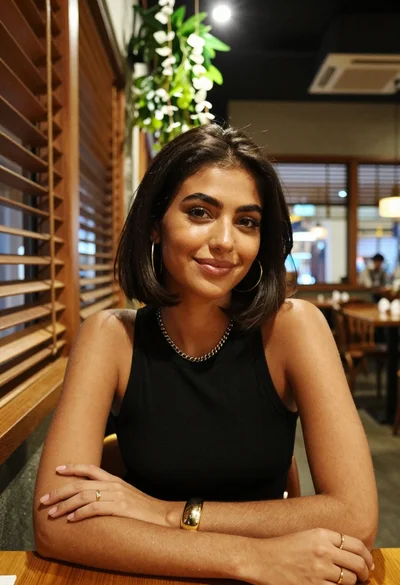
Medium close up of woman with dark bob in modern cafe setting

Woman seated in armchair near large windows with greenery

Young blonde woman in brown top seated in modern living room setting
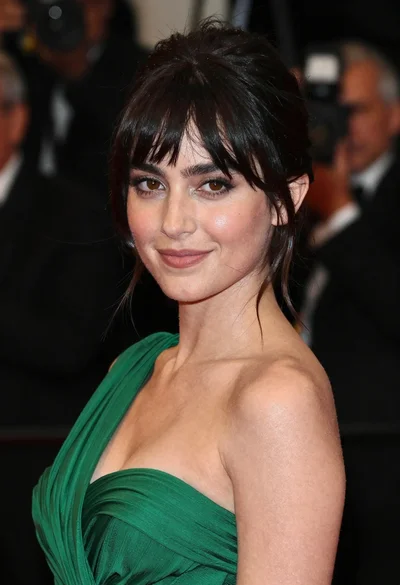
Close up portrait of woman in emerald gown against dark blurred background

Man in suit sitting in car at night
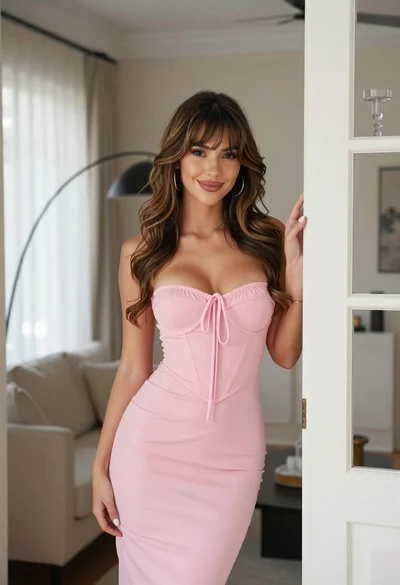
Young woman in pink corset dress standing in a doorway indoors
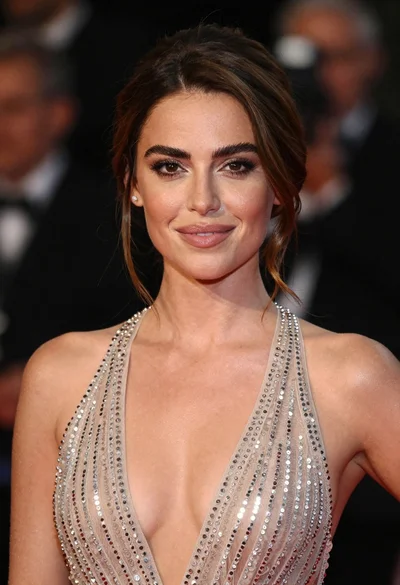
Close up portrait of woman in champagne gown with brown hair
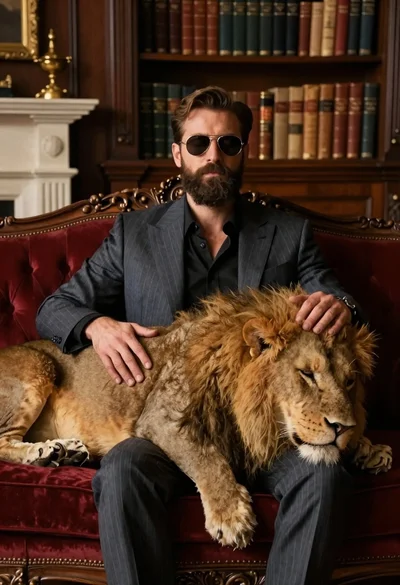
Man in suit resting with lion on red velvet couch