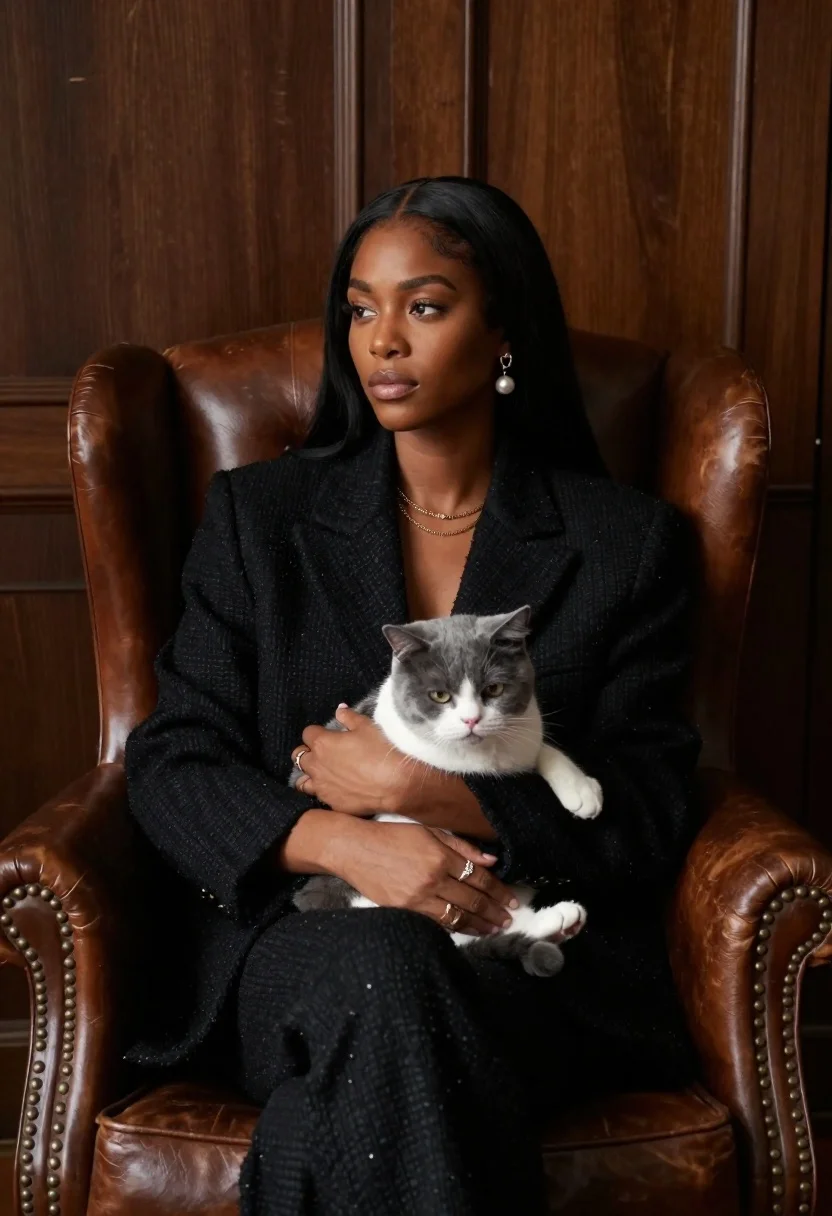
Woman in black blazer holding grey and white cat on leather armchair
Prompt
A woman with long black hair sits in a brown leather armchair holding a grey and white cat on her lap.

Subject: A woman with dark skin and long straight black hair, looking off to the side with a calm expression.

Clothing: She wears a textured black blazer over a matching outfit, accessorized with pearl drop earrings, layered gold necklaces, and rings on her fingers.

Action: The woman sits upright in a relaxed pose, gently cradling the cat with both hands while resting them on her lap.

Environment: A dimly lit interior room featuring dark wood paneling on the walls and a leather armchair with brass nailhead trim.

Lighting: Soft, directional lighting illuminates the subject from the front right, creating gentle shadows that emphasize facial features and clothing texture.

Camera: Medium shot capturing the upper body of the woman and the cat, framed to include the chair and background wall.

Style Details: Cinematic portrait style with a shallow depth of field, rich color grading, and high contrast between light and shadow.
Description
This prompt is useful for creating sophisticated editorial portraits, luxury brand advertising featuring pets, and moody character studies for film concept art. The combination of 'dimly lit interior room' with 'soft, directional lighting' sculpts the subject by emphasizing facial features and the texture of the 'brown leather armchair,' which prevents the scene from looking flat despite the inclusion of a pet.
Suggestions
- Change 'textured black blazer' to 'velvet black blazer' for richer light absorption.
- Add 'bokeh background' to enhance the shallow depth of field effect.
- Swap 'pearl drop earrings' for 'geometric gold earrings' to modernize the look.
Category
Tags
Black HairDark SkinFemaleFormal WearFull BodyIndoorsMedium ShotOutdoorsRealistic
Date added
June 23, 2026
Added by
PromptDexter Team
Related Prompts
More prompts with similar categories and tags.
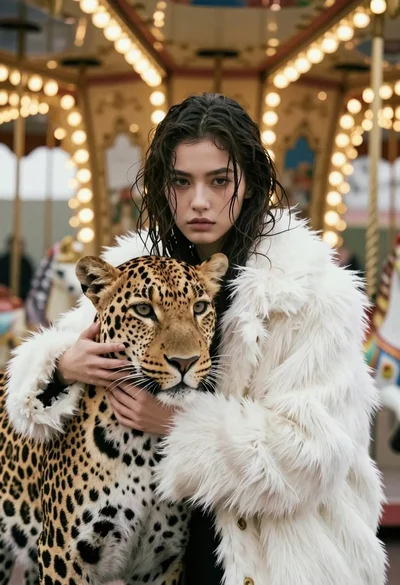
Cinematic portrait of woman holding leopard near glowing carousel lights
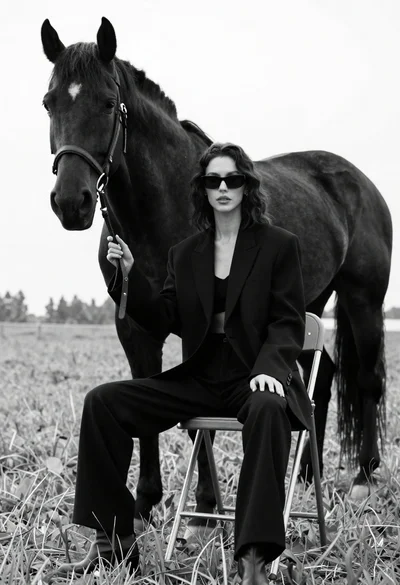
Woman in black outfit sitting on stool with large horse in field
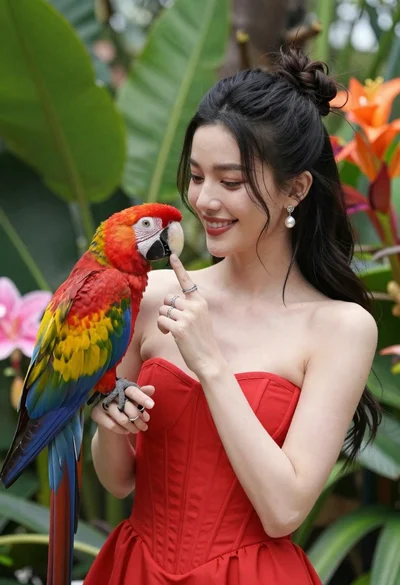
Smiling woman in red dress holding colorful macaw parrot in tropical garden
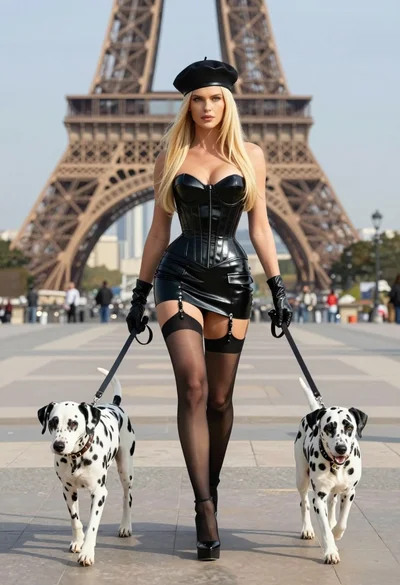
Blonde woman in black latex corset walking with two dalmatians near eiffel
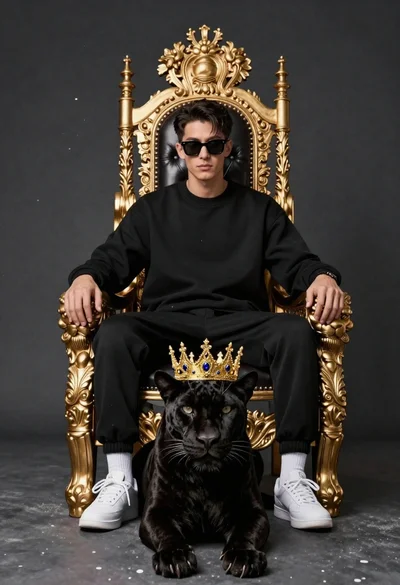
Man on golden throne with black panther companion
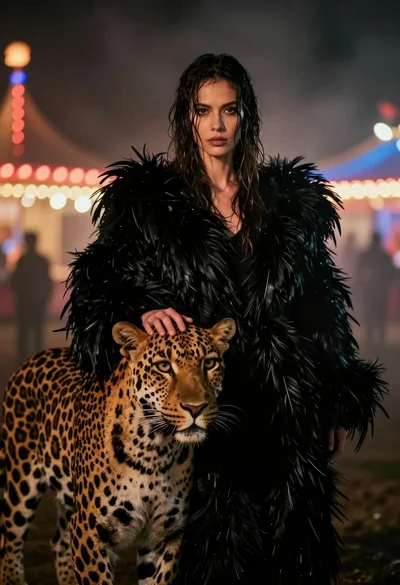
Woman with leopard in feathered coat against misty carnival lights at night
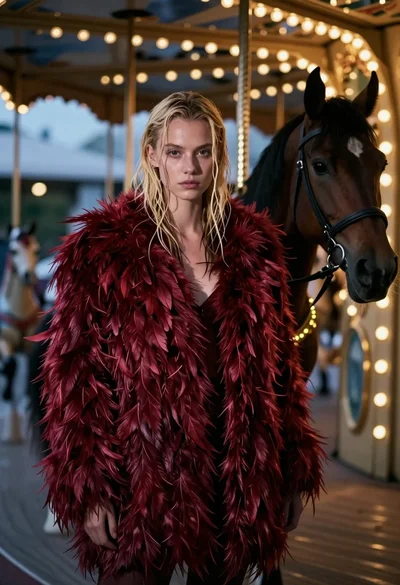
Woman in red feather coat stands near brown horse inside dimly lit
Glamorous woman in black sequin dress with peonies and roses