

Confident woman in black velvet dress posing in a minimalist studio setting
Prompt
A confident woman with long brown hair stands in a studio setting against a plain gray background.

Subject: A fit woman with long wavy brown hair and striking blue eyes looking directly at the camera.

Clothing: She wears a black strapless velvet dress with ruched sleeves that extend to her wrists, paired with a delicate silver necklace featuring a cross pendant.

Action: Her hands are placed firmly on her hips in a strong pose, highlighting her defined shoulders and muscular arms.

Environment: The setting is a minimalist studio with a smooth gray backdrop and soft shadows cast on the floor.

Lighting: Dramatic directional lighting illuminates her face and upper body from the side, creating high contrast and emphasizing her skin texture and muscle definition.

Camera: A medium close-up shot captures her from the waist up with a shallow depth of field that keeps the focus sharply on her features.

Style Details: The image has a cinematic, high-fashion aesthetic with rich color grading and a polished, professional photographic quality.
Description
This prompt is useful for creating high-end beauty editorials, character portraits for film promotion, and luxury brand advertising campaigns. The combination of 'dramatic directional lighting' and the 'black strapless velvet dress' sculpts the subject by emphasizing muscle definition and skin texture through high contrast, which is essential for conveying a polished, professional photographic quality.
Suggestions
- Change 'plain gray background' to 'concrete floor backdrop' for more industrial grit.
- Swap 'silver necklace featuring a cross pendant' for 'geometric gold choker' for a different metallic feel.
- Adjust 'medium close-up shot' to 'full body shot' to better showcase the dress silhouette.
Category
Tags
Brown HairBrunetteFemaleOutdoorsRealisticStudio
Date added
June 19, 2026
Added by
PromptDexter Team
Related Prompts
More prompts with similar categories and tags.
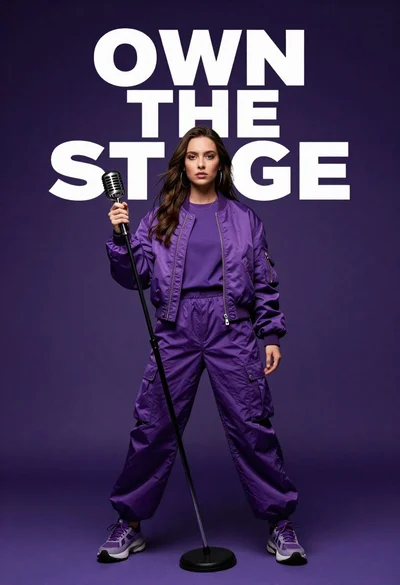
Singer in purple outfit with microphone against violet background
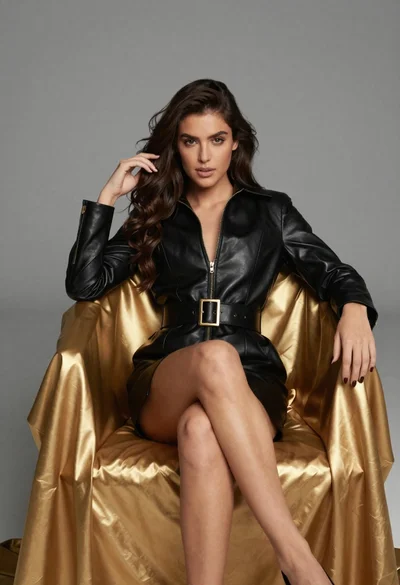
Confident woman in black leather dress sitting on golden chair studio portrait

Poised woman in black blazer sitting on stool against blue gradient background

Young woman sitting among colorful clothes in minimalist studio setting

Glamorous woman on balcony overlooking city skyline at night
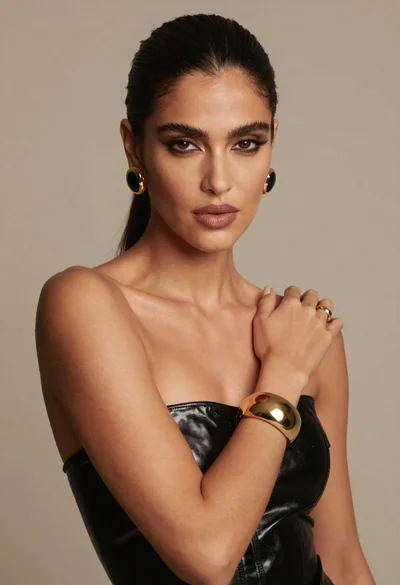
Dark skinned woman in black top posing with gold jewelry studio portrait
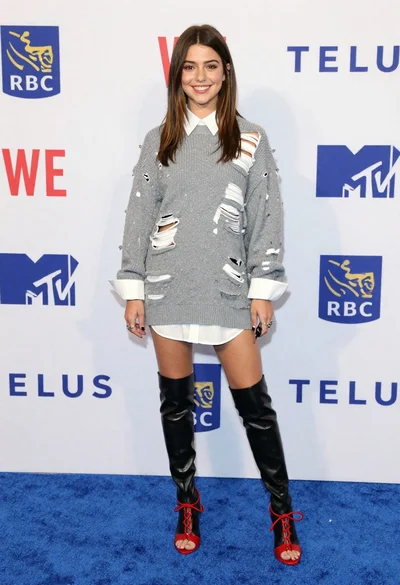
Young woman in distressed sweater dress on blue carpet at event
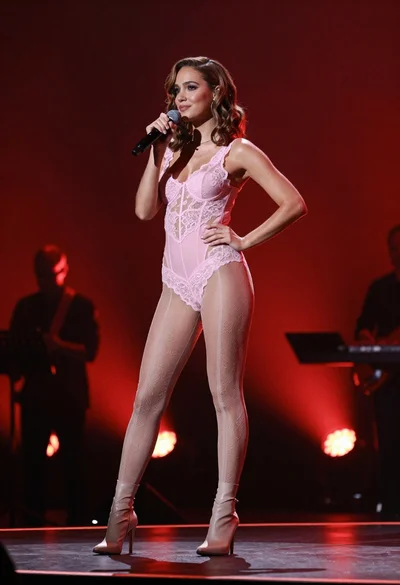
Fit woman in pink bodysuit singing on stage under red lights
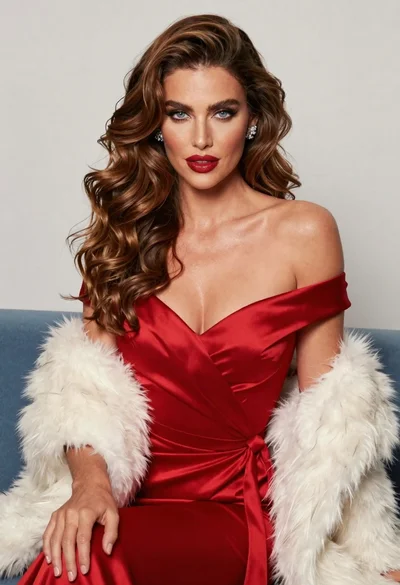
Glamorous woman in red satin dress seated against light studio background
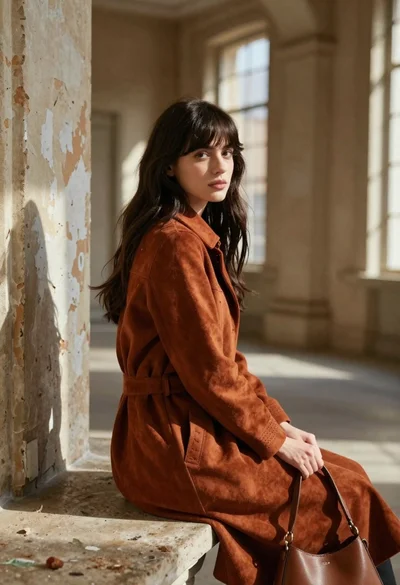
Young woman in rust suede coat seated in weathered architectural corridor
