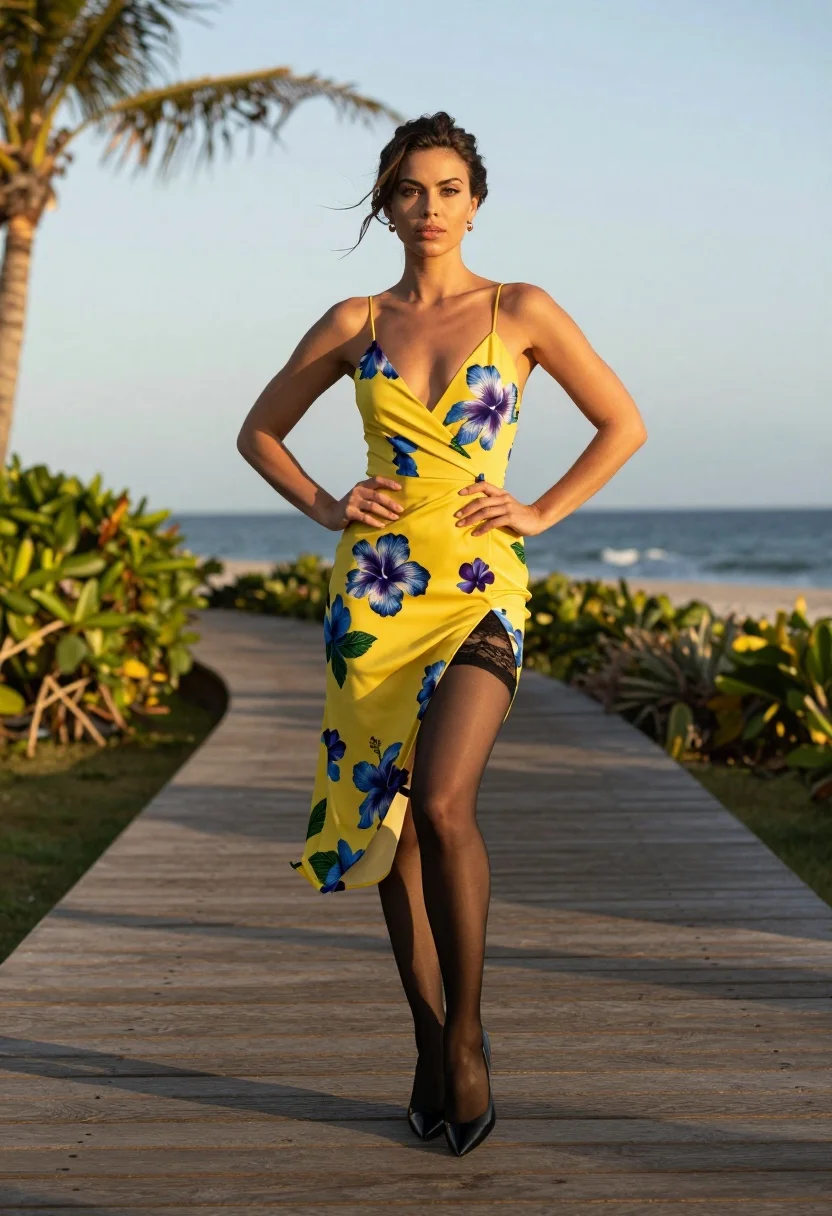
Confident woman in yellow floral dress on wooden boardwalk overlooking blue ocean
Prompt
A confident woman stands with hands on hips on a wooden boardwalk overlooking the ocean at sunset.

Subject: A woman with dark hair styled in an updo and loose strands blowing in the wind, featuring defined facial features and a direct gaze.

Clothing: She wears a bright yellow wrap dress with a deep V-neckline and spaghetti straps, patterned with large blue and purple hibiscus flowers; black lace trim is visible at the high slit of the skirt, paired with sheer black stockings and glossy black pointed-toe heels.

Action: Standing with both hands placed firmly on her hips, legs slightly apart in a confident stance, looking straight ahead.

Environment: A wooden boardwalk deck with tropical greenery and palm trees in the background, overlooking a calm blue ocean under a soft sky.

Camera: Medium full-body shot taken from a low angle to emphasize height, with natural depth of field blurring the distant horizon.

Lighting: Warm golden hour sunlight casting soft shadows on the wooden planks and highlighting the subject's skin and dress.

Objects: Wooden deck flooring, tropical plants, palm tree trunk, and ocean waves in the distance.

Text/Graphics: No visible text or graphics are present.

Style Details: Photorealistic high-definition image with vibrant colors and a cinematic composition.
Description
This prompt is useful for creating resort lifestyle photography, fashion editorials showcasing swimwear alternatives, and aspirational travel advertising. The combination of 'low angle' perspective and 'warm golden hour sunlight' elevates the subject by making her appear statuesque against the backdrop, while specifying a 'bright yellow wrap dress' ensures the vibrant color pops against the cool tones of the blue ocean.
Suggestions
- Change 'hibiscus flowers' to 'tropical geometric print' for a more modern feel.
- Swap 'glossy black pointed-toe heels' for 'woven espadrilles' to match the boardwalk setting.
- Adjust 'medium full-body shot' to 'full body shot' to better capture the flow of the dress.
Category
Tags
BrunetteCasual WearFemaleFull BodyLow AngleMedium ShotOutdoorsRealistic
Date added
August 5, 2026
Added by
PromptDexter Team
Related Prompts
More prompts with similar categories and tags.

Young woman in red jacket on white fence in green meadow
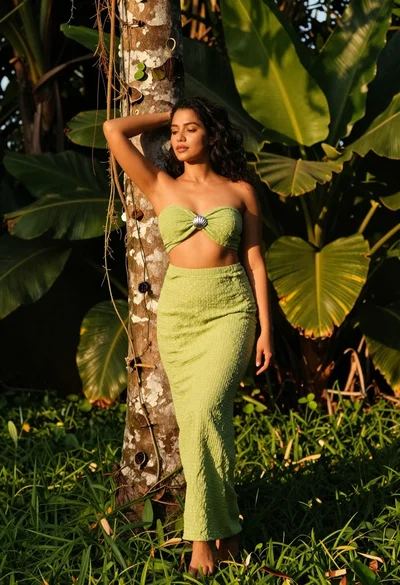
Woman in green outfit leaning on tree in lush garden at golden
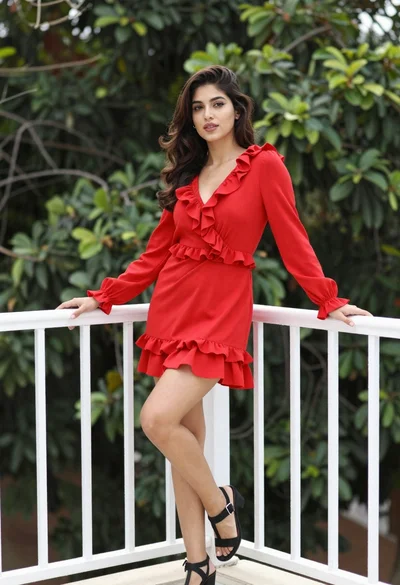
Young woman in vibrant red dress leaning on balcony railing outdoors

Young woman leaning against white wall with beige handbag under bright sunlight
Young woman in tie dye outfit by turquoise pool under blue sky
Confident woman posing on tiled pool deck under white tent structure
Smiling woman kneeling in striped crop top against white studio background
Young woman in black lace outfit standing in lush garden courtyard
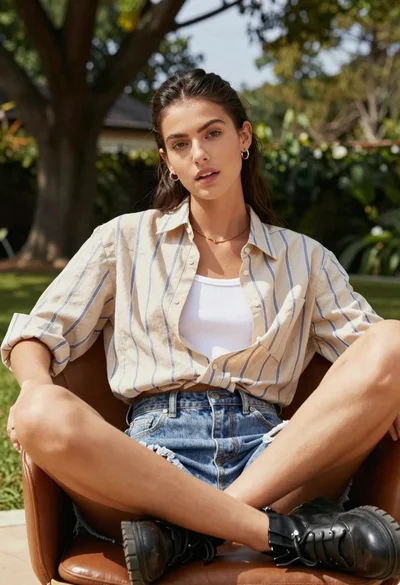
Young woman seated in leather chair outdoors with green foliage background

Smiling woman with red hair in floral twotoned dress outdoors