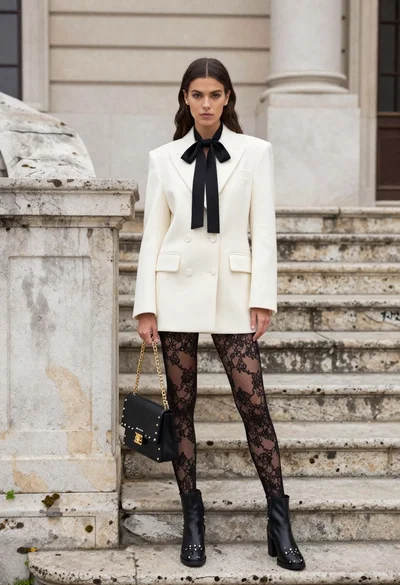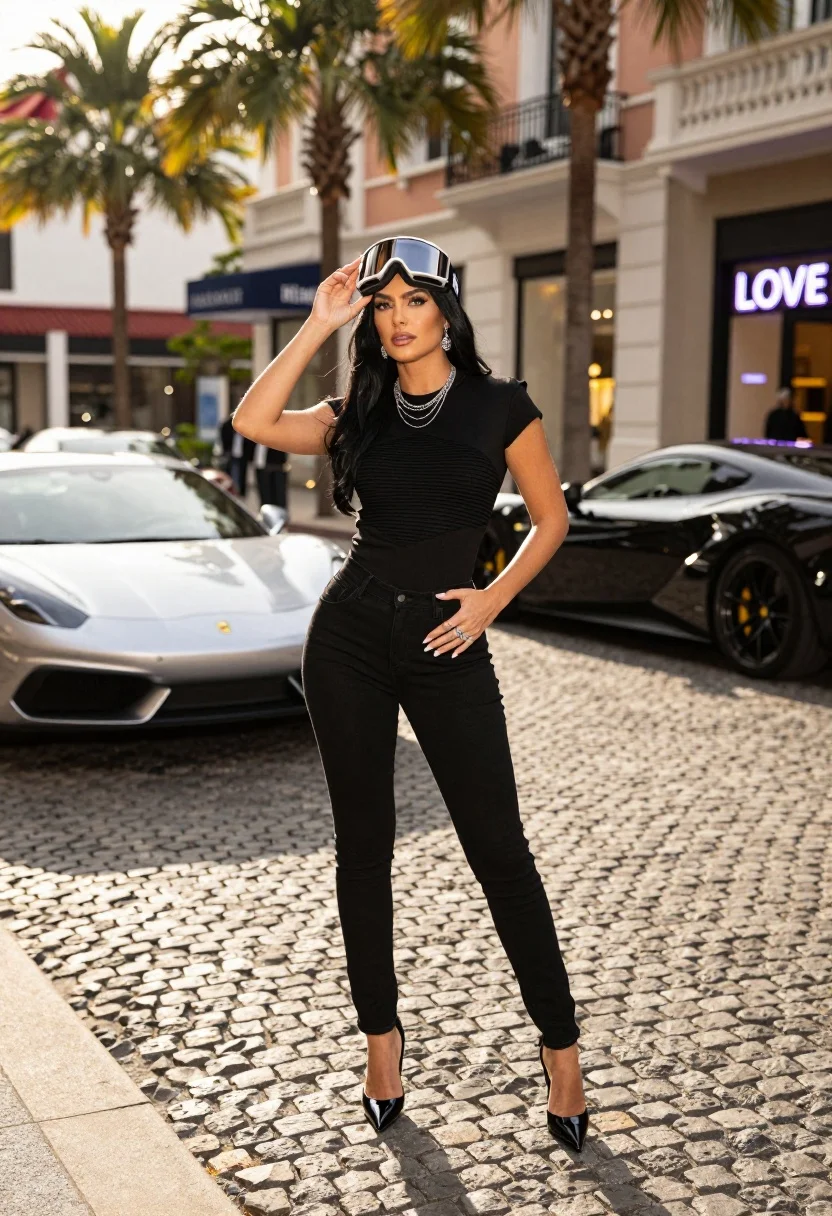
Confident woman on cobblestone street near luxury sports cars at golden hour
Prompt
A confident woman with long dark hair stands on a cobblestone street wearing ski goggles pushed up onto her forehead.

Subject: A woman with long, straight black hair and a poised, confident expression.

Clothing: She wears a structured black top with cap sleeves and horizontal ribbed detailing across the chest, paired with slim-fit black jeans and glossy black pointed-toe heels. She accessorizes with multiple silver necklaces, dangling earrings, rings on both hands, and the ski goggles resting on her head.

Action: She stands facing forward with one hand raised to adjust the goggles on her forehead and the other hand resting on her hip.

Environment: The setting is an upscale urban street paved with cobblestones, lined with tall palm trees and elegant buildings featuring classic architecture.

Objects: High-end luxury sports cars are parked along the curb behind her, including a silver car and a black car with visible yellow brake calipers. A neon sign displaying the word "LOVE" is visible in the background storefront.

Lighting: The scene is illuminated by warm, golden-hour sunlight coming from the side, casting soft shadows on the cobblestones and creating a glamorous atmosphere.

Camera: Shot at eye level with a shallow depth of field that keeps the woman sharp while softly blurring the cars and buildings in the background.

Style Details: High-fashion photography style with vibrant colors, high contrast, and a polished, cinematic aesthetic.
Description
This prompt is useful for creating editorial fashion editorials, luxury lifestyle advertising, and cinematic character portraits set in urban environments. The combination of 'warm, golden-hour sunlight' casting soft shadows against the 'cobblestone street' grounds the high-fashion elements, while the shallow depth of field ensures that the subject remains sharply focused despite the detailed background featuring sports cars and neon signs.
Suggestions
- Change 'structured black top' to 'leather bustier' for a harder edge.
- Swap 'palm trees' for 'graffiti-covered brick walls' for more grit.
- Adjust 'shallow depth of field' to 'deep focus' if you want the car details visible.
Category
Tags
Black HairBrunetteCasual WearFemaleFull BodyMedium ShotPortrait ShotRealisticStreetUrban
Date added
July 12, 2026
Added by
PromptDexter Team
Related Prompts
More prompts with similar categories and tags.
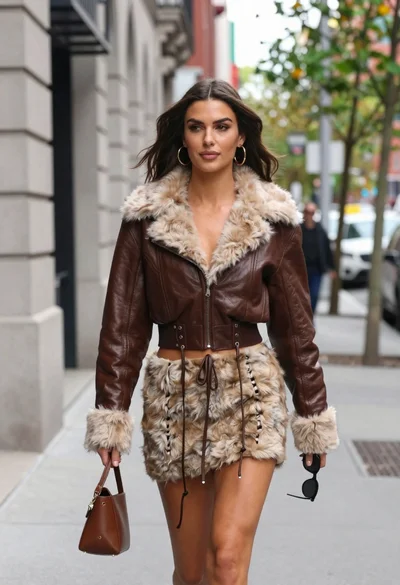
Young woman walking down city sidewalk in brown leather jacket
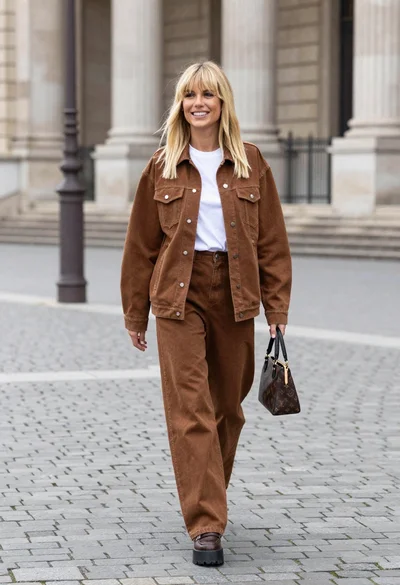
Blonde woman in denim set walking through classical stone courtyard plaza
Stylish woman in leather coat sitting at an outdoor cafe table

Confident woman in red top and black leather pants on city street
Young woman in black bomber jacket leaning against a black sedan at
Confident blonde woman in black mini dress at modern glass building entrance
Medium close up portrait of woman in coat on old european cobblestone
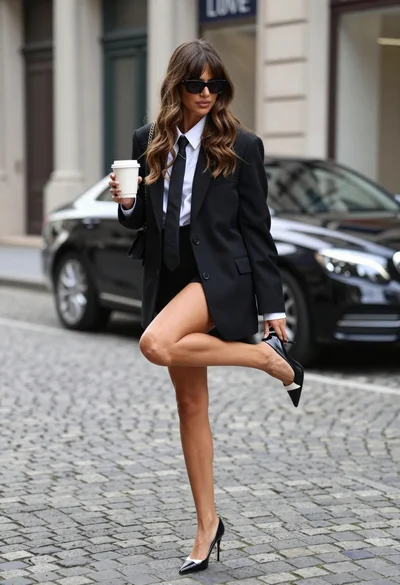
Stylish woman adjusting shoe on cobblestone street near luxury car facade

Blonde woman in burgundy velvet gown holding flower in white studio

Blonde woman looking back over shoulder against white wall