
Stylish woman in blazer dress on weathered stone steps backdrop
Prompt
A stylish woman stands confidently on weathered stone steps against a classical architectural backdrop.

Subject: A young woman with long dark hair styled in pigtails, featuring a serious and direct gaze towards the camera.

Clothing: She wears a structured cream-colored blazer dress with wide lapels and a large black bow at the neck, paired with sheer black tights featuring intricate floral lace patterns and studded black ankle boots.

Action: She leans casually against a stone wall with one hand in her pocket while holding a black leather handbag by the chain strap with the other.

Environment: The setting is an outdoor location with aged white stone stairs and walls, showing signs of weathering and moss, suggesting a historic European plaza or courtyard.

Camera: The shot is taken at eye level with a medium framing that captures the full figure from head to toe, utilizing a shallow depth of field to keep the subject sharp while softly blurring the architectural background.

Lighting: Soft, diffused natural daylight illuminates the scene evenly, creating gentle shadows and highlighting the texture of the stone and fabric without harsh contrast.

Objects: A black leather handbag with gold chain straps and metal studs is held in her left hand.

Style Details: The image has a high-fashion editorial aesthetic with a focus on luxury streetwear, characterized by cool color tones and a clean, polished composition.
Description
This prompt is useful for creating magazine editorials, concept lookbooks for designer collections, and sophisticated character portraits set in historic locations. The combination of 'structured cream-colored blazer dress' against the 'weathering and moss' on the stone provides a deliberate contrast between polished fashion and aged reality, while the 'shallow depth of field' ensures the subject remains the sharp focal point despite the detailed background.
Suggestions
- Change 'pigtails' to 'sleek low ponytail' for a more mature look.
- Swap 'cream-colored blazer dress' for 'charcoal wool blazer dress' to deepen the palette.
- Add 'cinematic film grain' to the style details for an analog feel.
Category
Tags
Black HairBrunetteCasual WearFemaleFull BodyMedium ShotRealisticStreetwear
Date added
June 19, 2026
Added by
PromptDexter Team
Related Prompts
More prompts with similar categories and tags.

Young woman in black velvet dress looking over shoulder at event
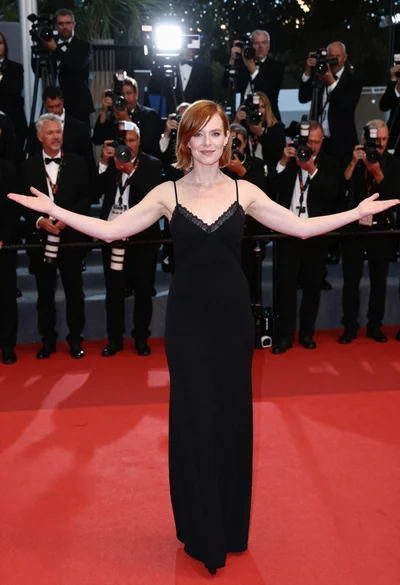
Woman in black slip dress on red carpet welcoming pose at event
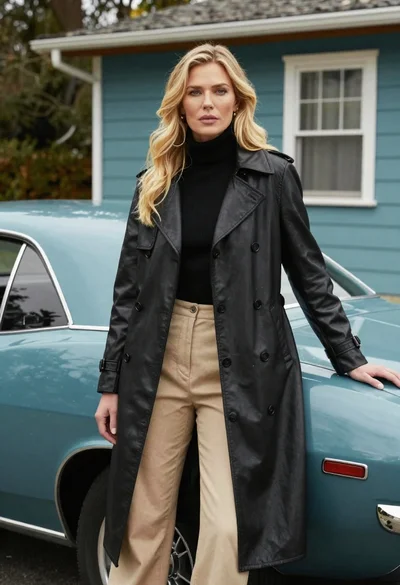
Blonde woman in black trench coat leaning on vintage teal muscle car
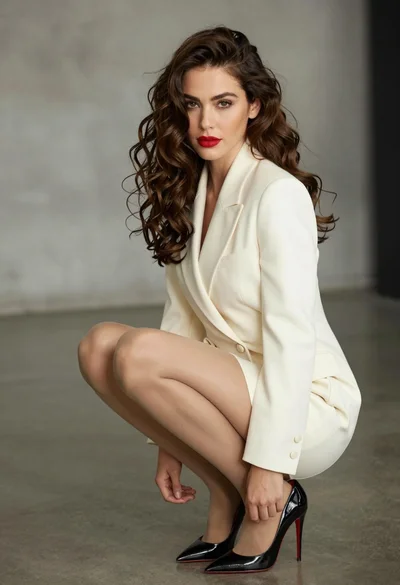
Confident woman in cream blazer dress crouching on grey concrete studio floor

Stylish woman in zebra print suit standing on sun dappled forest path

Confident woman on cobblestone street near luxury sports cars at golden hour
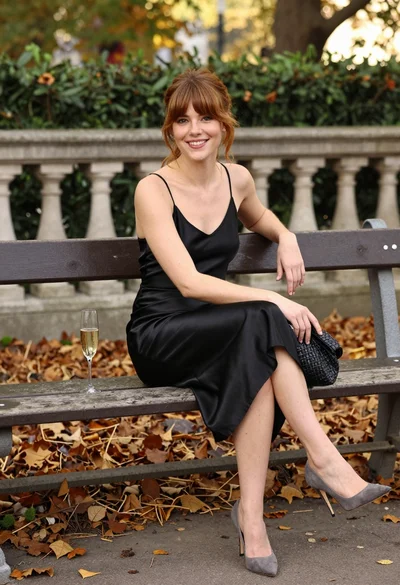
Smiling woman in black satin dress on park bench during autumn afternoon

Blonde woman in burgundy velvet gown holding flower in white studio
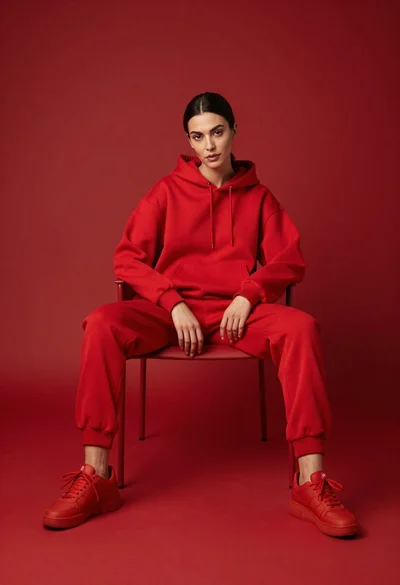
Woman in red hoodie sitting on chair against red background

Poised woman in elegant white gown on blurred red carpet steps
