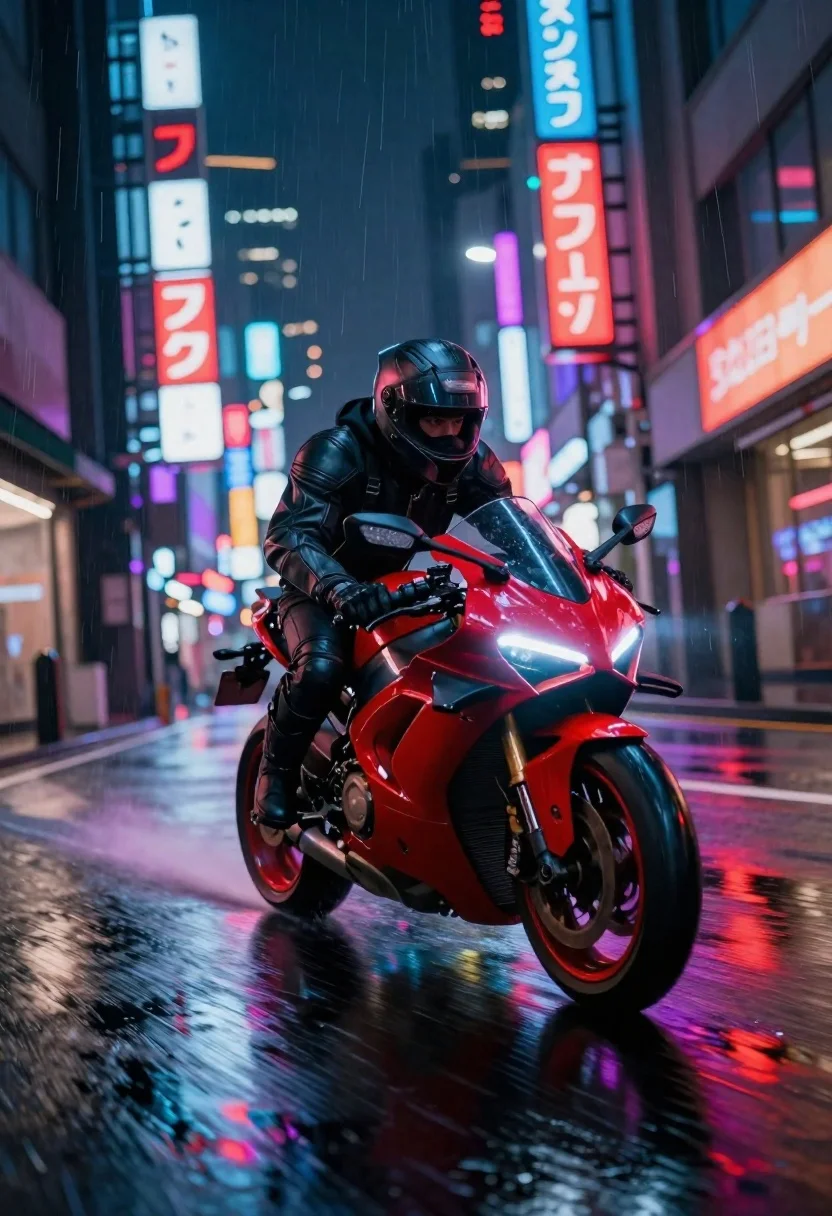
Cyberpunk motorcycle speeding down wet neon city street
Prompt
A dynamic cyberpunk night scene with a futuristic red motorcycle speeding down a wet city street

Subject: A rider in full dark armored gear and helmet leaning forward on the bike, focused expression visible through visor

Clothing: Sleek black leather jacket matching pants, gloves gripping handlebars tightly.

Action: Intense forward motion posture as if just leaving intersection or cornering sharply around bend.

Environment: Neon-lit urban alleyway lined with glowing signs in Japanese characters reflecting off puddles on ground surface below them creating colorful streaks across frame; tall buildings flank both sides forming narrow canyon-like corridor stretching into distance toward vanishing point perspective.

Camera: Low-angle wide shot looking up at approaching bike emphasizing its size and dominance within composition while capturing depth of field blur for background elements enhancing sense speed.

Lighting: High-contrast neon glow from surrounding signage casts vivid reflections on glossy asphalt below creating vibrant reds blues purples throughout scene; rain streaks add vertical lines to atmosphere amplifying moody ambiance.

Style Details: Digital art style blending photorealism with stylized lighting effects typical of cyberpunk genre aesthetics featuring bold color palette and sharp contrasts between dark shadows and bright highlights.
Description
This prompt is useful for creating concept art for action sequences, video game environment backdrops, and dramatic editorial automotive photography. The combination of 'low-angle wide shot' looking up at the approaching bike emphasizes its size and dominance, while the 'neon glow from surrounding signage casts vivid reflections on glossy asphalt' grounds the scene with specific color information that prevents the wet surface from appearing flat.
Suggestions
- Change 'futuristic red motorcycle' to 'chrome heavily customized motorcycle' for a different material focus.
- Add 'steam vents emitting vapor' near the puddles for more atmospheric detail.
- Swap 'Japanese characters' for 'Chinese kanji' if you want a slightly different cultural flavor.
Category
Tags
AlleyArmorLow AngleRealisticStreetwearUrbanVehiclesWide Shot
Date added
June 19, 2026
Added by
PromptDexter Team
Related Prompts
More prompts with similar categories and tags.
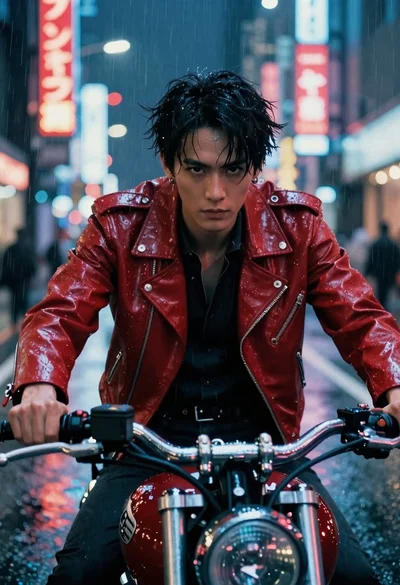
Man on motorcycle through rainy cyberpunk city street
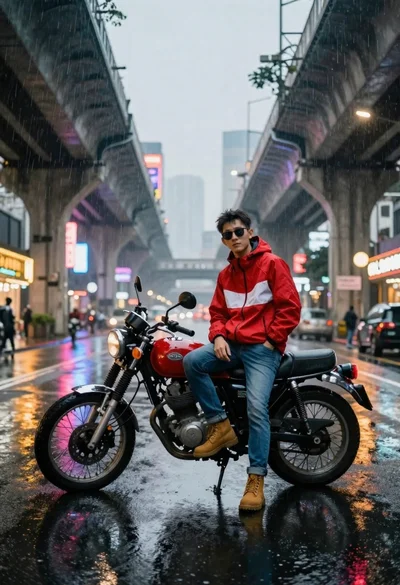
Man on motorcycle in rain under neon city lights
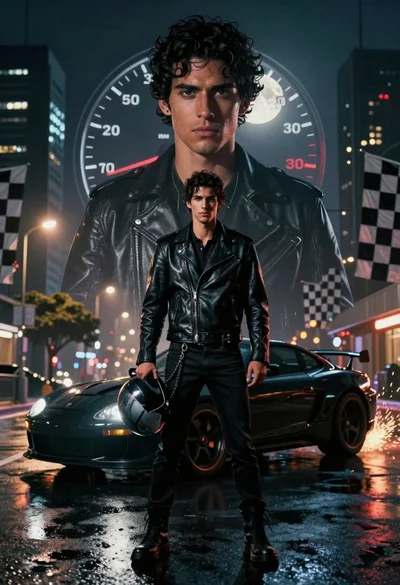
Young man with sports car against massive translucent portrait at night

Futuristic android woman in metallic corridor
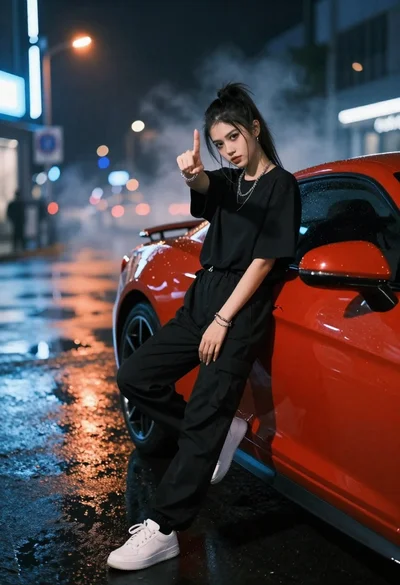
Young woman in black clothes on red sports car at night street
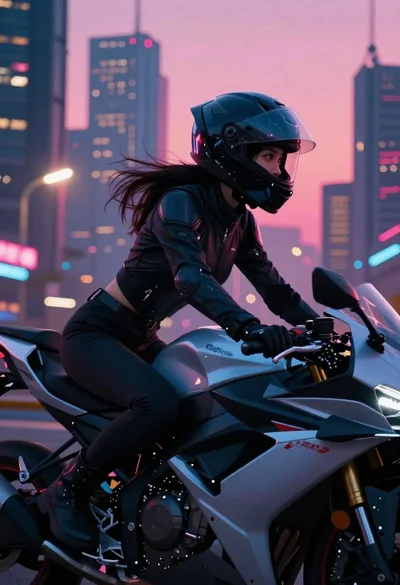
Futuristic biker on motorcycle through neon cityscape
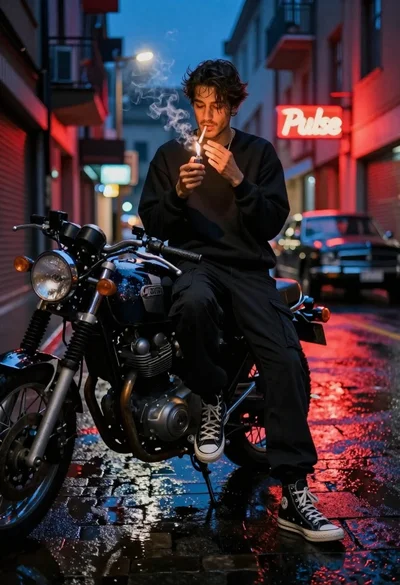
Young man lighting cigarette on vintage motorcycle in neon city street

Young man leaning on a modified sports car in city night