
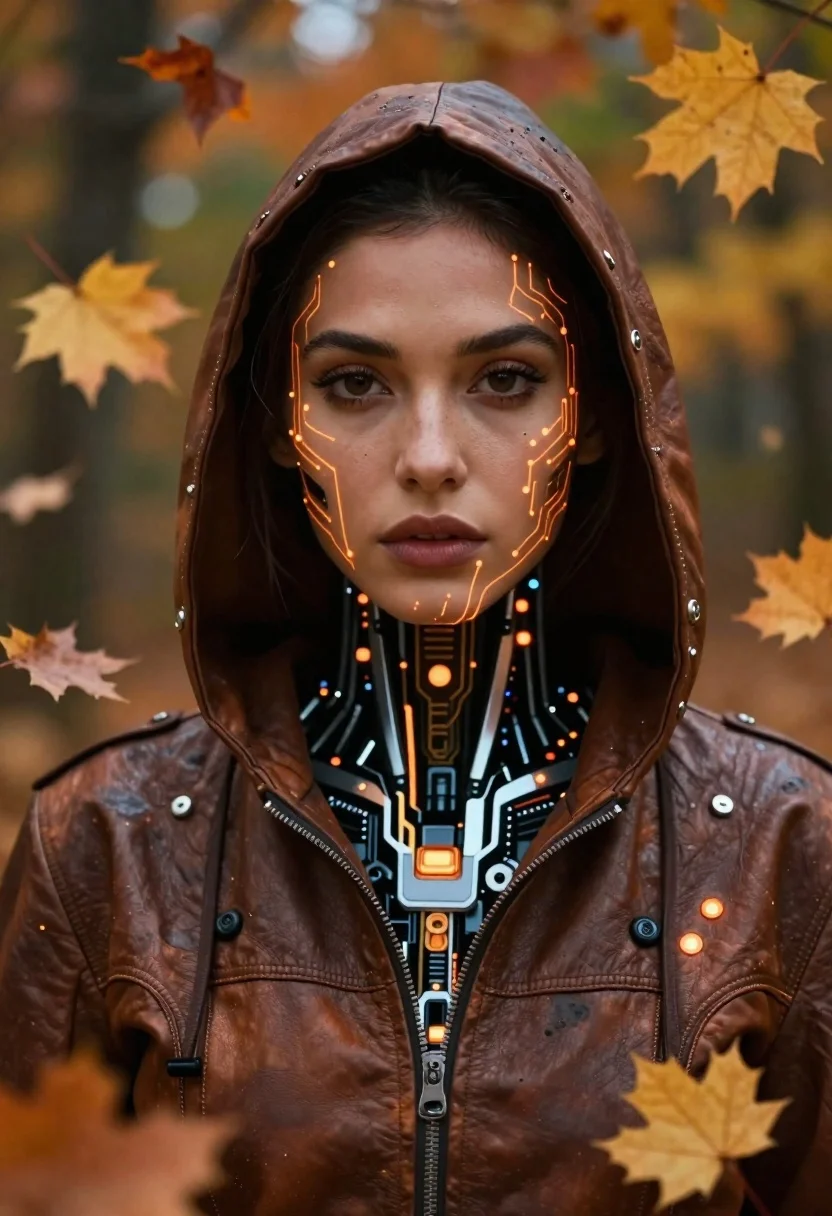
Cyborg woman in hoodie amidst floating autumn leaves - AI Image Prompt
Creates cyborg woman in hoodie amidst floating autumn leaves with futuristic sci-fi environments, advanced technology aesthetics, and moody atmospheric lighting. Use in Flux, ChatGPT, Gemini, Grok, Z-Image and other models use natural language prompts.
Prompt
Medium/Scene: Cinematic portrait of a futuristic cyborg figure with glowing amber circuitry embedded in their skin and hooded jacket.

Subject: A young woman with deep brown eyes, smooth dark complexion, and intricate orange-glowing tech patterns tracing her face like neural pathways or bio-circuits.

Clothing: Worn leather-like brown hoodie adorned with black mechanical fasteners, glowing nodes, and subtle metallic accents; collar reveals glimpses of internal cybernetic plating at the neck.

Action: Gazing directly forward with calm intensity, head slightly tilted, surrounded by floating autumn leaves that frame her face softly out of focus.

Environment: Autumnal forest backdrop blurred in warm oranges and greens; golden maple leaves drift around her as if caught mid-fall or suspended in air.

Lighting: Soft diffused ambient light highlighting facial features with deep shadows accentuating the hood's depth; glowing circuit nodes emit their own soft internal luminescence.

Camera: Close-up framing from chest up, shallow depth of field blurring foreground and background foliage to emphasize subject's face and cybernetic details.
Tags
FemaleDark SkinBrunetteClose UpForestOutdoorsPortrait Shot3dRobot
How to use
Generate a new image
- Copy the prompt and paste it into your preferred image model.
- Adjust details like subject, lighting, or style if needed.
- Generate and iterate to refine the result.
- Works best with models that support detailed natural language prompts, such as Gemini, Grok, ChatGPT, Flux, or Z-Image.
Edit your uploaded image
- Upload your image in a model like Gemini, Grok or ChatGPT.
- Paste the edit prompt into the text box and submit.
- Review the result, most edit prompts work out of the box.
- If needed, tweak the prompt and repeat until you get the desired output.
- Note: In our testing, Gemini and Grok tend to give better results for edits.
Related Prompts
More prompts with similar categories and tags.
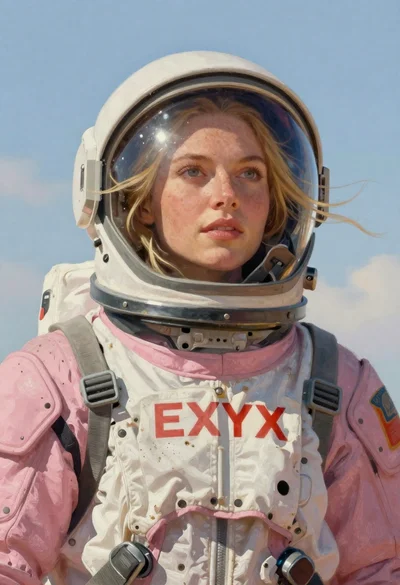
Astronaut portrait against pale blue sky background
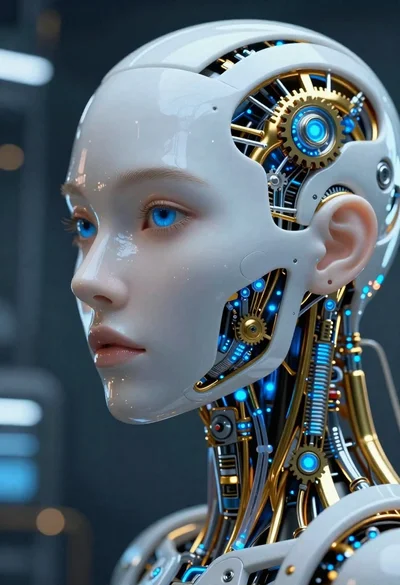
Close up cyborg woman head with golden internal mechanics
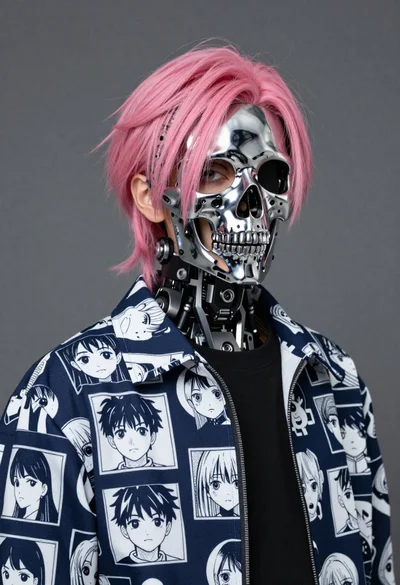
Youthful figure with chrome skull mask and pink hair

Obsidian humanoid in neon cube holding glowing heart
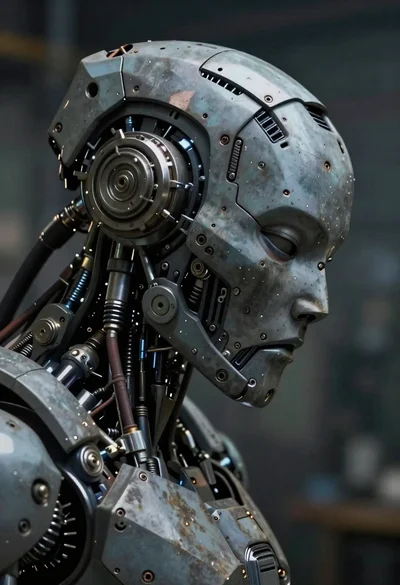
Close up profile of detailed robotic head in workshop
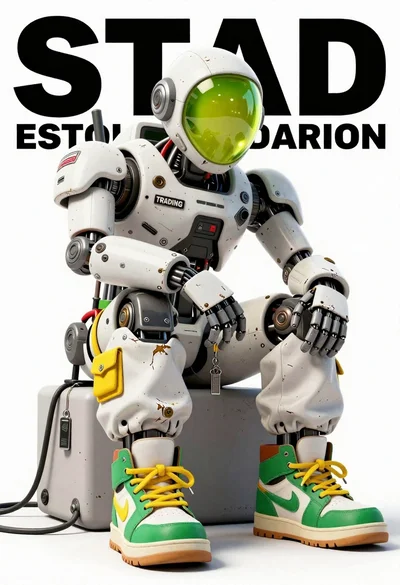
Anthropomorphic robot sitting on white studio background
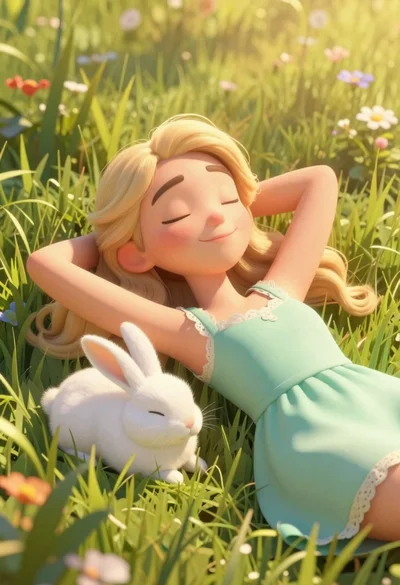
Woman resting in meadow with white rabbit at golden hour
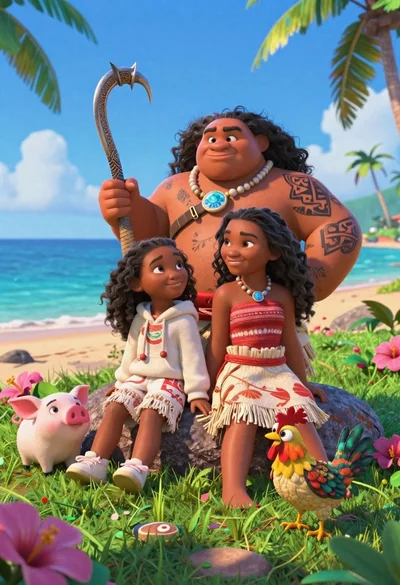
Three disney characters on a tropical grassy rock
