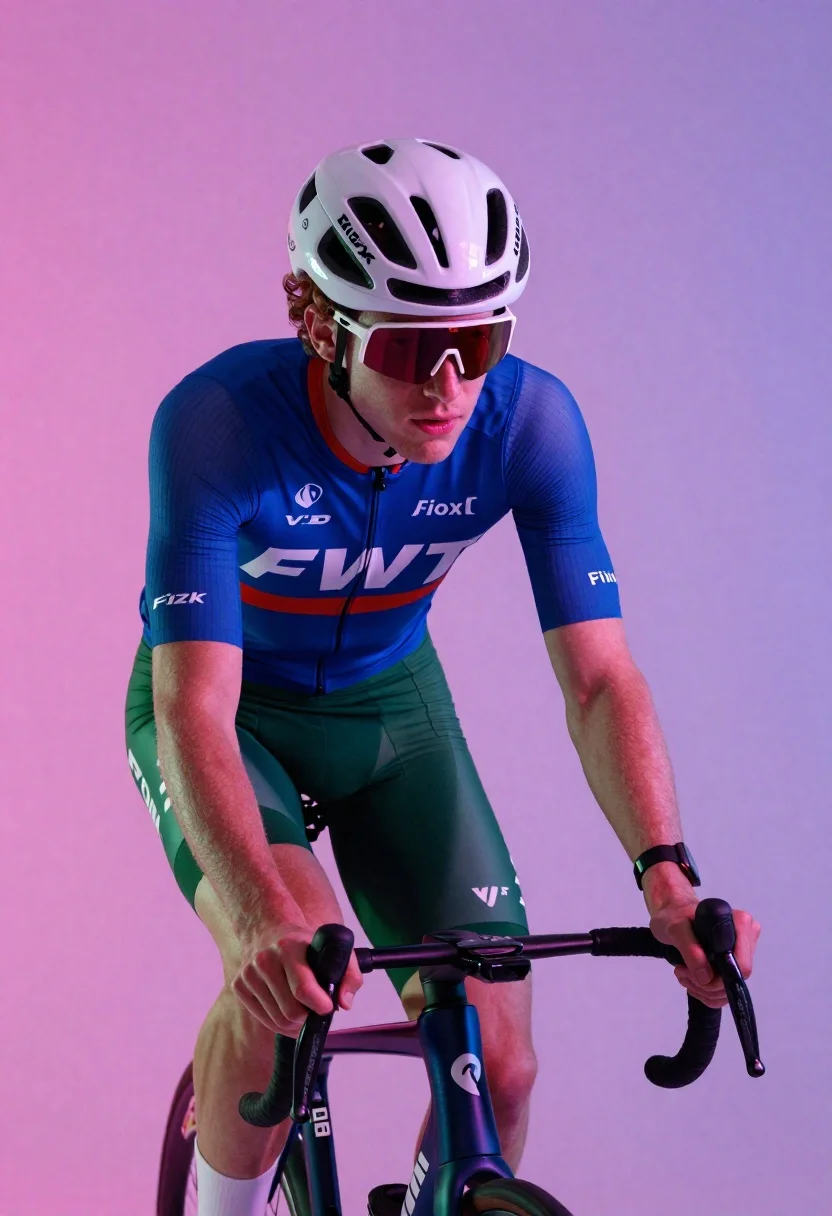
Cyclist in aerodynamic tuck pose studio portrait
Prompt
A high-energy studio portrait of a male cyclist in an aerodynamic tuck pose on his bike.

Subject: A young man with curly reddish-brown hair visible from under his helmet, looking intently forward with focused determination.

Clothing: He wears a form-fitting cycling kit featuring blue sleeves and torso panels against green shorts; the jersey displays large white 'FWT' text across the chest along with smaller sponsor logos including 'Vioxx,' 'Fizik,' and others on the arms, plus red accents near the collar.

Objects: A sleek road bike is positioned beneath him, its black handlebars wrapped in tape and partially visible frame catching ambient light; he grips the drop bars firmly as if mid-ride or posing dynamically for effect. Helmet & Goggles: He wears a white-and-black aerodynamic cycling helmet with ventilation slots and red-tinted wraparound goggles shielding his eyes.

Environment: The background is a smooth, saturated gradient of pink to purple hues that glow softly around him, suggesting artificial studio lighting rather than outdoor terrain; no real-world scenery appears only stylized color fields enhancing the mood. Lighting &

Style Details: Dramatic side-lighting highlights muscle definition and fabric texture while casting deep shadows under his chin and arms; reflective surfaces on helmet visor and sunglasses catch glints of colored light, adding depth and polish to the composition.
Description
This prompt is useful for creating fitness promotional materials, athletic brand advertisements, and dynamic character concept art for sports media. The combination of 'dramatic side-lighting' emphasizing muscle definition against a 'smooth, saturated gradient of pink to purple hues' ensures the subject pops out from the background while the specific details like the 'reflective surfaces on helmet visor' add necessary visual polish that prevents the image from looking flat.
Suggestions
- Change 'reddish-brown hair' to 'jet black hair' for a more intense look.
- Swap 'blue sleeves and torso panels' for 'all matte black' to unify the kit.
- Adjust the background gradient to 'deep cyan to indigo' for a cooler tone.
Category
Tags
Brown HairFull BodyMaleRealisticRed HairSide ProfileSportswearStudio
Date added
June 19, 2026
Added by
PromptDexter Team
Related Prompts
More prompts with similar categories and tags.
Muscular man sitting on ledge against graffiti mural
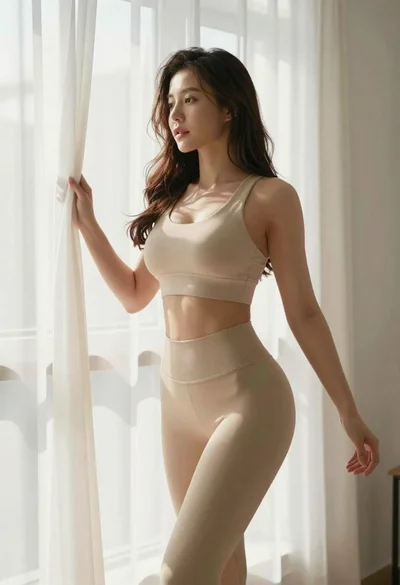
Fit woman in beige athletic wear by bright window

Muscular woman with braid making peace signs in gym setting
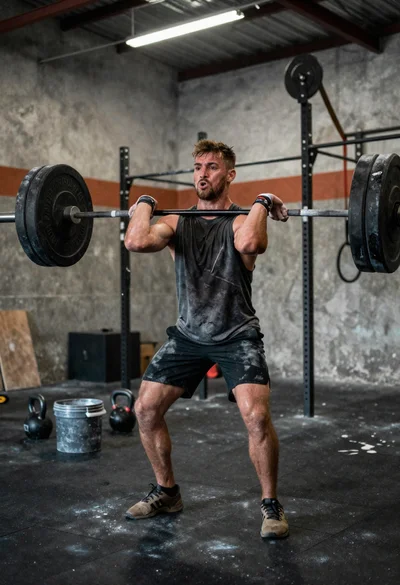
Low angle close shot of male athlete deadlifting in gritty gym
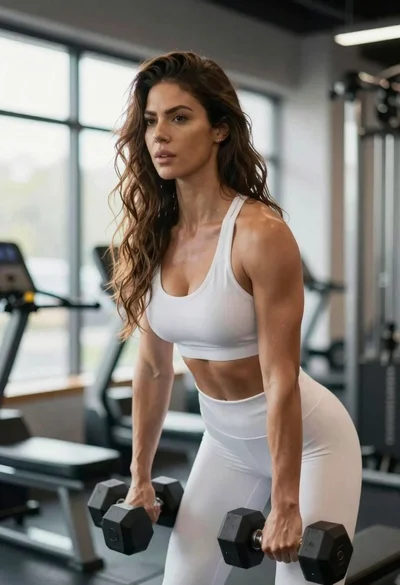
Fit woman lifting dumbbells in a gym with soft backlight
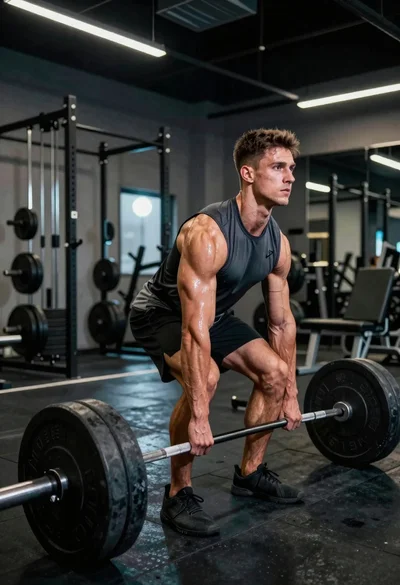
Muscular young man deadlifting heavy barbell in industrial gym setting
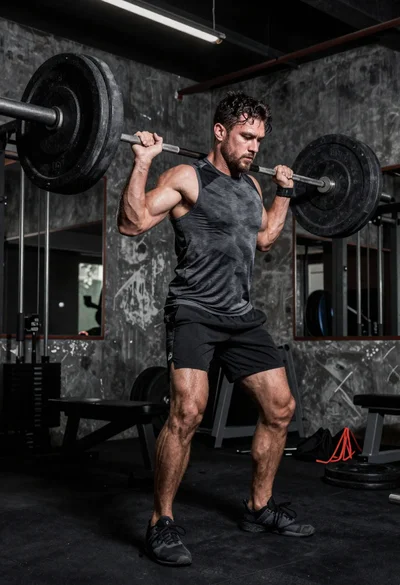
Low angle shot of muscular athlete lifting heavy weights in industrial gym
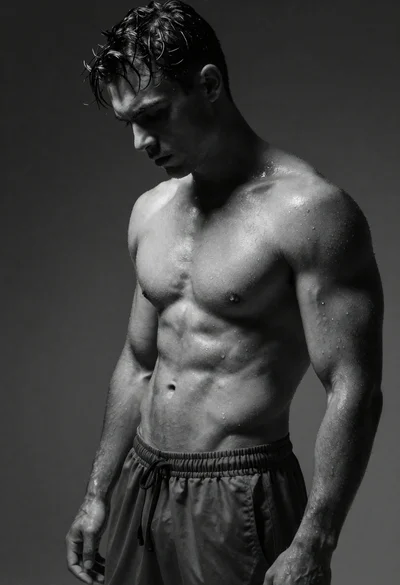
Black and white portrait of muscular man with wet skin