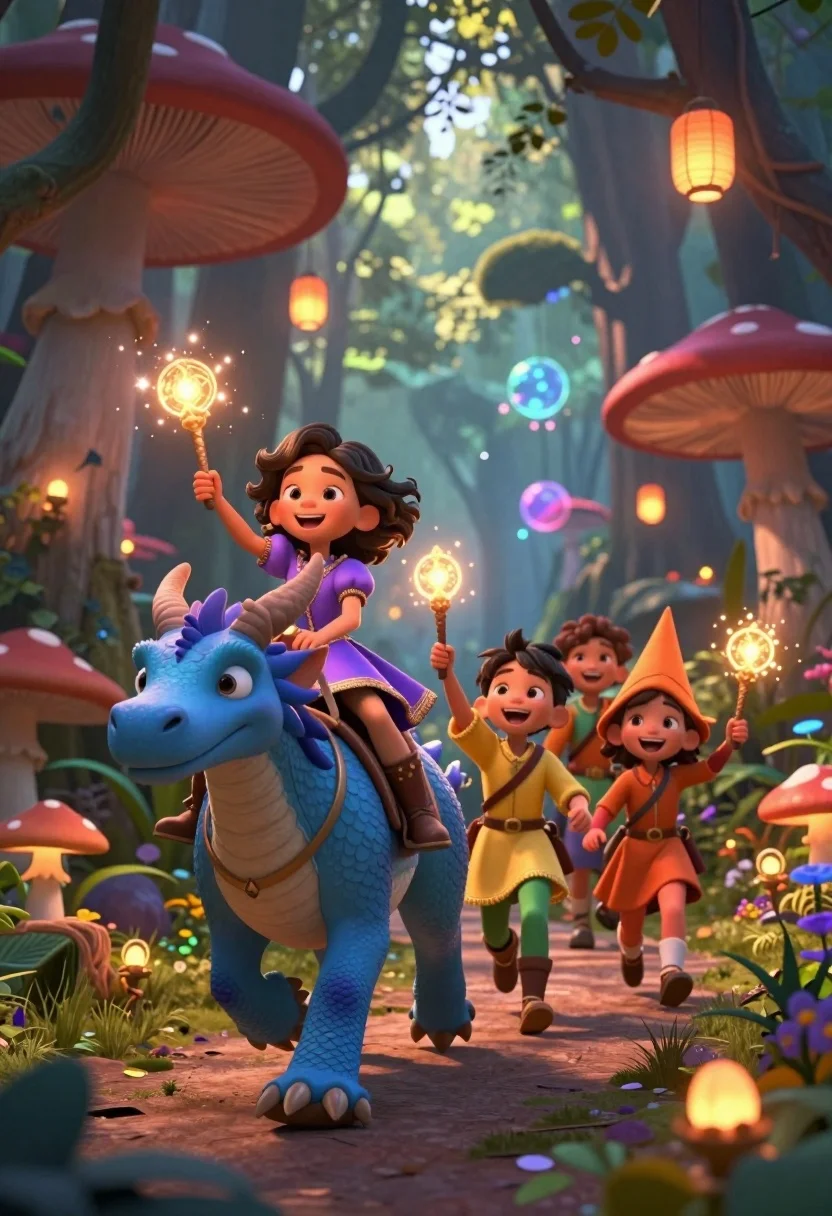
Diverse children riding fantasy creatures through a magical forest path
Prompt
A group of diverse children riding colorful fantasy creatures through a magical forest filled with glowing lanterns and giant mushrooms.

Subject: A smiling young girl with curly dark hair wearing a purple dress leads the group on a large blue dragon-like creature, followed by two other happy children in yellow and orange costumes riding along.

Clothing: The lead child wears a purple dress with gold trim and tall boots; the second child wears a yellow tunic with green leggings; the third child wears an orange outfit with a pointed hat.

Action: The children are laughing and holding up glowing magic wands while riding their mounts forward through the forest path.

Environment: A lush enchanted forest setting with towering trees, giant red mushrooms, hanging paper lanterns, floating magical orbs, and soft sunlight filtering through the canopy.

Camera: Low angle shot emphasizing the height of the creatures and children, with a shallow depth of field blurring the background slightly to focus on the front riders.

Lighting: Warm golden hour lighting with glowing lanterns casting soft light, sparkling magic effects from wands, and dappled sunlight creating a dreamy atmosphere.

Style Details: 3D animated style with vibrant colors, detailed textures on fur and scales, magical particle effects, and a whimsical fairy-tale aesthetic.
Description
This prompt is useful for creating children's book illustrations, concept art for fantasy video games, and whimsical storybook covers. The combination of 'low angle shot emphasizing the height' and 'warm golden hour lighting' ensures the scale of the creatures feels epic while the 'dappled sunlight' prevents the scene from looking uniformly lit, grounding the magical elements in a believable forest setting.
Suggestions
- Change 'blue dragon-like creature' to 'iridescent griffin' for a different animal type.
- Swap 'purple dress' for 'emerald green velvet' to match the foliage tones.
- Add 'bokeh effect' to the camera details for more background separation.
Category
Tags
AnimalDigital ArtFemaleForestFull BodyLow AngleMedium ShotNature
Date added
July 12, 2026
Added by
PromptDexter Team
Related Prompts
More prompts with similar categories and tags.
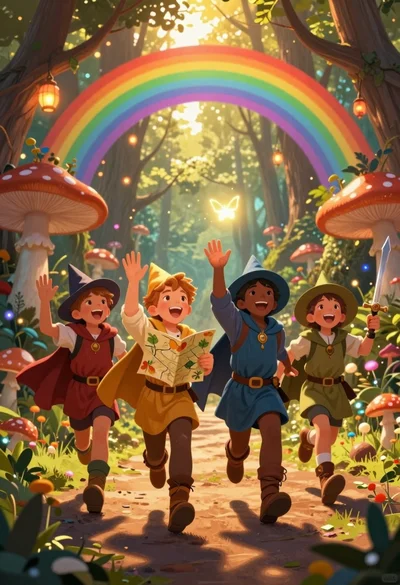
Four children adventurers running through magical forest path under rainbow archway
Angelic figure in cream dress among blue flowers
Young woman sketching red fox on mossy log in magical forest setting
Young woman kneeling by mystical pond with deer and whales in forest
Anime girl in vast rose garden at sunset
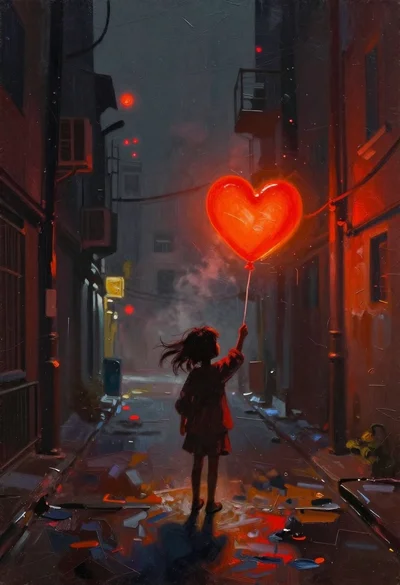
Child holding glowing balloon in dimly lit alleyway
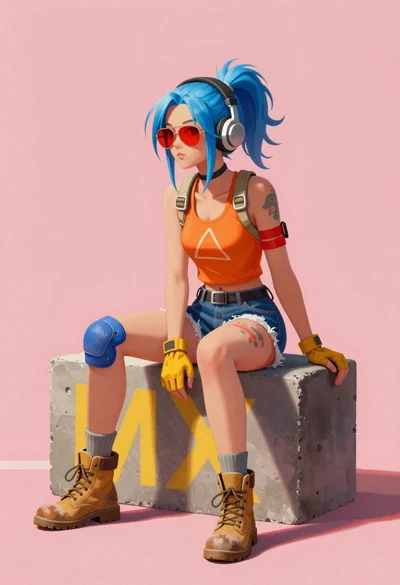
Young woman with blue hair sitting on concrete block
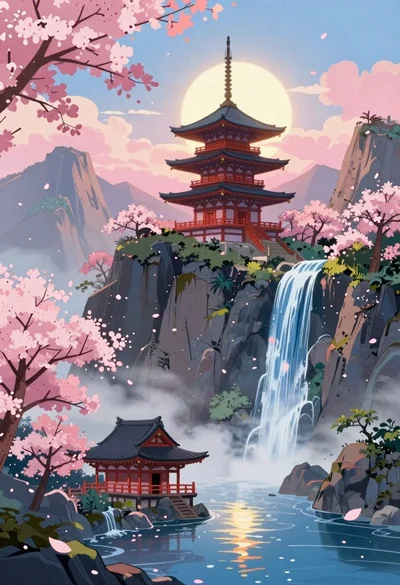
Anime pagoda on mountain peak with cherry blossoms
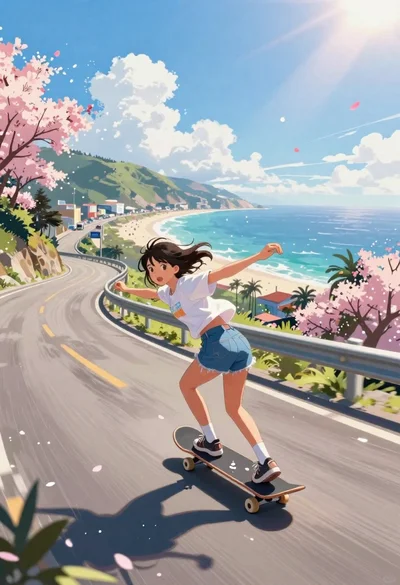
Girl skateboarding on coastal highway with cherry blossoms
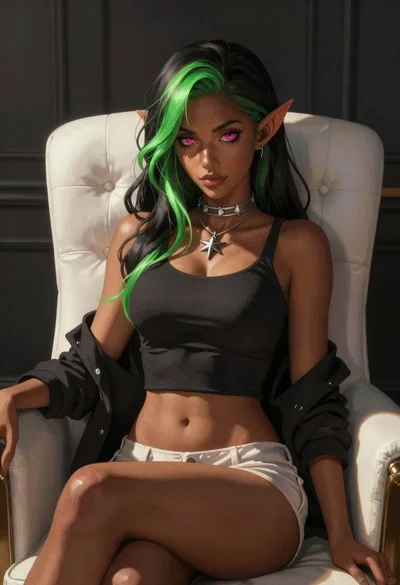
Elf woman sitting in white leather chair studio portrait