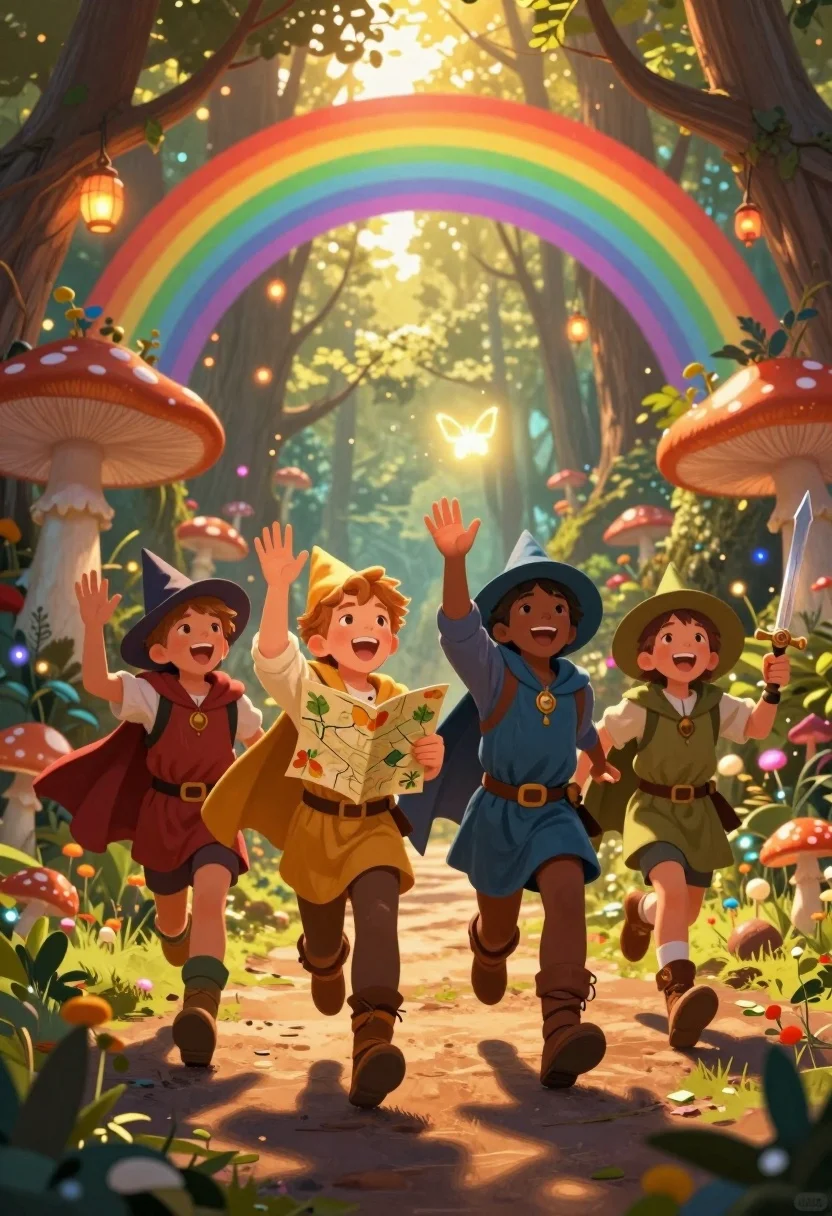
Four children adventurers running through magical forest path under rainbow archway
Prompt
A group of four children dressed as fantasy adventurers run joyfully through a magical forest path under a glowing rainbow archway.

Subject: A diverse group of four young children in the foreground running forward with expressions of pure delight and excitement, including a boy holding a map and another brandishing a toy sword.

Clothing: The children wear colorful medieval-style costumes featuring tunics, capes, boots, and pointed wizard hats, with textures ranging from soft velvet to rough leather straps.

Action: The group is captured mid-stride running along a dirt path, waving their hands in the air, looking upward at a glowing butterfly, and smiling broadly.

Environment: A lush enchanted forest setting filled with giant bioluminescent mushrooms, hanging paper lanterns, and ancient trees framing a vibrant rainbow archway that glows with warm light.

Camera: Low angle shot looking up at the children to emphasize their height and energy, with a shallow depth of field blurring the distant background while keeping the foreground sharp.

Lighting: Warm golden sunlight filters through the canopy mixed with magical glowing orbs and soft bioluminescence from the mushrooms and lanterns creating a dreamlike atmosphere.

Style Details: Digital painting style with vibrant saturated colors, soft painterly brushstrokes, and a whimsical fairytale aesthetic reminiscent of high-quality concept art.
Description
This prompt is useful for creating children's book illustrations, fantasy game concept art, and storybook chapter headers. The combination of 'low angle shot looking up at the children' emphasizes their energetic movement against the towering elements like 'giant bioluminescent mushrooms,' while the 'soft painterly brushstrokes' maintain a cohesive, non-photorealistic quality suitable for narrative illustration.
Suggestions
- Change 'medieval-style costumes' to 'rustic woodland attire' for a less formal feel.
- Add 'bokeh effect' to the lighting description for more magical depth.
- Swap 'glowing rainbow archway' for 'shimmering stained-glass archway' for a different color palette.
Category
Tags
Digital ArtFemaleForestFull BodyLow AngleMaleNatureOutdoors
Date added
July 12, 2026
Added by
PromptDexter Team
Related Prompts
More prompts with similar categories and tags.
Diverse children riding fantasy creatures through a magical forest path
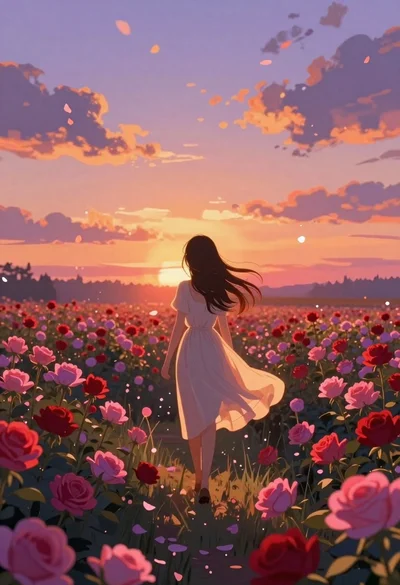
Anime girl in vast rose garden at sunset
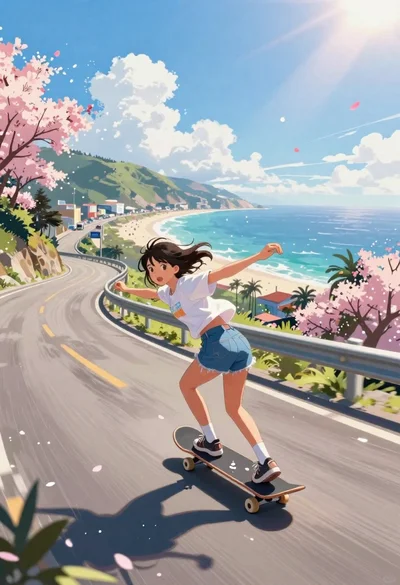
Girl skateboarding on coastal highway with cherry blossoms
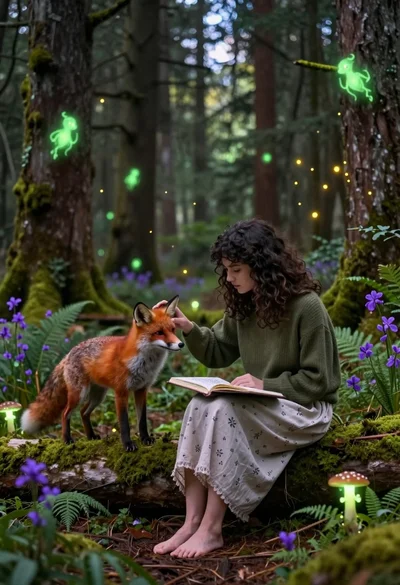
Young woman sketching red fox on mossy log in magical forest setting
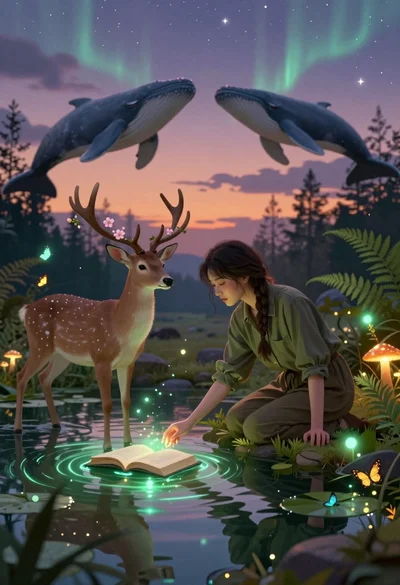
Young woman kneeling by mystical pond with deer and whales in forest

Muscular man in combat stance on cliff edge with pixelated sword
Portrait of a witch in black corset and hat
Child holding glowing balloon in dimly lit alleyway
Anime pagoda on mountain peak with cherry blossoms
Lone figure on steps near glowing moonlit water