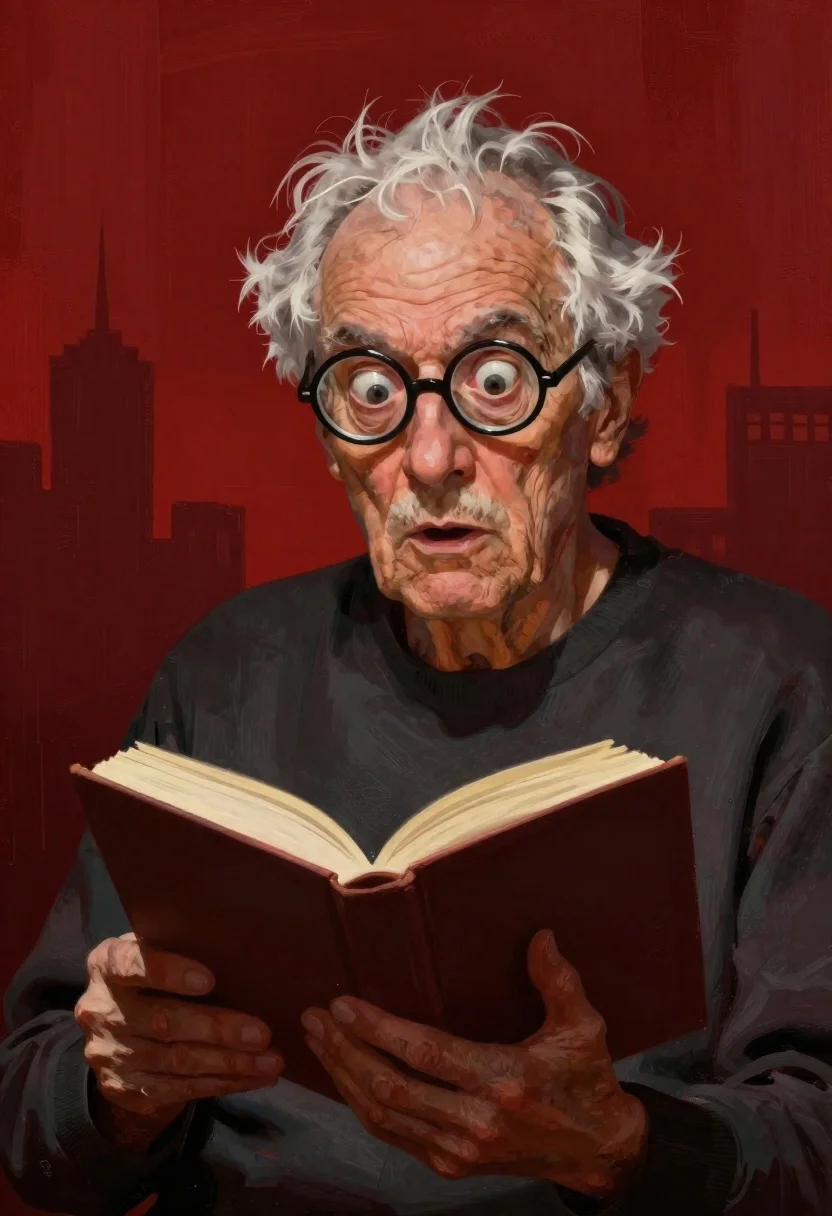
Elderly man reading book against abstract red background
Prompt
Digital painting of an elderly man with a shocked expression reading a book

Subject: aged face with deep wrinkles and prominent veins, messy white hair sticking up, large round black-rimmed glasses framing wide eyes looking upward in alarm

Clothing: plain dark long-sleeved shirt

Objects: open hardcover book held at chest level

Environment: abstract red background with rough brushstroke textures suggesting a cityscape silhouette behind him

Lighting: dramatic directional light coming from the front-right, casting deep shadows on his face and highlighting skin texture

Style Details: bold graphic style with exaggerated features reminiscent of Wes Anderson or Tim Burton aesthetic.
Description
This prompt is useful for creating character concept art, dramatic book covers, and stylized portrait studies needing high emotional impact. The combination of 'dramatic directional light' casting deep shadows against the 'abstract red background with rough brushstroke textures' emphasizes the exaggerated features and 'shocked expression,' which prevents the image from looking flat or merely illustrative by forcing intense contrast.
Suggestions
- Change 'deep wrinkles' to 'weather-beaten skin' for a slightly softer look.
- Swap 'Wes Anderson or Tim Burton aesthetic' for 'graphic novel style' to adjust the exaggeration level.
- Modify 'plain dark long-sleeved shirt' to 'tweed jacket' for more visual interest.
Category
Tags
Casual WearDigital ArtGray HairIndoorsMalePortrait Shot
Date added
June 19, 2026
Added by
PromptDexter Team
Related Prompts
More prompts with similar categories and tags.
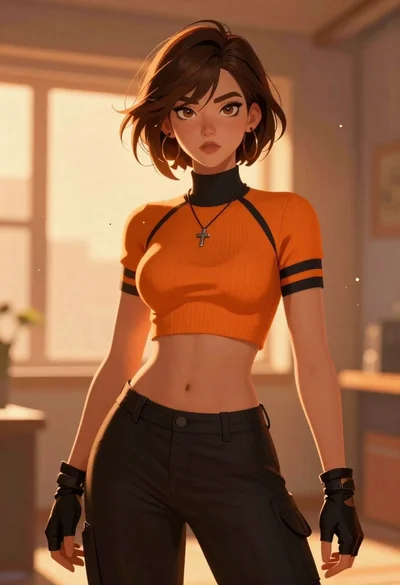
Anime woman with brown hair in orange crop top
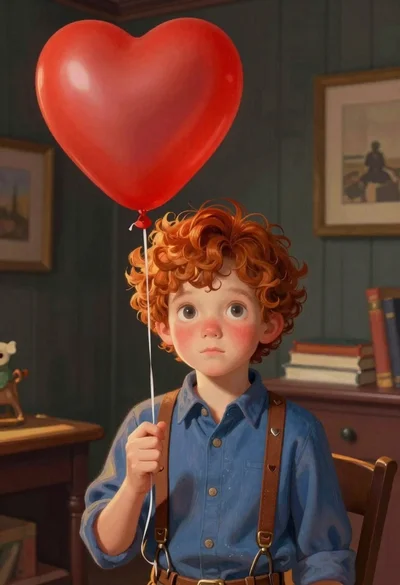
Young boy with red hair holding heart balloon indoors
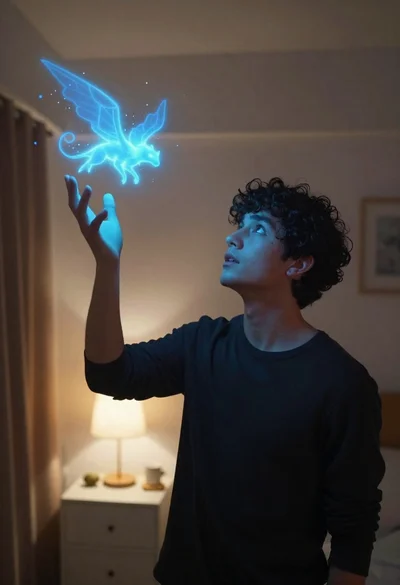
Young man looking up at glowing magical creature in dimly lit bedroom
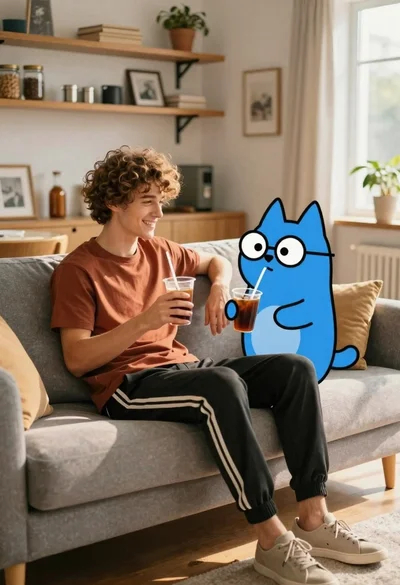
Young man with dog sitting on sofa in sunlit living room
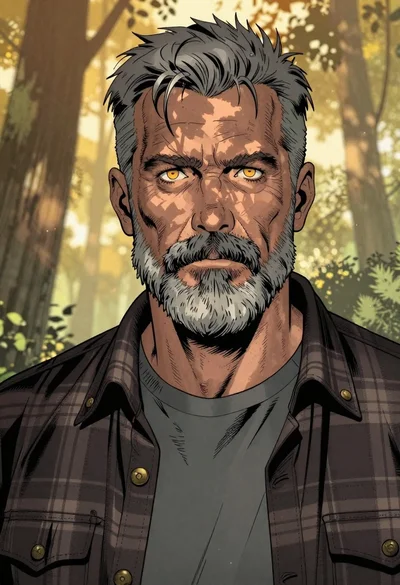
Weathered man in plaid shirt against golden forest background
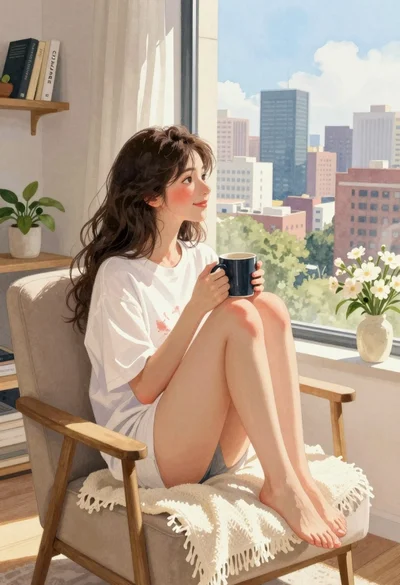
Young woman in white tshirt sitting by window overlooking city skyline
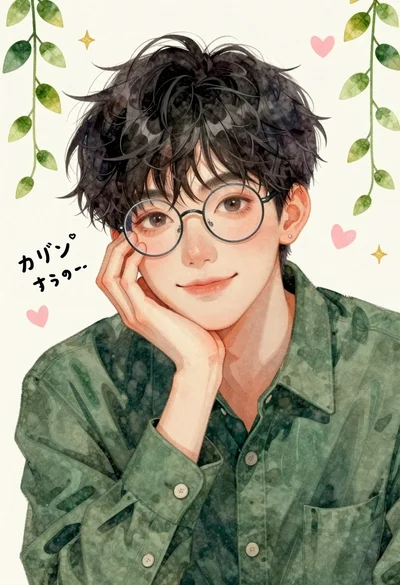
Close up portrait of young man with glasses resting on hand against

Obsidian humanoid in neon cube holding glowing heart
