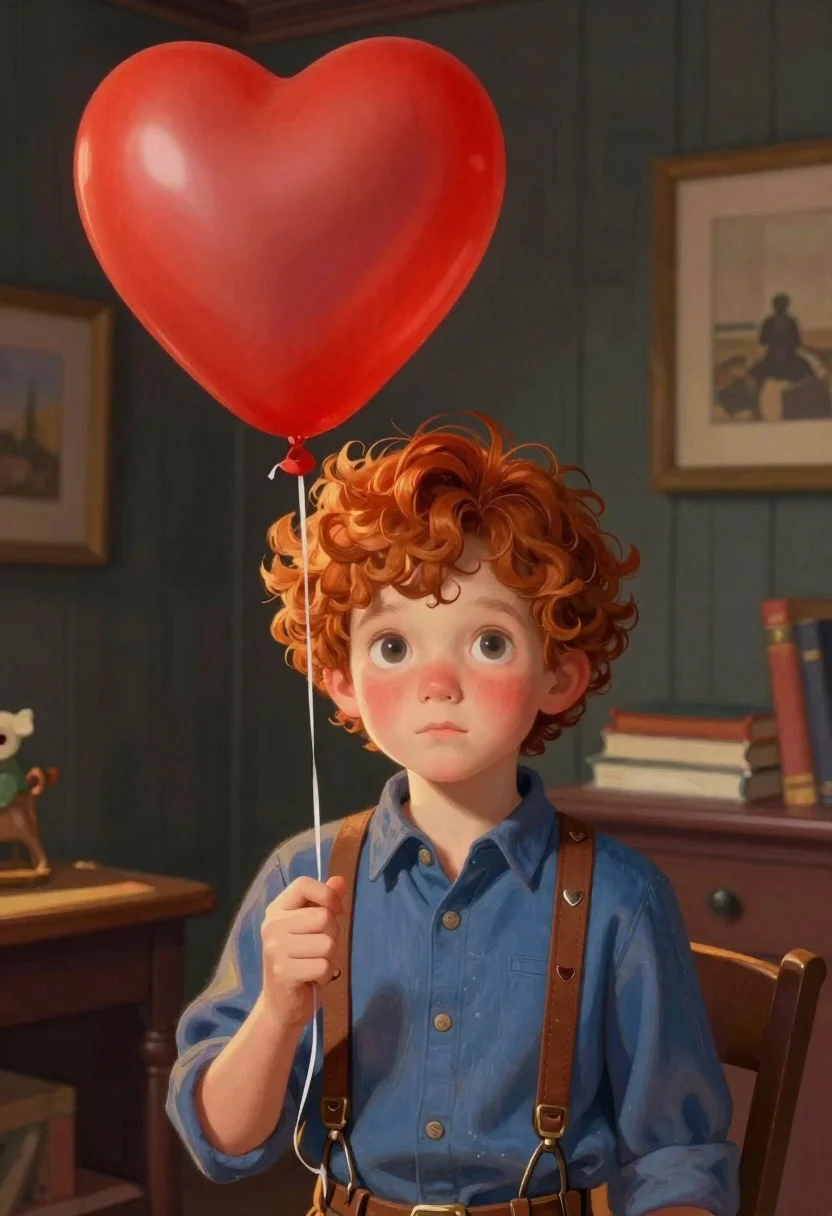
Young boy with red hair holding heart balloon indoors
Prompt
Soft-focus digital illustration of a young boy with curly red hair gazing gently forward while holding a bright red heart-shaped balloon in a dimly lit interior room with dark wood paneling.

Subject: fair-skinned child with large expressive eyes and soft rosy cheeks, curly red hair, gazing gently forward

Clothing: blue button-up shirt under brown leather suspenders featuring small metal hearts

Action: gripping thin string of floating balloon near chest

Objects: vivid red heart-shaped latex balloon tethered by string, leather suspenders with metallic details, small animal figurine visible in corner

Environment: dimly lit interior space with dark wood paneling, framed artwork on walls, books stacked nearby, wooden desk or shelf in background

Lighting: warm directional source casting gentle highlights on hair and skin glow, soft shadows against dark interior backdrop

Camera: medium close-up shot emphasizing facial features and upper body composition

Style Details: painterly texture blending realistic rendering with stylized character design reminiscent of modern storybook animation.
Description
This prompt is useful for creating children's book illustrations, sentimental portraiture, and concept art for animated shorts. The combination of 'soft-focus digital illustration' style with a 'warm directional source casting gentle highlights' ensures the boy's face remains the focal point against the deep tones of the 'dark wood paneling', preventing the background from becoming an undifferentiated black void.
Suggestions
- Change 'blue button-up shirt' to 'cream knit sweater' for a softer color palette.
- Add 'bokeh effect' to enhance the depth in the background.
- Swap 'heart-shaped balloon' for 'star-shaped balloon' to change the emotional tone.
Category
Tags
Casual WearDigital ArtFair SkinIndoorsMedium ShotPortrait ShotRed Hair
Date added
June 19, 2026
Added by
PromptDexter Team
Related Prompts
More prompts with similar categories and tags.
Young woman in white sweatshirt with crossed arms against illustrated doodle background
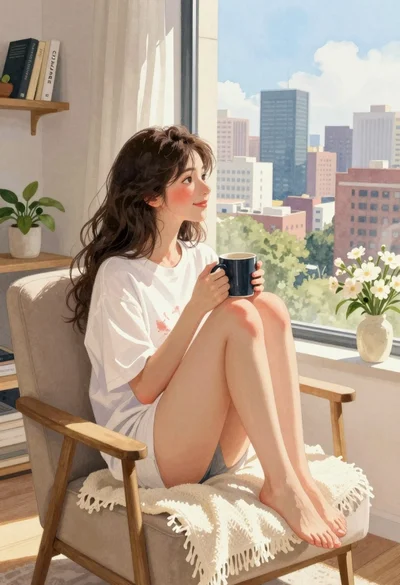
Young woman in white tshirt sitting by window overlooking city skyline
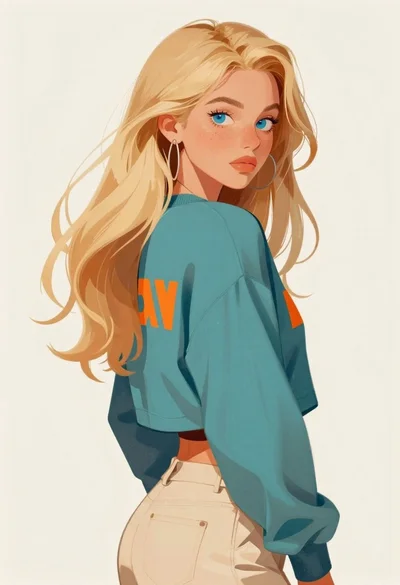
Digital portrait of blonde woman looking over shoulder
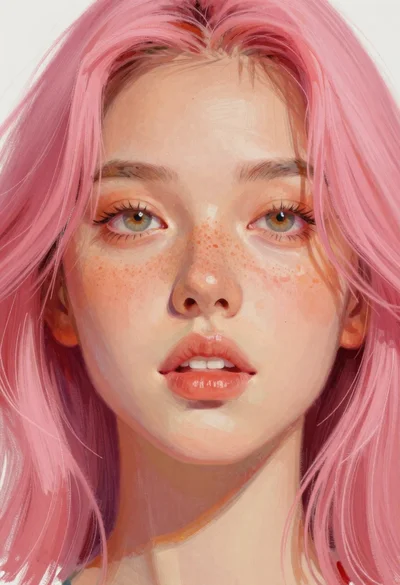
Close up portrait of young woman with pink hair
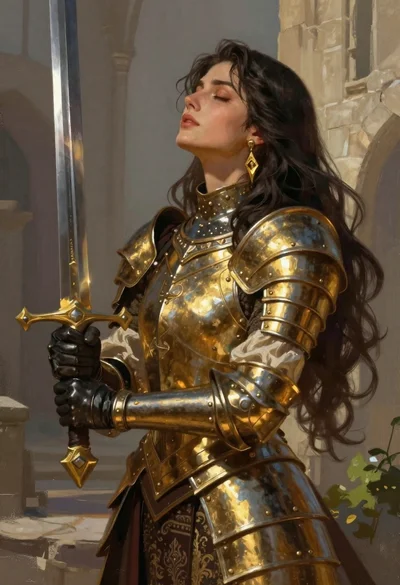
Fantasy warrior woman with ornate sword in stone courtyard
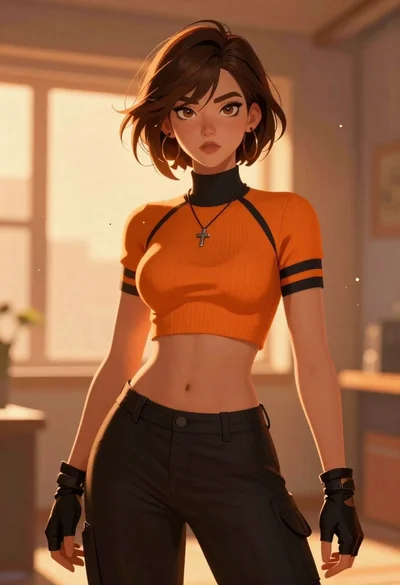
Anime woman with brown hair in orange crop top
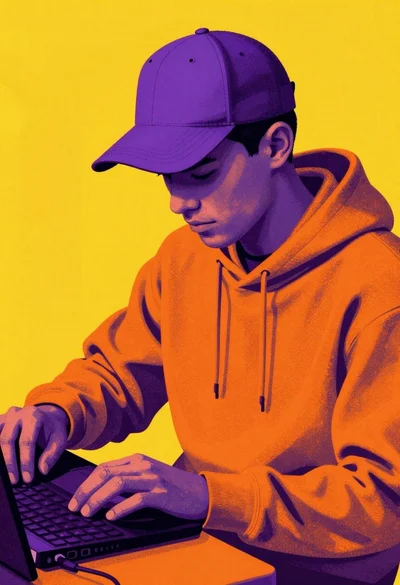
Pop art figure in orange hoodie and purple cap

Futuristic android woman in metallic corridor