
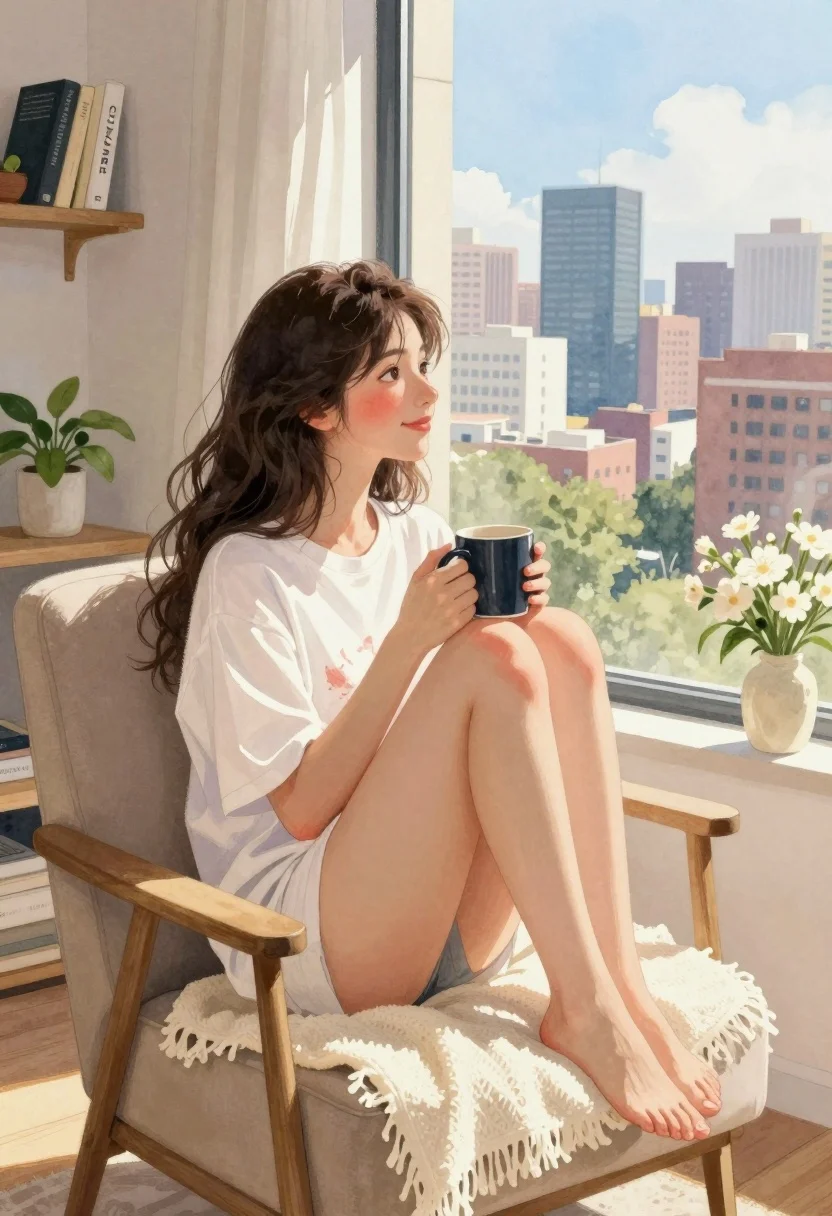
Young woman in white tshirt sitting by window overlooking city skyline
Prompt
A young woman with dark wavy hair sits comfortably in a beige armchair by a large window, holding a mug and gazing out at a sprawling city skyline under a bright blue sky.

Subject: A relaxed young woman with long dark wavy hair tied loosely in a bun, featuring soft rosy cheeks and a gentle smile as she looks toward the window.

Clothing: She wears an oversized white graphic t-shirt that drapes loosely over her body, paired with bare legs and feet resting on a cream-colored fringed throw blanket draped over the chair.

Action: The woman sits in a casual pose with knees drawn up, holding a dark mug with both hands near her chest while gazing thoughtfully at the city view outside.

Environment: She is seated in a cozy indoor room with warm wooden shelves displaying books including one titled CHANEL, potted green plants, and a vase of white flowers on a nearby table.

Camera: The shot uses a medium framing angle that captures both the interior details and the expansive cityscape through the window, creating depth between the subject and background.

Lighting: Soft natural daylight streams in from the large window, casting warm highlights on her skin and clothing while maintaining gentle shadows for a serene atmosphere.

Style Details: The image is rendered in a soft watercolor painting style with visible brushstrokes, pastel tones, and dreamy atmospheric blending that evokes a calm morning mood.
Description
This prompt is useful for creating cozy lifestyle blog headers, digital concept art for interior design magazines, and serene character portraits. The combination of 'soft watercolor painting style' with 'pastel tones' ensures the image avoids harsh photographic realism, instead lending itself to a gentle, dreamlike quality that complements the 'cozy indoor room' setting.
Suggestions
- Change 'beige armchair' to 'velvet wingback chair' for richer texture.
- Swap 'dark wavy hair' for 'braided dark hair' to alter the hairstyle focus.
- Adjust 'soft natural daylight' to 'overcast window light' for a more diffused, muted palette.
Category
Tags
BrunetteCasual WearDigital ArtFemaleIndoorsMedium ShotPortrait Shot
Date added
July 3, 2026
Added by
PromptDexter Team
Related Prompts
More prompts with similar categories and tags.
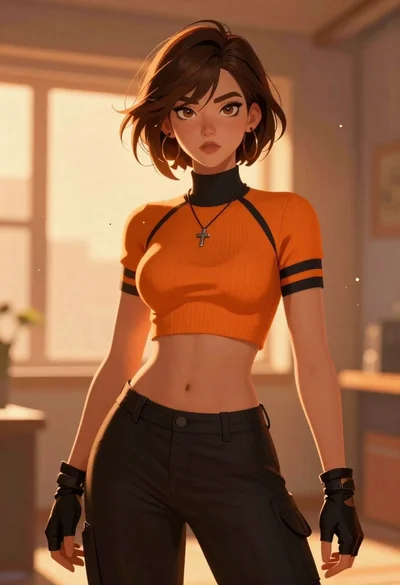
Anime woman with brown hair in orange crop top

Young boy with red hair holding heart balloon indoors
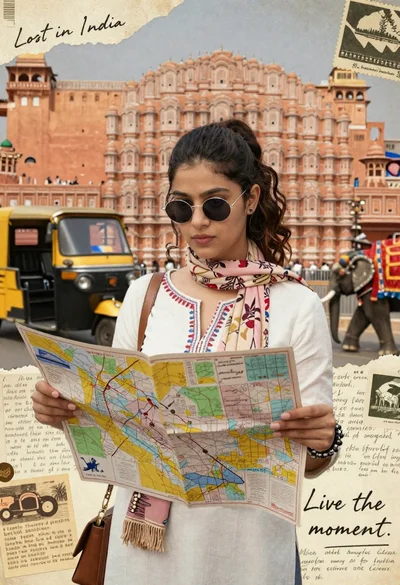
Young woman holding map against indian architectural collage background

Portrait of a young woman in a cardigan against scrapbook collage background
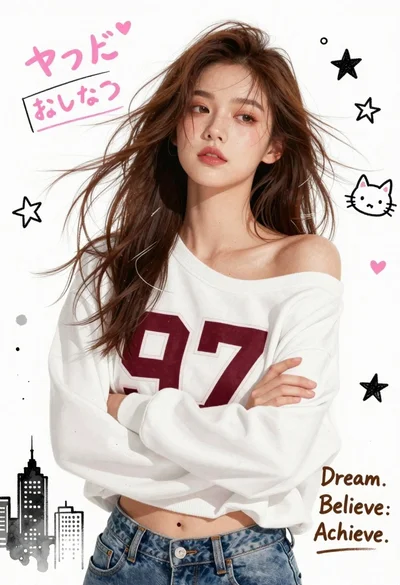
Young woman in white sweatshirt with crossed arms against illustrated doodle background
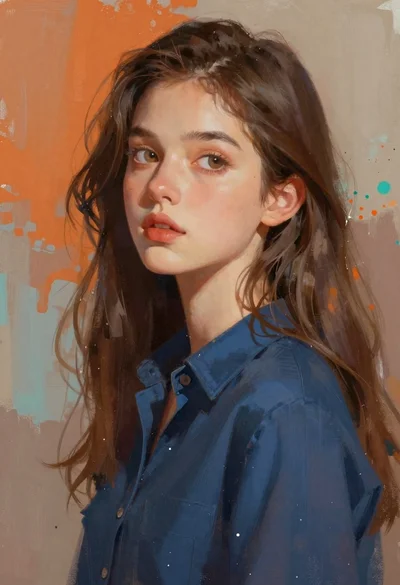
Young woman with long brown hair in dark blue shirt against abstract
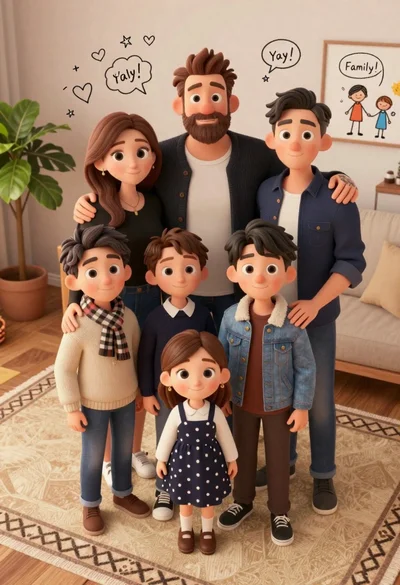
High angle group portrait of stylized family of six standing on patterned

Vintage illustrated portrait of woman with dark hair and red lipstick
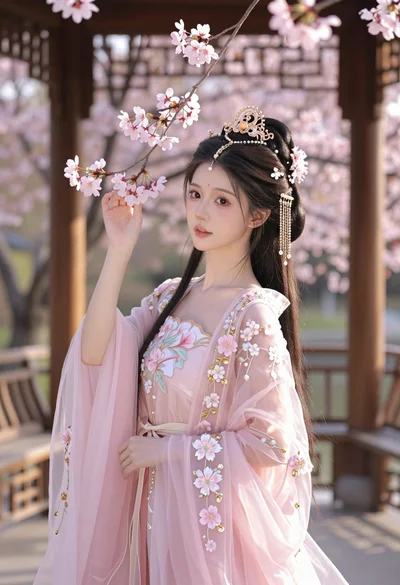
Young woman in pink gown standing in cherry blossom pavilion at golden

Portrait of young woman with glowing eyes on city night