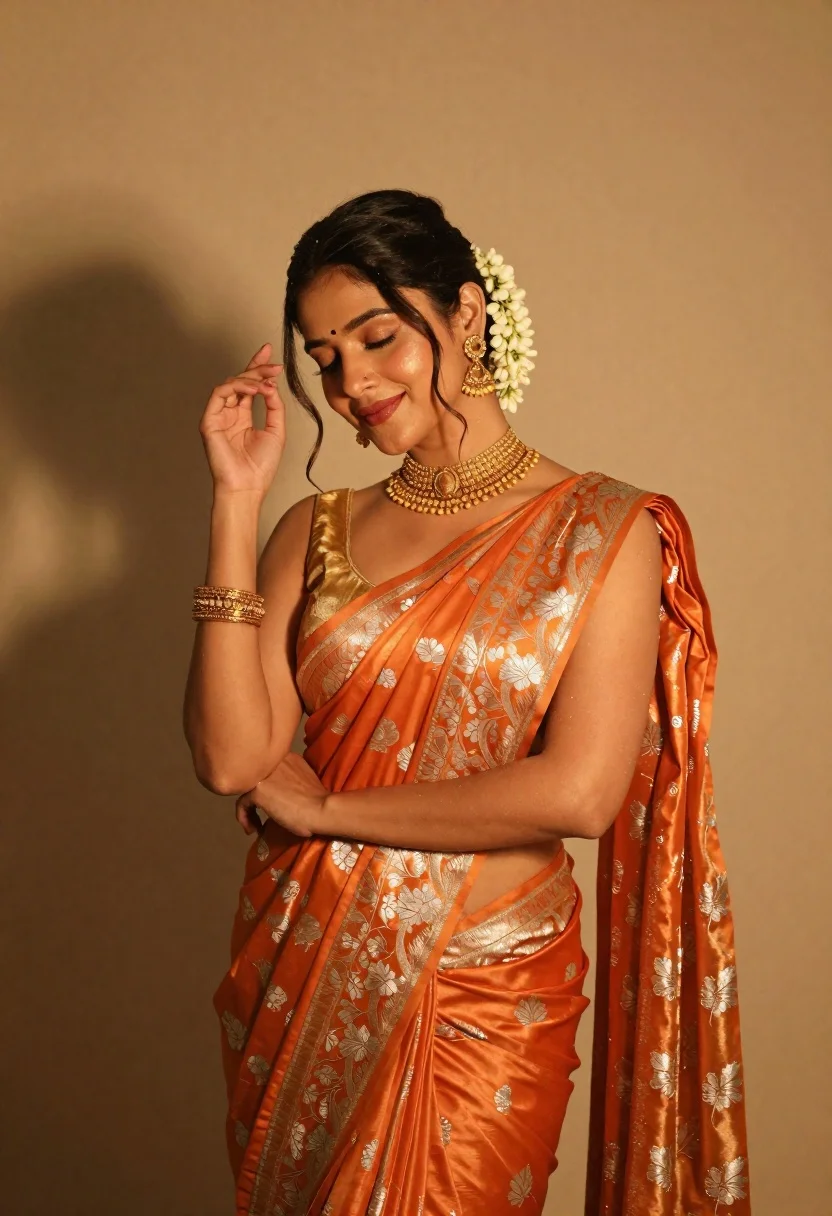
Elegant woman in orange silk saree posing against a beige studio wall
Prompt
A graceful woman in traditional Indian attire poses with her eyes closed and a gentle smile, exuding elegance and serenity.

Subject: A beautiful woman with dark hair styled in an updo adorned with a cluster of white jasmine flowers behind her ear. She has a small bindi on her forehead and is wearing heavy gold jewelry including a large choker necklace, dangling earrings, and ornate bangles on her wrist. Her skin is glowing and smooth.

Clothing: She wears a shimmering orange silk saree with intricate silver floral brocade patterns woven into the fabric. Underneath, she wears a matching golden blouse with thin straps. The saree drapes elegantly over her shoulder and arm.

Action: She stands in a relaxed pose with her head tilted slightly downward. Her right hand is raised near her face with fingers gently touching her hair or forehead, while her left arm rests across her body. Her expression is calm and contemplative with soft red lipstick.

Environment: The background is a smooth, warm-toned beige wall that provides a neutral backdrop to highlight the subject. Soft shadows are cast on the wall behind her, suggesting a studio setting.

Lighting: Warm golden hour lighting bathes the scene in a soft, amber glow. The light source appears to be coming from above and slightly to the side, creating gentle highlights on her skin and the shiny texture of the saree while casting soft shadows that add depth.

Style Details: The image has a cinematic, high-fashion editorial quality with rich color grading emphasizing warm tones. There is a dreamy, ethereal atmosphere created by the soft focus and glowing light effects. The overall aesthetic is luxurious and culturally rich.
Description
This prompt is useful for creating cultural fashion editorials, bridal lookbooks, and high-end portraiture showcasing traditional garments. The combination of 'shimmering orange silk saree' against a 'warm-toned beige wall' ensures the vibrant color remains the focal point while the 'soft amber glow' prevents harsh reflections on the gold jewelry, maintaining an ethereal quality.
Suggestions
- Change 'jasmine flowers' to 'red roses' for a bolder contrast.
- Swap 'shimmering orange silk saree' for 'deep emerald velvet lehenga' for a different texture.
- Adjust 'warm golden hour lighting' to 'soft box diffused light' for more controlled studio shadows.
Category
Tags
Brown SkinFemaleFull BodyPortrait ShotRealisticStudioTraditional Wear
Date added
June 19, 2026
Added by
PromptDexter Team
Related Prompts
More prompts with similar categories and tags.
High fashion portrait of woman with red hair in black jacket
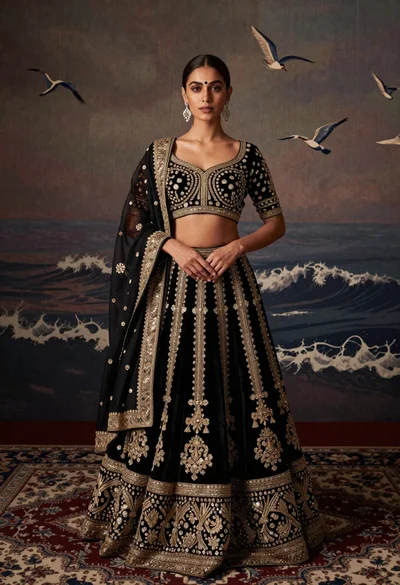
Young woman in black and gold lehenga choli standing on patterned rug
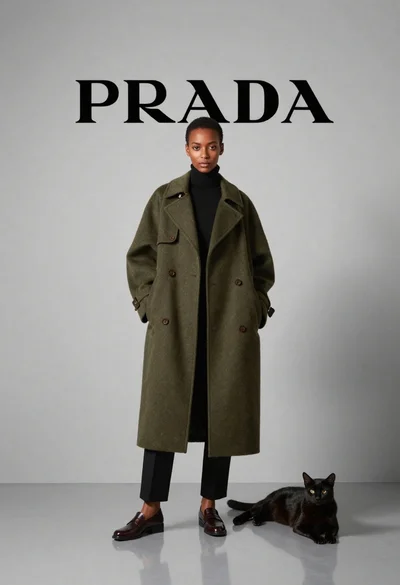
Black woman in olive coat with cat in studio
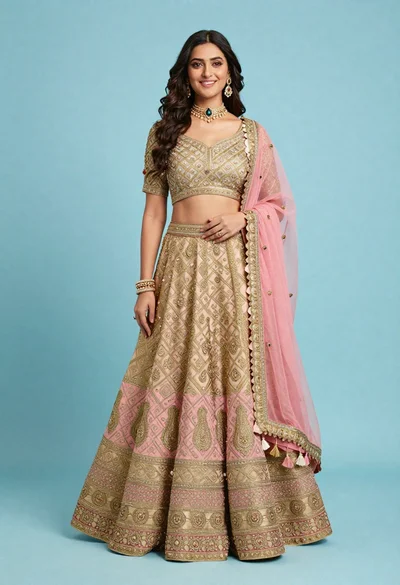
Full body portrait of smiling woman in embroidered indian lehenga choli
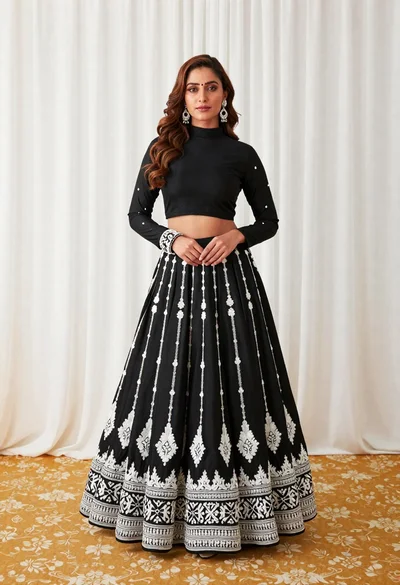
Full length portrait of woman in black traditional outfit indoors
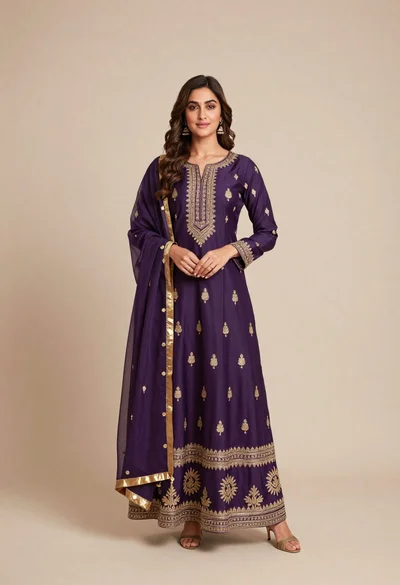
Full body portrait of woman in elaborate purple indian outfit studio setting
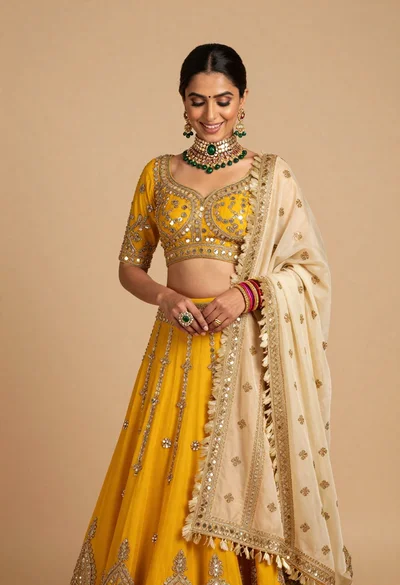
Woman in yellow lehenga choli bridal attire against beige studio backdrop
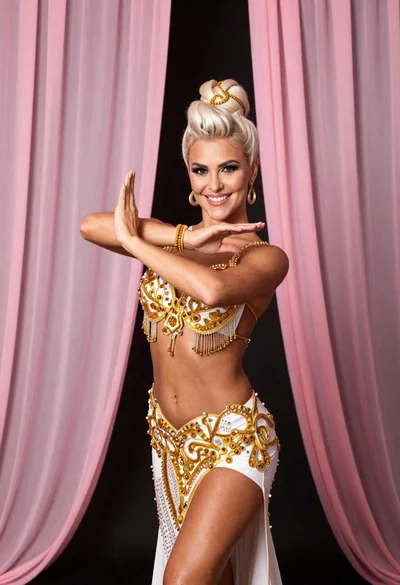
Blonde woman in gold belly dancing costume posing before pink curtains
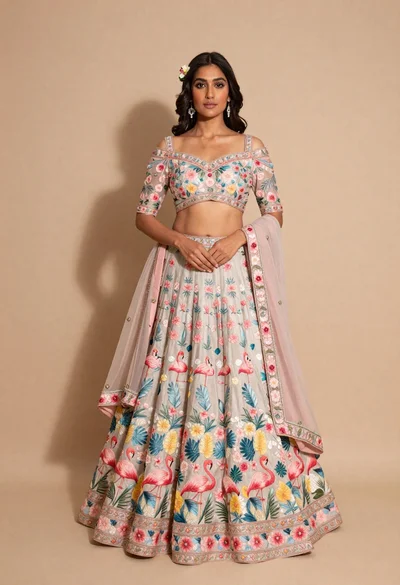
Full body portrait of young woman in embroidered pastel lehenga choli
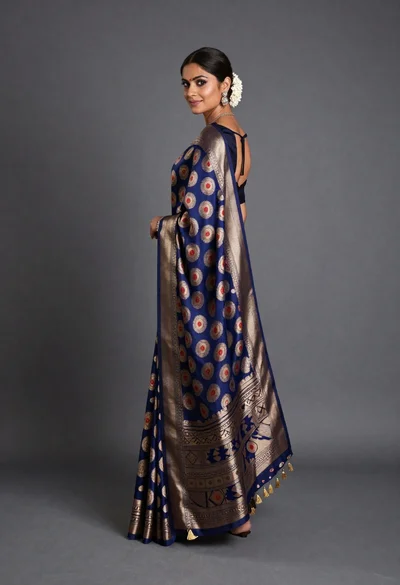
Woman in elaborate blue and gold saree looking over shoulder studio portrait