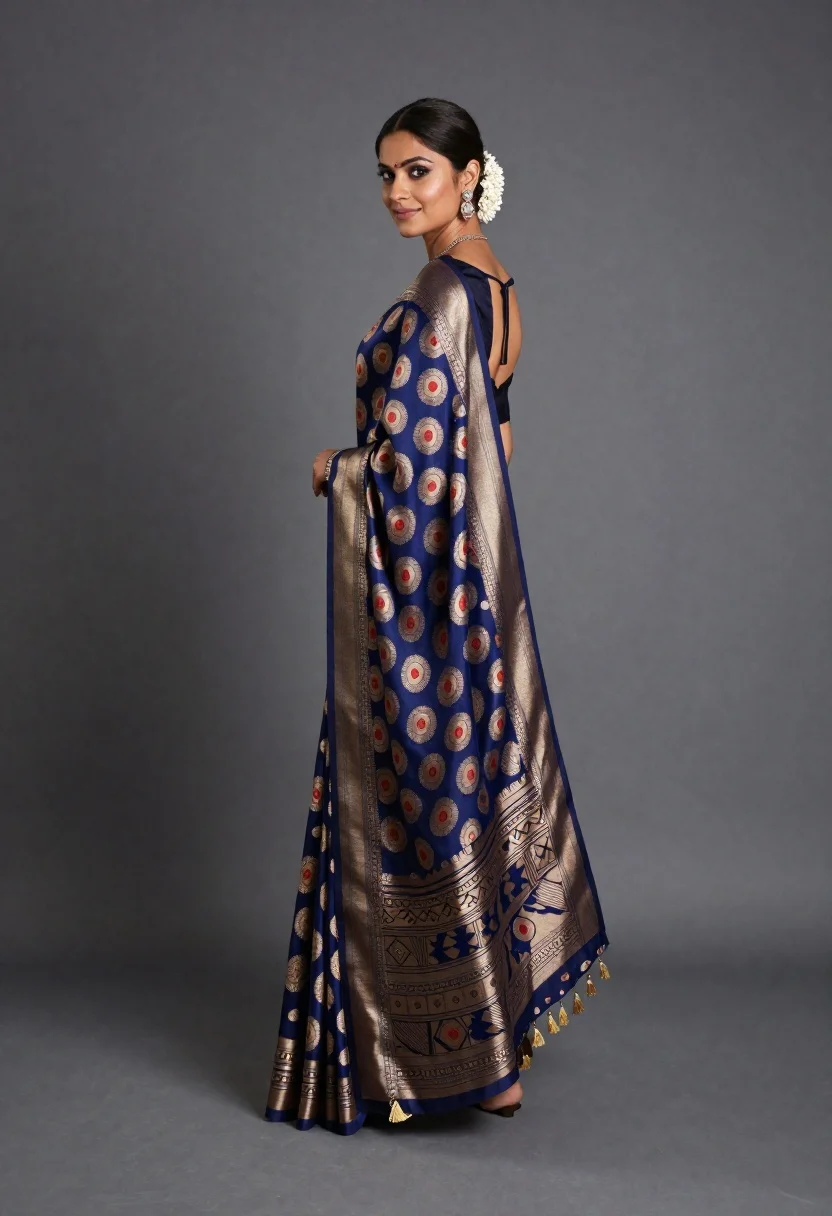
Woman in elaborate blue and gold saree looking over shoulder studio portrait
Prompt
A woman stands in a three-quarter profile pose against a neutral grey backdrop, looking back over her shoulder with a gentle smile.

Subject: A poised woman with dark hair pulled back into a sleek updo adorned with a white floral accessory. She has fair skin and is wearing elegant dangling earrings and a delicate necklace.

Clothing: She wears an elaborate traditional Indian saree featuring a deep blue base fabric covered in intricate, repeating circular motifs in gold, beige, and red. The blouse is dark navy with a low-cut open back. The saree drapes elegantly to the floor, ending in a wide border with geometric patterns and golden tassels at the hem.

Action: She stands still with her body angled away from the camera while turning her head to look directly at the viewer, creating a graceful profile view.

Environment: A minimalist studio setting with a seamless grey background that transitions into a soft shadow on the left side.

Lighting: Soft, directional studio lighting illuminates the subject from the right, casting a smooth, defined shadow on the wall behind her and highlighting the texture of the fabric.

Camera: Shot from a medium-full length perspective at eye level, capturing the full drape of the garment with a shallow depth of field that keeps the subject sharp while softening the background.

Style Details: High-fashion editorial photography with a focus on rich textures, vibrant patterns, and elegant composition.
Description
This prompt is useful for creating high-end bridal catalog imagery, cultural fashion editorials, and luxury textile advertisements. The combination of 'deep blue base fabric' against the 'neutral grey backdrop,' coupled with 'soft, directional studio lighting,' ensures that the intricate gold motifs remain visible without harsh glare, which is crucial for showcasing expensive textiles.
Suggestions
- Change 'circular motifs in gold' to 'paisley motifs in antique gold' for a different pattern feel.
- Adjust 'deep blue base fabric' to 'royal indigo silk' for a specific material suggestion.
- Swap 'medium-full length perspective' to 'waist-up shot' if you want to focus more on the jewelry.
Category
Tags
Fair SkinFemaleFull BodyMedium ShotPortrait ShotRealisticStudioTraditional Wear
Date added
June 19, 2026
Added by
PromptDexter Team
Related Prompts
More prompts with similar categories and tags.
Portrait of woman in coral and rose traditional indian lehenga dress
Poised young east asian woman in white cheongsam against chinese calligraphy art

Blonde woman in black gown seated on white stool in bright room
Young woman in elaborate red and pink traditional indian attire indoors
Young woman in maroon lehenga choli standing in an elegant studio setting

Portrait of woman in elaborate red feathered gown against vivid blue background
Full length portrait of woman in black traditional outfit indoors

Glamorous woman posing in shimmering two piece outfit against green backdrop
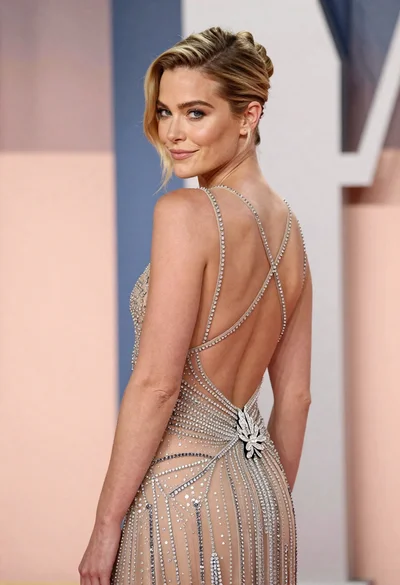
Woman in sheer crystal gown looking over shoulder at event backdrop
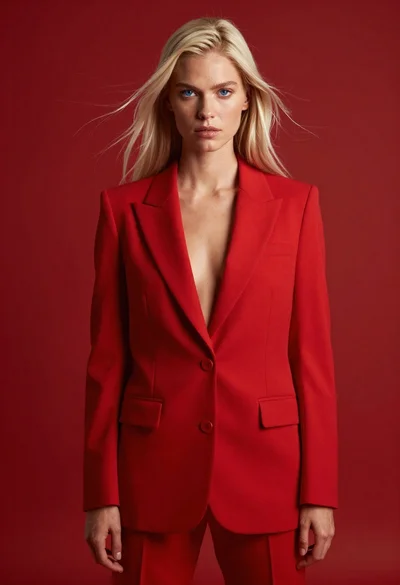
High fashion studio portrait of woman in crimson blazer