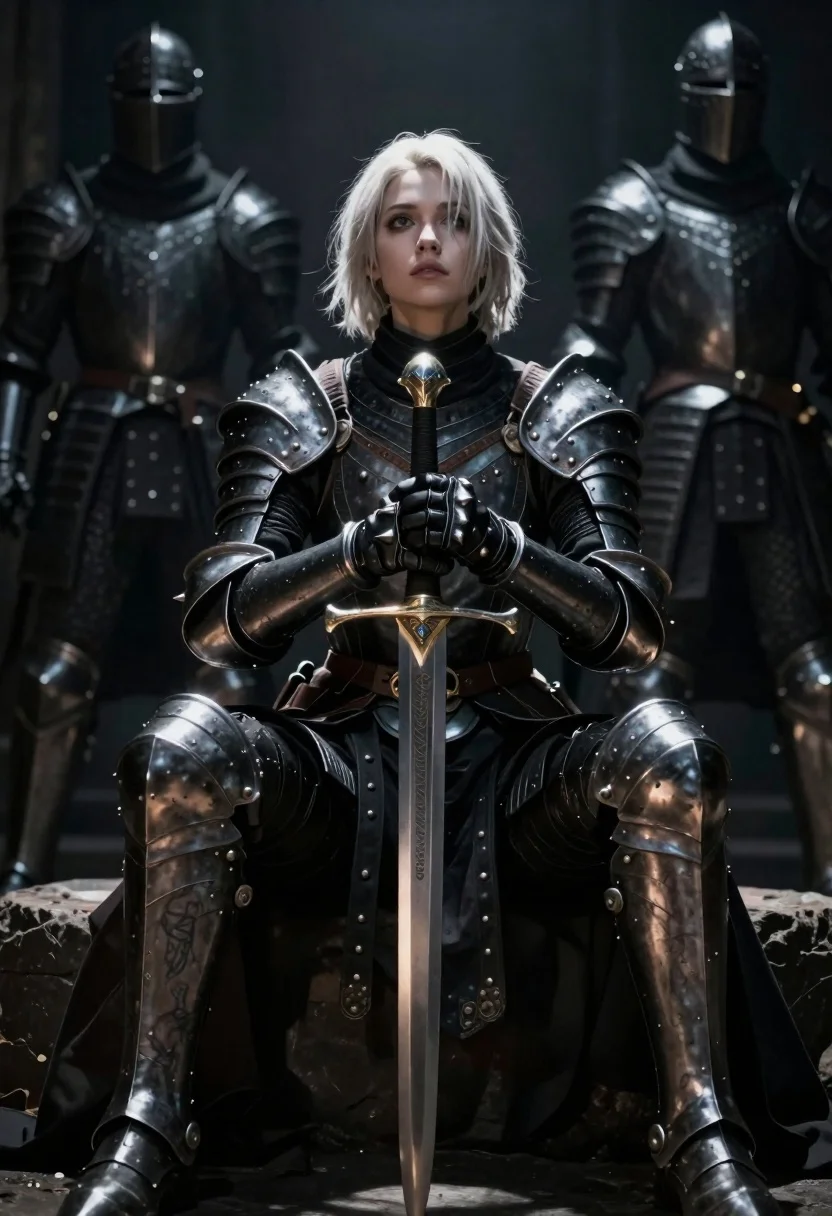
Warrior woman in dark armor seated with ornate sword
Prompt
Digital art of a poised warrior woman seated in the shadows with dramatic backlighting

Subject: young female knight with short platinum blonde hair and sharp facial features looking upward

Clothing: dark weathered plate armor over black fabric, heavy spiked leather gloves, greaves on legs showing tattoos peeking through gaps

Action: sitting calmly holding a tall ornate sword upright between her knees both hands gripping the hilt firmly

Environment: dimly lit background with two armored figures standing behind in deep shadow suggesting formation or guard duty

Camera: low angle shot emphasizing stature and presence medium close-up framing center on upper body and weapon

Lighting: high contrast chiaroscuro lighting spotlight from above highlighting face hair sword blade while plunging surroundings into darkness creating intense mood

Style Details: cinematic dark fantasy aesthetic with hyper-realistic textures metallic reflections worn armor detailing glowing eyespots in helmet visors.
Description
This prompt is useful for creating character concept art, dramatic book cover illustrations, and high-fantasy promotional material. The combination of 'high contrast chiaroscuro lighting' with the 'dark weathered plate armor' ensures that only key elements like the face and sword blade catch the light, preventing a flat composition and instead building an intense mood suitable for epic storytelling.
Suggestions
- Change 'platinum blonde hair' to 'raven black hair' for greater contrast.
- Swap 'ornate sword' for 'runic greatsword' to enhance the fantasy element.
- Adjust 'medium close-up framing' to 'full body shot' to better showcase the armor.
Category
Tags
ArmorBlondeBrown HairDark SkinDigital ArtFemaleFictional CharacterFull BodyLow AngleMedium ShotPortrait ShotRealisticStudio
Date added
June 19, 2026
Added by
PromptDexter Team
Related Prompts
More prompts with similar categories and tags.

Portrait of a witch in black corset and hat
Samurai warrior roaring in dark armor against pink background

Warrior woman riding wolf through snowy mountains
Demon with bioluminescent tattoos in smoke vortex
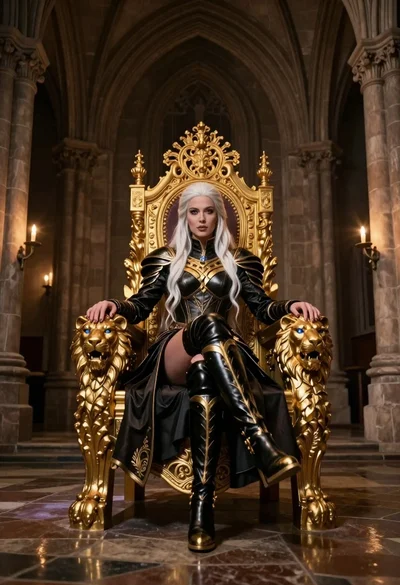
Queen in black armor on golden throne in cathedral
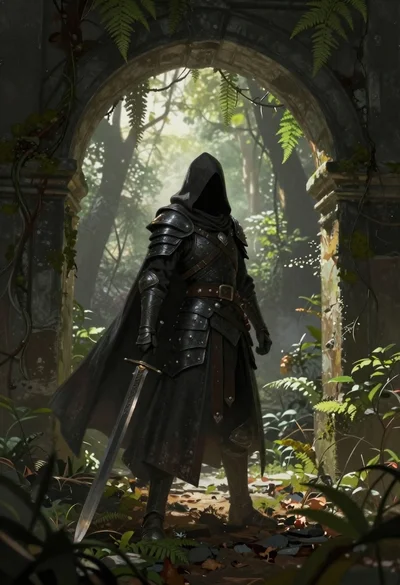
Warrior in dark armor within ancient overgrown stone archway
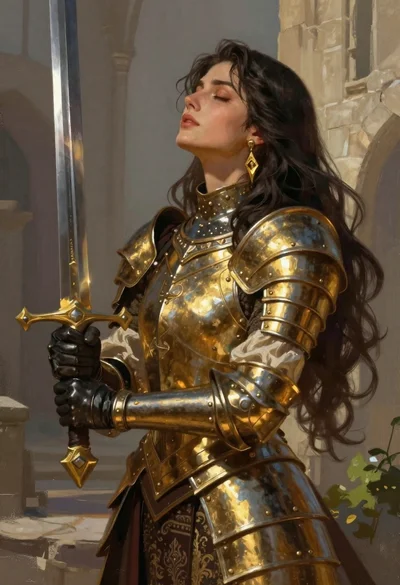
Fantasy warrior woman with ornate sword in stone courtyard
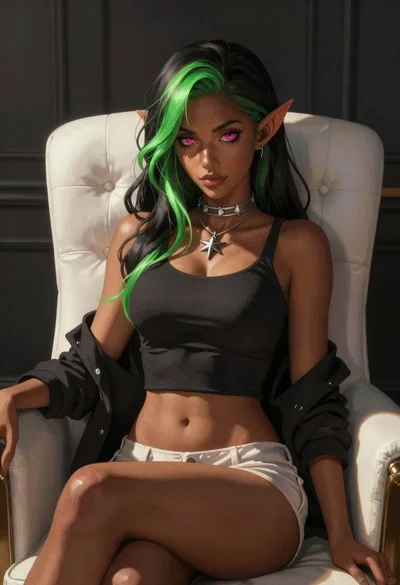
Elf woman sitting in white leather chair studio portrait