
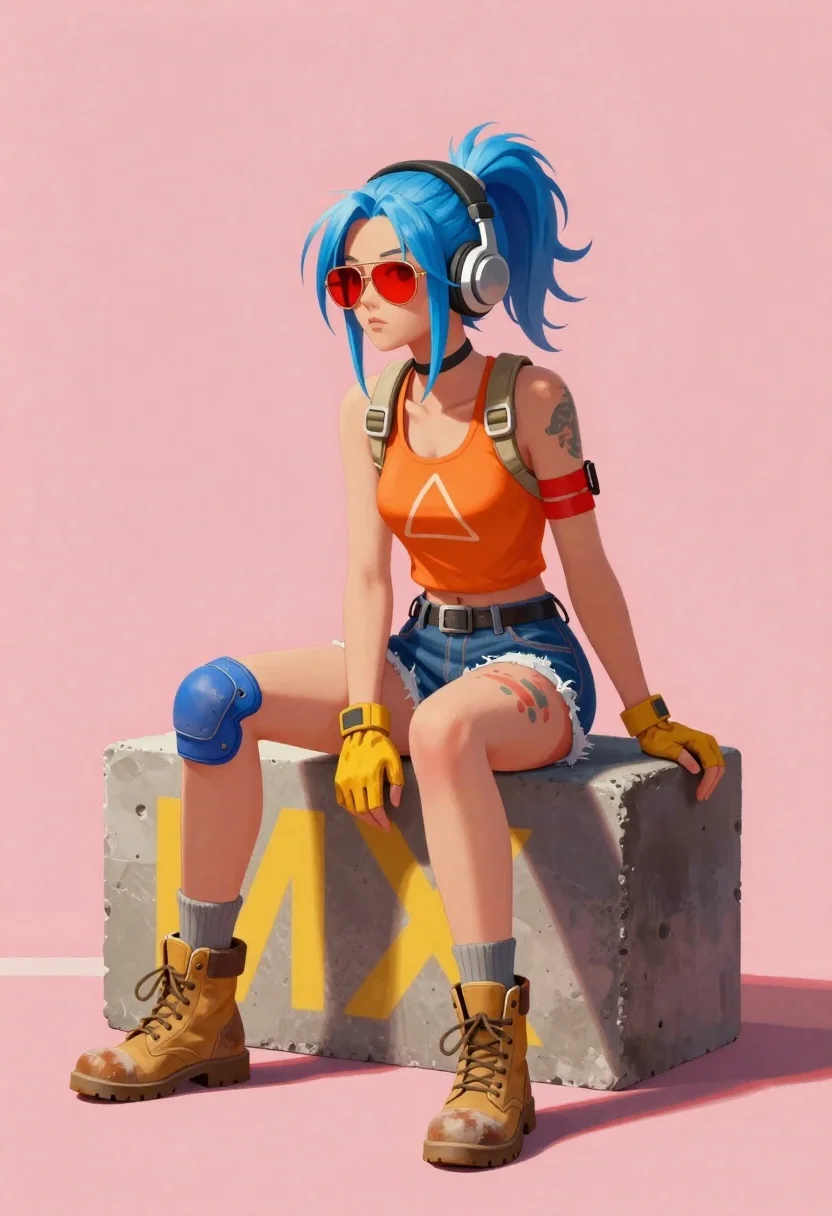
Young woman with blue hair sitting on concrete block
Prompt
A full-body illustration of a young woman with blue hair in a high ponytail and red sunglasses sitting on a concrete block against a solid pink background

Subject: A youthful female character with pale skin, light blue messy hair tied back, wearing large round headphones over her ears.

Clothing: She wears an orange tank top featuring a white triangular graphic print, ripped denim shorts revealing thigh tattoos or paint marks, yellow fingerless gloves, and worn tan high-top combat boots paired with grey socks; Accessories include beige tactical gear straps across the chest, red bandages wrapped around one forearm, blue knee pads on her legs.

Action: Sitting casually in a relaxed pose with body turned slightly to side while facing forward gaze directed away from viewer towards left frame edge.

Environment: Minimalist setting dominated by bright coral-pink wall backdrop and rough-textured concrete block bearing large yellow spray-painted letters M X visible behind seated figure's lower half

Camera: Medium shot framing entire subject vertically, slight downward angle emphasizing casual posture against clean background plane

Lighting: Even soft studio illumination with subtle shadows beneath knees suggesting overhead directional source creating gentle contrast without harsh highlights.

Style Details: Digital painting aesthetic blending semi-realistic anatomy with stylized textures reminiscent of concept art or game design visuals.
Description
This prompt is useful for creating character concept sheets, indie video game splash art, and alternative fashion editorial illustrations. The combination of 'digital painting aesthetic' with specific elements like the 'orange tank top featuring a white triangular graphic print' ensures the subject reads as designed rather than photographed, while the 'solid pink background' isolates the figure against potential visual noise.
Suggestions
- Change 'blue hair' to 'pastel lavender' for a softer overall palette.
- Swap 'concrete block' for 'exposed brick' to add more surface texture.
- Adjust 'bright coral-pink wall backdrop' to 'muted peach wall backdrop' for less saturation.
Category
Tags
BlondeCasual WearDigital ArtFemaleFull BodyMedium ShotStudio
Date added
June 19, 2026
Added by
PromptDexter Team
Related Prompts
More prompts with similar categories and tags.
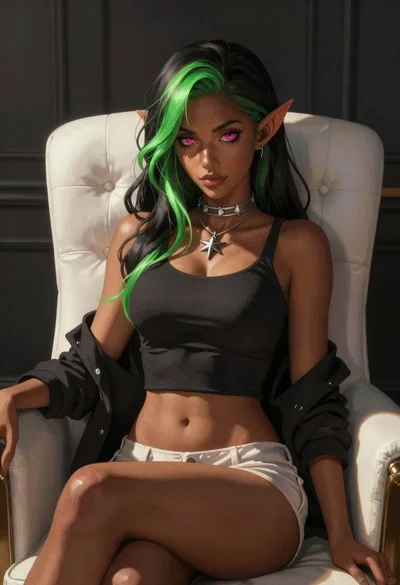
Elf woman sitting in white leather chair studio portrait
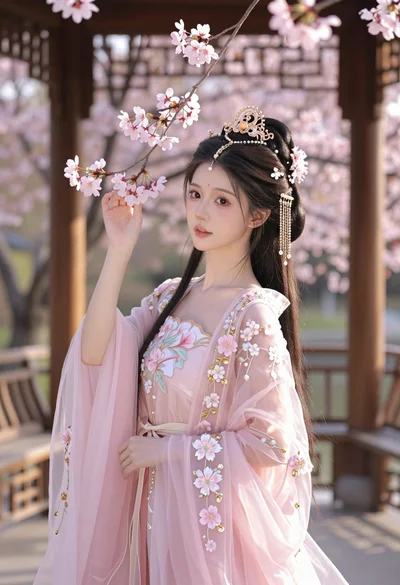
Young woman in pink gown standing in cherry blossom pavilion at golden

Anime girl in vast rose garden at sunset
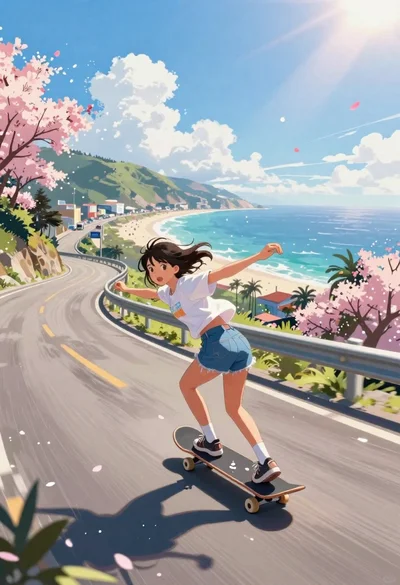
Girl skateboarding on coastal highway with cherry blossoms
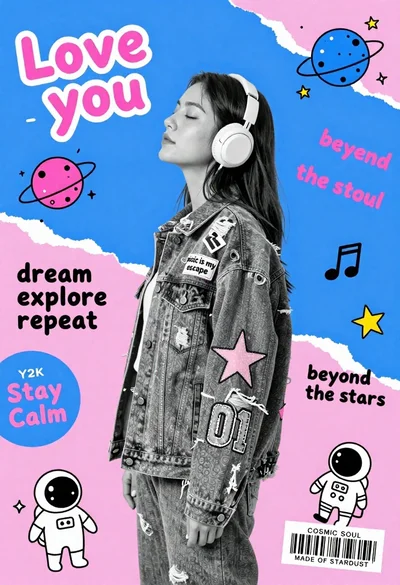
Young woman in profile wearing headphones and denim jacket against geometric background
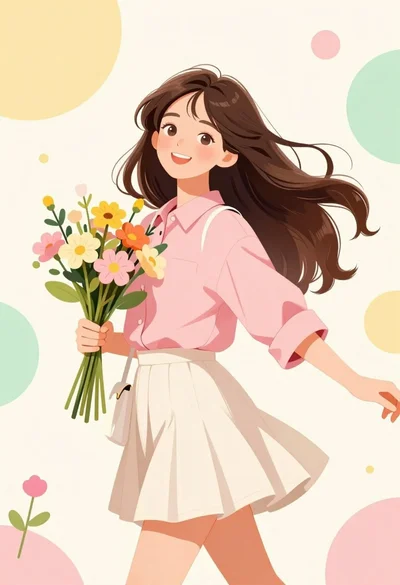
Cheerful young woman in pink shirt holding flowers against abstract pastel background

Diverse children riding fantasy creatures through a magical forest path

Low poly illustration of girl taking selfie with cat on black background
