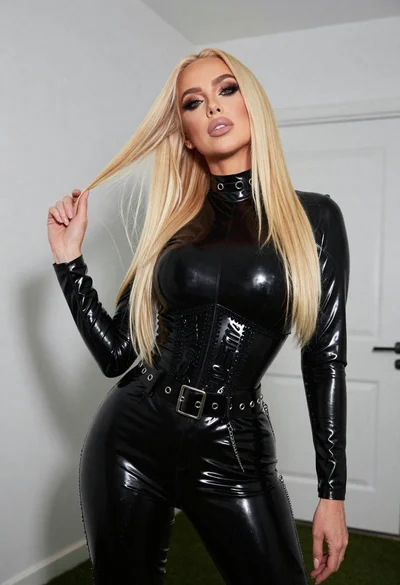
Fair blonde woman in black dress posing against dark gray studio background
Prompt
A confident woman with long blonde hair posing in a studio setting.

Subject: A fair-skinned woman with long, wavy blonde hair that flows loosely around her shoulders and back. She has a poised expression with her gaze directed slightly upward and to the side. Her right arm is raised behind her head while her left hand rests on a stool.

Clothing: She wears a sleek black dress featuring a deep plunging neckline with thin straps, a cutout at the waist, and a smooth fabric texture that drapes elegantly over her figure.

Action: The woman stands in a relaxed yet alluring pose, leaning slightly against a small round stool. Her body is angled toward the camera while her head is turned to look away, creating a dynamic sense of movement in her hair.

Environment: A minimalist studio environment with a solid dark gray background that provides a neutral backdrop emphasizing the subject.

Camera: The shot is captured from a medium-full length perspective with a slight low angle that accentuates the subject's posture and silhouette.

Lighting: Soft, diffused lighting illuminates the scene from the front-left, creating gentle highlights on her skin and hair while casting subtle shadows that define her form.

Style Details: High-fashion editorial photography style with sharp focus, smooth color grading, and a polished aesthetic typical of professional portrait work.
Description
This prompt is useful for creating high-end fashion editorials, dramatic beauty portraits, and stylized lookbook imagery requiring strong silhouette definition. The combination of 'soft, diffused lighting' with the 'dark gray background' ensures that the subject's form remains visible without harsh contrast, while the 'low angle' composition exaggerates the elegance of the 'sleek black dress' against the neutral backdrop.
Suggestions
- Change 'deep plunging neckline' to 'high neck' for a more severe look.
- Swap 'dark gray background' for 'charcoal concrete' to add texture.
- Adjust 'medium-full length perspective' to 'full body shot' to capture more of the drape.
Category
Tags
BlondeFair SkinFemaleLow AngleMedium ShotRealisticStudio
Date added
June 19, 2026
Added by
PromptDexter Team
Related Prompts
More prompts with similar categories and tags.
Blonde woman walking fashion runway in pink tweed ensemble

Blonde woman in silver gown with fur stole studio portrait

Blonde woman in striped swimsuit seated on sofa indoors studio shot

Fair blonde woman in black corset and denim shorts studio portrait

Smiling blonde woman in sports bra sitting on outdoor lounge chair
Fair blonde woman sitting on vintage gold sofa in dimly lit room

Blonde woman in cream sweater sitting on beige couch

Fair skinned woman in black blazer against white studio wall
Blonde woman in white tank top posing against a seamless white studio

Woman in sheer crystal gown looking over shoulder at event backdrop