
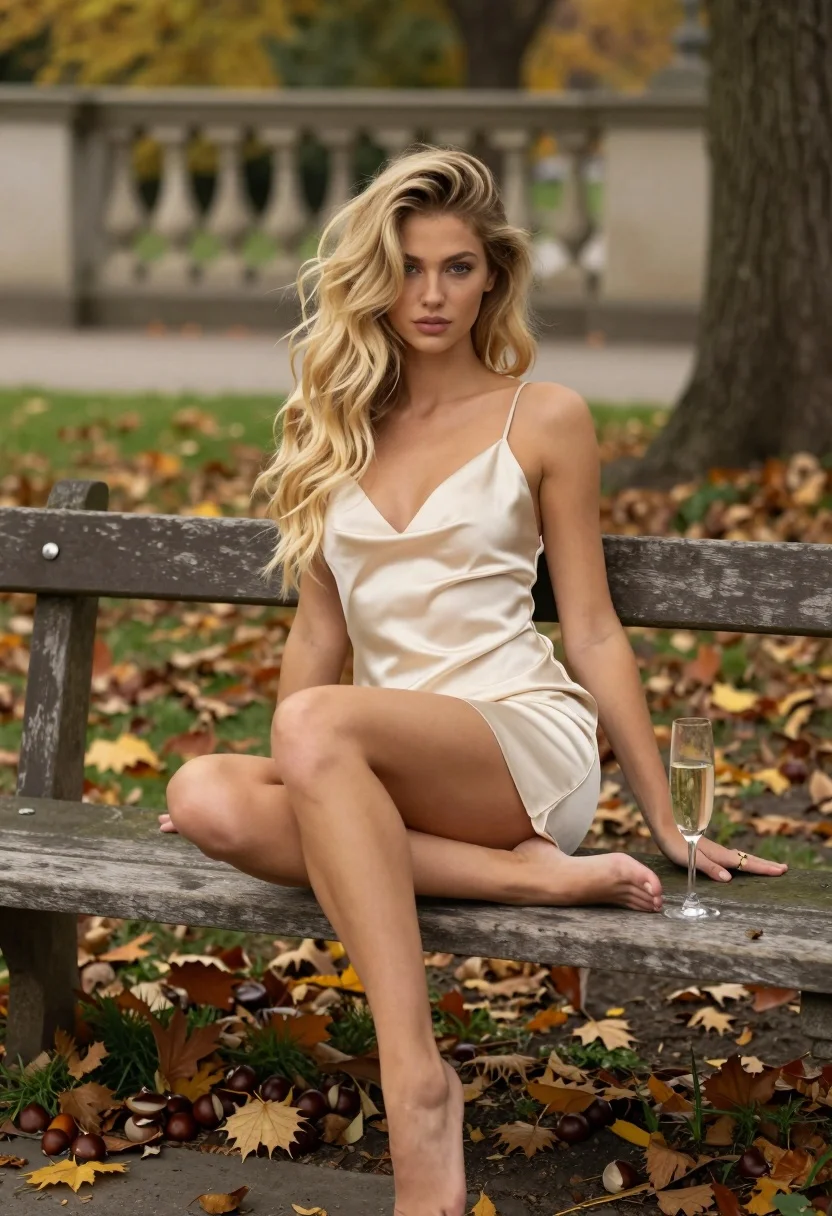
Fair blonde woman sitting on bench in autumnal park setting with champagne
Prompt
A young woman with long wavy blonde hair sits barefoot on a weathered wooden bench in an autumnal park setting.

Subject: A fair-skinned young woman with voluminous wavy blonde hair cascading over her shoulders and blue eyes, looking directly at the camera with a soft expression.

Clothing: She wears a short, cream-colored satin slip dress with thin spaghetti straps and a deep V-neckline that clings to her figure.

Action: She sits with her legs spread apart, resting one hand on her knee and the other on the bench beside her, displaying a gold ring on her finger.

Environment: The setting is an outdoor park during autumn, featuring a stone balustrade in the background, green grass, scattered fallen leaves, chestnuts on the ground, and a large tree trunk to the right.

Objects: A clear champagne flute filled with liquid sits on the bench next to her hand.

Lighting: Soft natural daylight illuminates the scene from above, creating gentle highlights on her hair and skin while casting subtle shadows beneath the bench.

Camera: The shot is framed as a medium-full length portrait taken at eye level with a shallow depth of field that blurs the background foliage.

Style Details: The image features a photorealistic aesthetic with high detail in textures like satin fabric and skin, utilizing a warm color palette dominated by earthy tones and cream hues.
Description
This prompt is useful for creating editorial lifestyle portraits, romantic seasonal advertisements, and fine art portraiture featuring natural elements. The combination of 'soft natural daylight' with the 'shallow depth of field' ensures that while the 'satin slip dress' texture remains visible, the background foliage is softened enough to keep focus squarely on the subject and the champagne flute.
Suggestions
- Change 'cream-colored satin slip dress' to 'deep burgundy velvet slip dress' for a richer fall tone.
- Swap 'champagne flute filled with liquid' for 'single perfect autumn leaf' to change the object focus.
- Adjust 'soft natural daylight' to 'late afternoon diffused sunlight' for more dramatic shadows.
Category
Tags
BlondeCasual WearFair SkinFemaleMedium ShotOutdoorsPortrait ShotRealistic
Date added
August 5, 2026
Added by
PromptDexter Team
Related Prompts
More prompts with similar categories and tags.

Blonde woman reading at a cafe table with roses

Fair blonde woman touching hair outdoors overlooking hazy cityscape
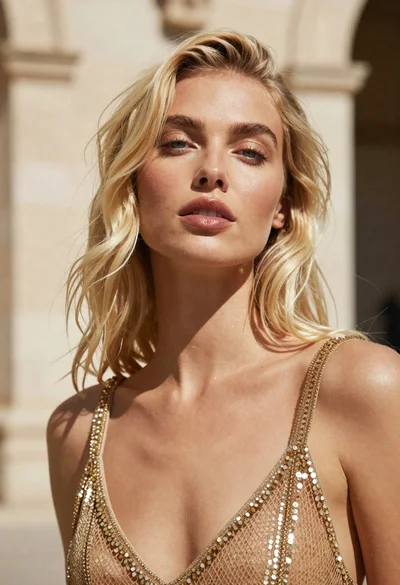
Close up portrait of blonde woman in gold beaded top against stone

Blonde woman reclining on green surface holding pink ribbon bright sunlight
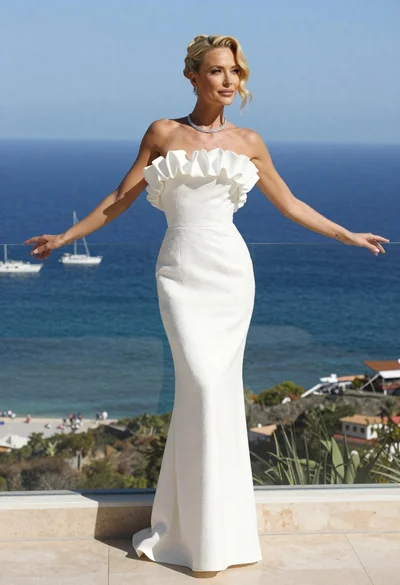
Blonde woman in white gown standing on terrace overlooking blue ocean
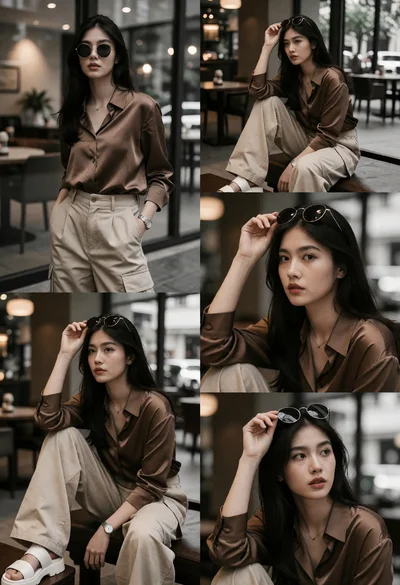
Collage of candid portraits featuring woman in urban cafe setting
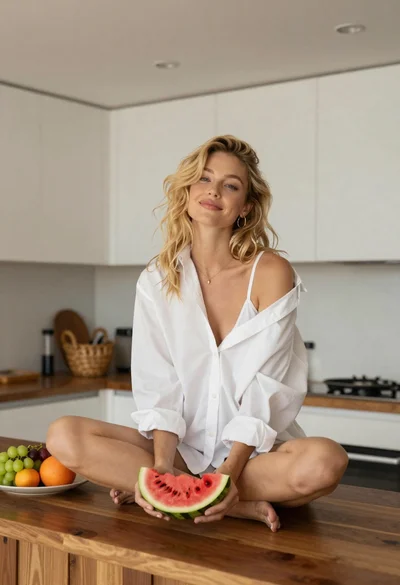
Blonde woman sitting on kitchen counter with watermelon slice

Woman in black dress by window overlooking ocean at golden hour

Young blonde woman in brown top seated in modern living room setting

Smiling young woman in black leather jacket holding award at red carpet
