Fair skinned woman floating in deep blue water with polka dot swimsuit
Prompt
A woman with short brown hair styled in a braid and adorned with a cream-colored flower floats in deep blue water while looking directly at the camera.

Subject: A fair-skinned woman with short reddish-brown hair, bright blue eyes, and red lipstick.

Clothing: She wears a dark blue one-piece swimsuit featuring a white polka dot pattern and thin straps over her shoulders.

Action: She is floating in water with her arms extended to the sides and legs submerged, gazing forward with a calm expression.

Environment: The setting is a pool or body of deep blue water with visible ripples and reflections on the surface surrounding her.

Camera: High-angle shot looking down at the subject from above the water level.

Lighting: Soft natural lighting illuminates the scene, creating gentle highlights on the skin and shimmering reflections on the water.

Style Details: Photorealistic image with a cinematic color palette emphasizing deep blues and high contrast between the dark swimsuit and light skin tone.
Description
This prompt is useful for creating editorial swimwear campaigns, luxury resort advertisements, and artistic portrait studies focusing on negative space. The combination of 'high-angle shot' looking down at the subject from above the water level, paired with 'deep blue water' and 'soft natural lighting', emphasizes the subject's isolation while allowing the 'white polka dot pattern' to provide necessary visual contrast against the surrounding monochromatic blues.
Suggestions
- Change 'short reddish-brown hair' to 'wet, slicked back hair' for a more dramatic look.
- Swap 'dark blue one-piece swimsuit' for 'black high-waisted bikini' to increase contrast.
- Add 'bokeh effect on background ripples' to enhance the cinematic feel.
Category
Tags
Brown HairFair SkinFemaleHigh AngleOutdoorsPortrait ShotRealisticRed HairSwimwear
Date added
June 19, 2026
Added by
PromptDexter Team
Related Prompts
More prompts with similar categories and tags.

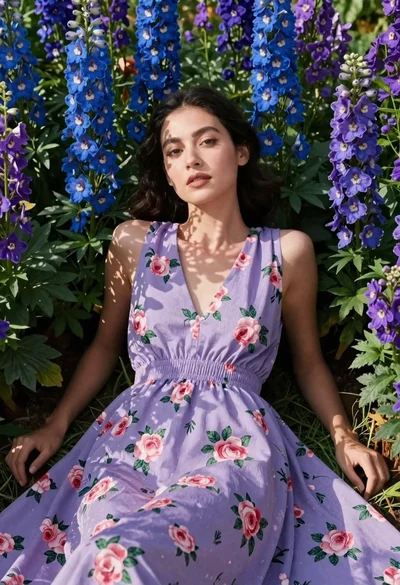
Woman in black dress by window overlooking ocean at golden hour
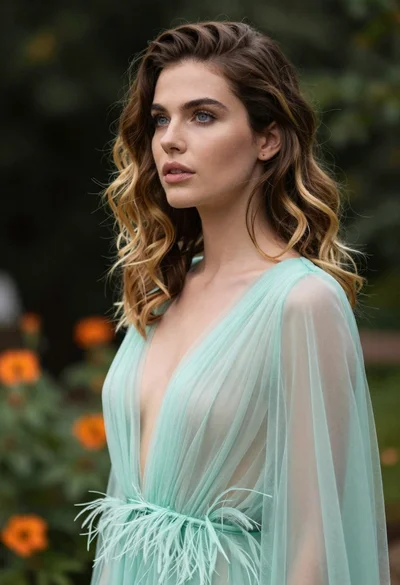
Portrait of woman with brown blonde hair in mint gown garden setting
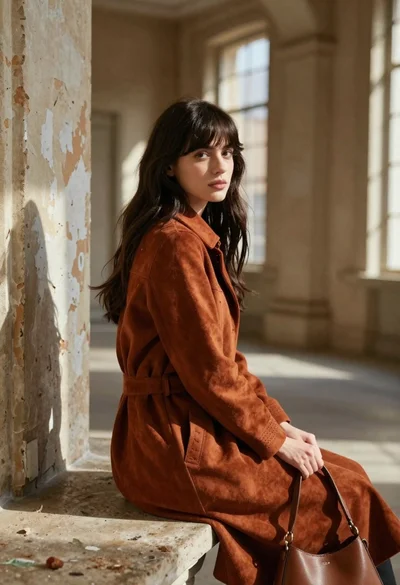
Young woman in rust suede coat seated in weathered architectural corridor
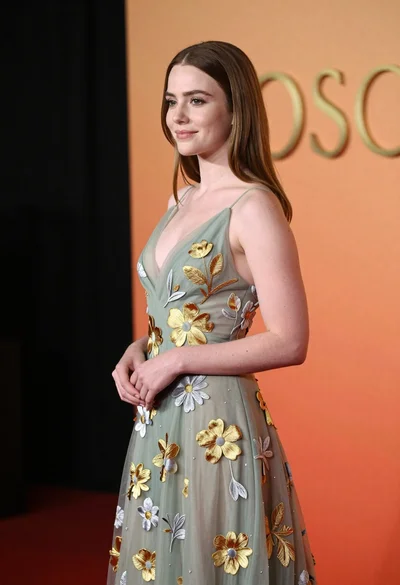
Young woman in sage green embroidered gown against orange backdrop
Woman with red hair standing among orange marigolds
Woman walking on beach with surfboard at golden hour

Woman posing on terrace at golden hour by mediterranean buildings
Young woman in blue dress sitting on dry grassy hillside outdoors
Glamorous woman turning over shoulder with flowing brown hair
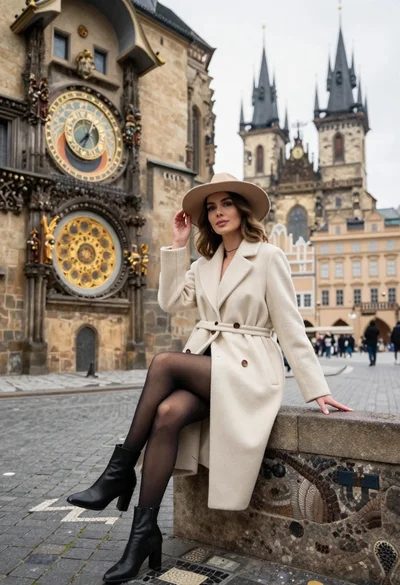
Stylish woman in cream coat sitting by prague astronomical clock