
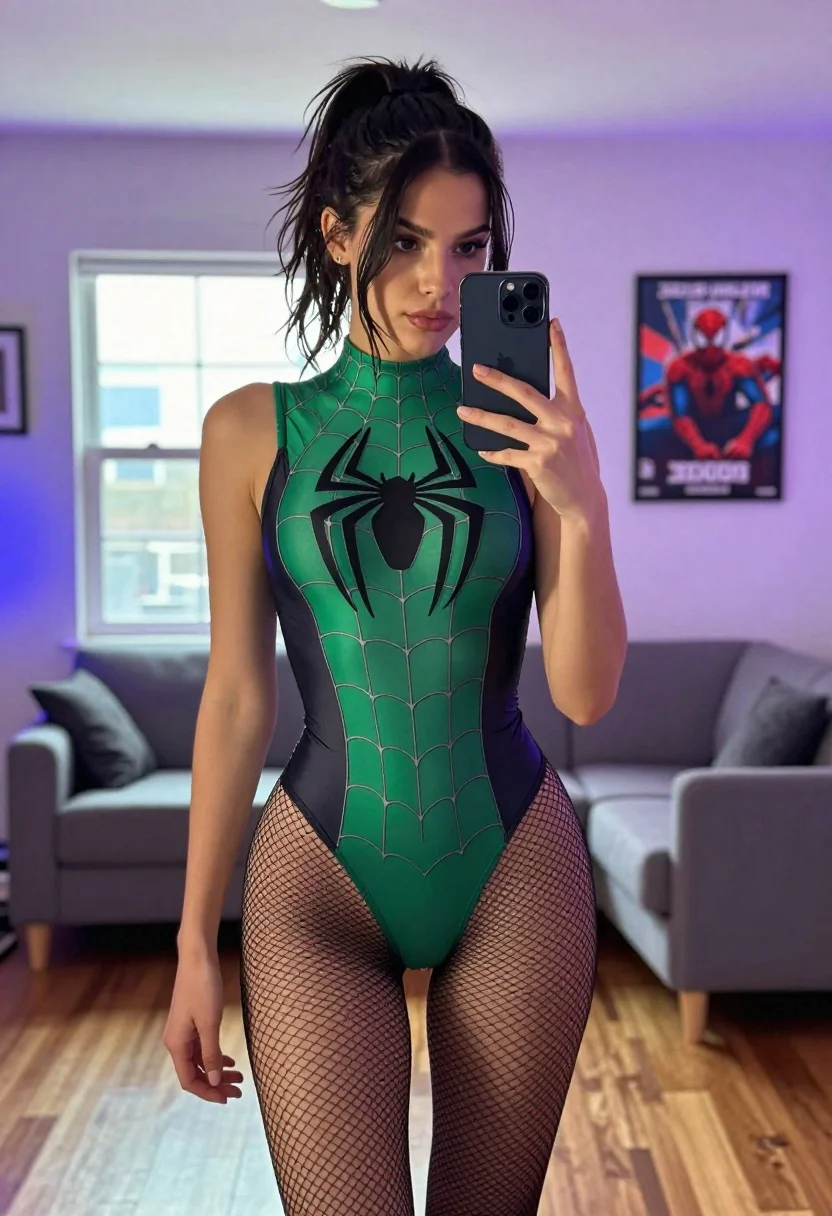
Fair skinned woman in spider man bodysuit taking mirror selfie indoors
Prompt
A young woman with dark hair pulled back into a messy high ponytail takes a mirror selfie while holding a smartphone in her right hand.

Subject: A fair-skinned woman with a serious expression and direct gaze at the phone screen, wearing a green and black Spider-Man themed bodysuit featuring a large black spider emblem on the chest and a web pattern across the torso.

Clothing: The outfit is a sleeveless, high-necked one-piece bodysuit in emerald green with black accents along the sides and bottom, paired with sheer black fishnet stockings covering her legs.

Action: She stands facing the mirror, holding a dark-colored smartphone up to capture her reflection, with her left arm hanging relaxed by her side.

Environment: The setting is a modern living room with light purple walls, a grey sofa visible in the background, and wooden flooring. A window is behind her letting in daylight, and a framed Spider-Man movie poster hangs on the wall to the right.

Camera: Shot from a mirror reflection at eye level, capturing a full-body vertical composition that includes the phone used for the selfie.

Lighting: The scene is lit by soft natural light coming from the window behind her, mixed with ambient purple and blue room lighting that casts a cool tone on the walls.

Style Details: High-resolution photography with sharp focus on the subject, realistic textures on the fabric and skin, and a modern aesthetic enhanced by the neon sign visible in the background reflection.
Description
This prompt is useful for creating character concept art, themed cosplay documentation, and stylized personal fashion editorials. The combination of 'soft natural light' from the window mixed with 'ambient purple and blue room lighting' establishes a cool, dramatic contrast that prevents the bright green bodysuit from looking flat against the 'light purple walls,' while the 'mirror reflection' framing grounds the entire composition in a believable, self-aware moment.
Suggestions
- Change 'messy high ponytail' to 'sleek low bun' for a more polished look.
- Swap 'emerald green' for 'deep navy blue' to shift the overall mood.
- Add 'bokeh effect on background lights' to enhance the depth of field.
Category
Tags
BrunetteFair SkinFemaleFull BodyIndoorsRealisticSelfie
Date added
July 12, 2026
Added by
PromptDexter Team
Related Prompts
More prompts with similar categories and tags.
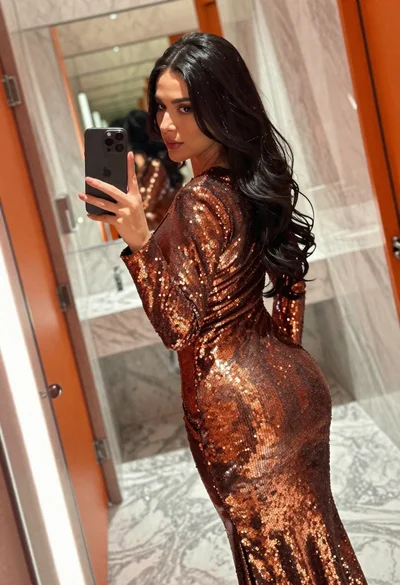
Woman in copper sequin dress taking a mirror selfie in luxurious bathroom
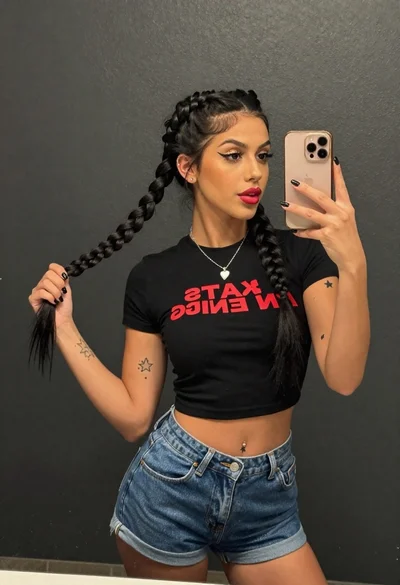
Young woman taking a mirror selfie against a dark textured wall
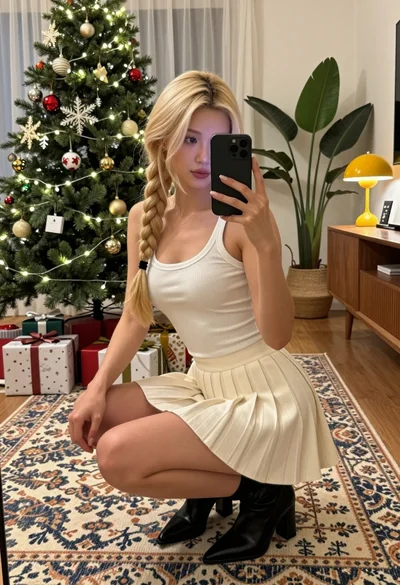
Blonde woman taking a mirror selfie in a decorated christmas living room

Young woman in santa costume taking mirror selfie in beige bedroom

Young woman in festive red sequin dress taking mirror selfie indoors

Blonde woman taking mirror selfie on beige carpet near anime display
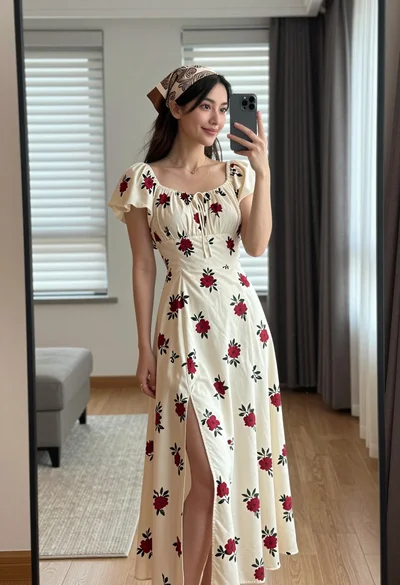
Young woman in floral dress taking mirror selfie indoors with natural light
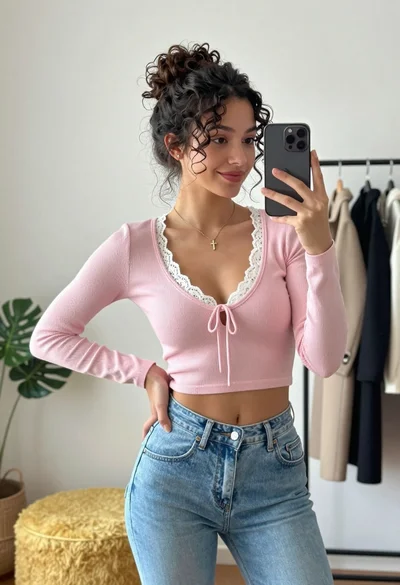
Young woman taking mirror selfie in bright room with denim jeans
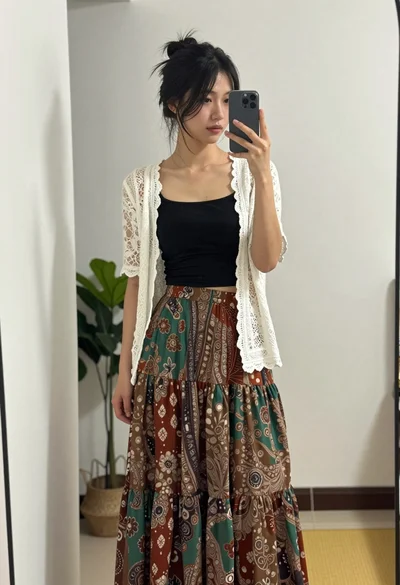
Young woman taking mirror selfie in black crop top and patterned maxi
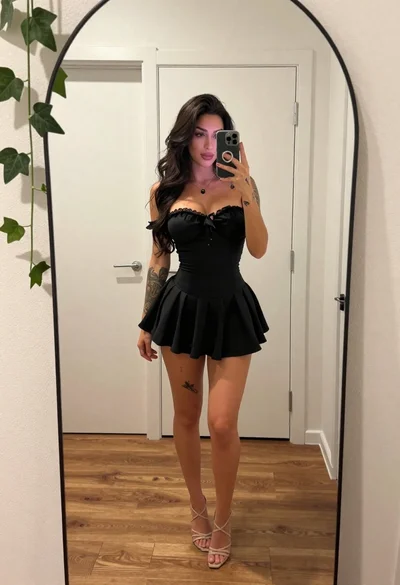
Young woman taking mirror selfie in black dress indoors
